Overview
At a glance
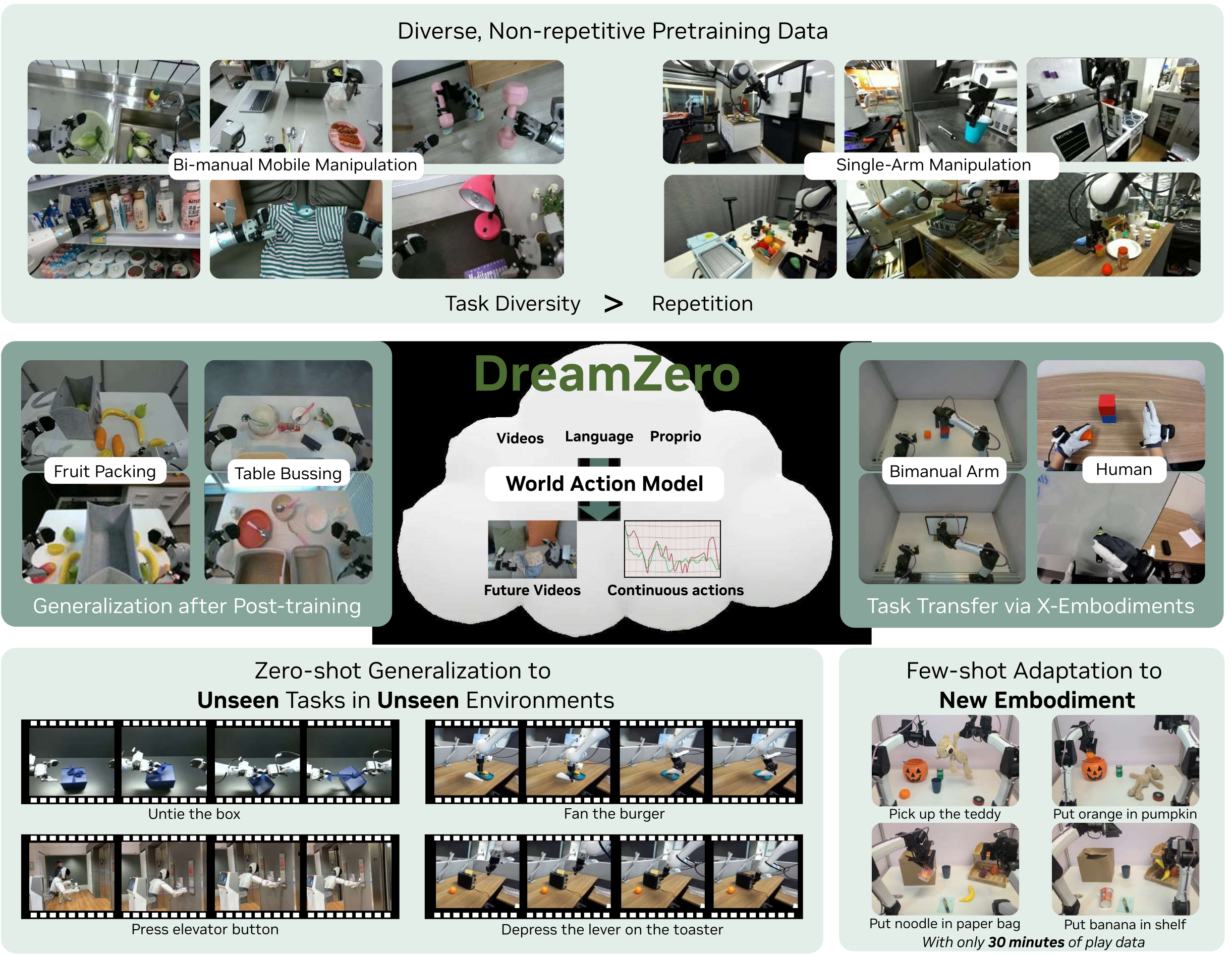
DreamZero adapts a 14-billion-parameter video generator to predict robot actions and visual futures together. It learns useful policies from varied robot data and transfers some skills from short actionless human or robot videos. Its strongest results concern partial task progress; real-time operation requires substantial accelerator hardware, and the 30-minute new-robot adaptation is demonstrated qualitatively.
1 Introduction
A video backbone supplies a prior over motion and interaction that an action head can connect to a robot’s controls. DreamZero combines joint video–action learning, temporally conditioned generation and faster asynchronous inference. “Zero-shot” here means no task-specific demonstrations on the evaluated robot for the target task; it does not rule out that behavior appearing in web-video pretraining.
This edition covers all 36 pages of arXiv v1, including all 16 figures, seven numbered tables with both Table 7 panels, six equations, two algorithms and 92 references. The requested title and all 36 authors are verified; the PDF uses shortened variants of several catalog author names.
2 Related Work
The comparison centers on policies initialized from language/vision models versus policies initialized from video generation. These families can share training objectives and architectures; the important experimental distinction is the pretraining prior and whether future video is explicitly predicted.
2.1 Vision Language Action Models
Vision-language-action systems such as π0.5 and GR00T combine pretrained representations with robot control. Hierarchical planners, visual traces and latent actions also seek transfer beyond a demonstration’s exact setting. DreamZero’s baselines test particular released checkpoints and retraining recipes, not every possible VLA design.
2.2 Video Model-based Robot Policies
Prior video-based approaches generate plans for a separate inverse-dynamics model, synthesize training data, or jointly generate video and action. DreamGen illustrates synthetic-video transfer; UVA and Unified World Models illustrate joint modeling. DreamZero emphasizes diverse real-robot training, closed-loop autoregressive context and inference latency.
3 DreamZero
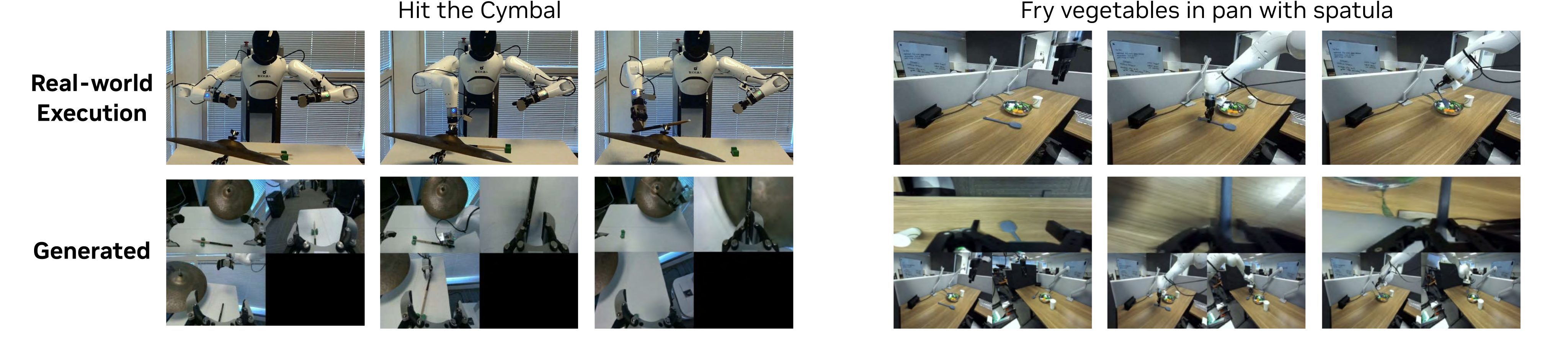
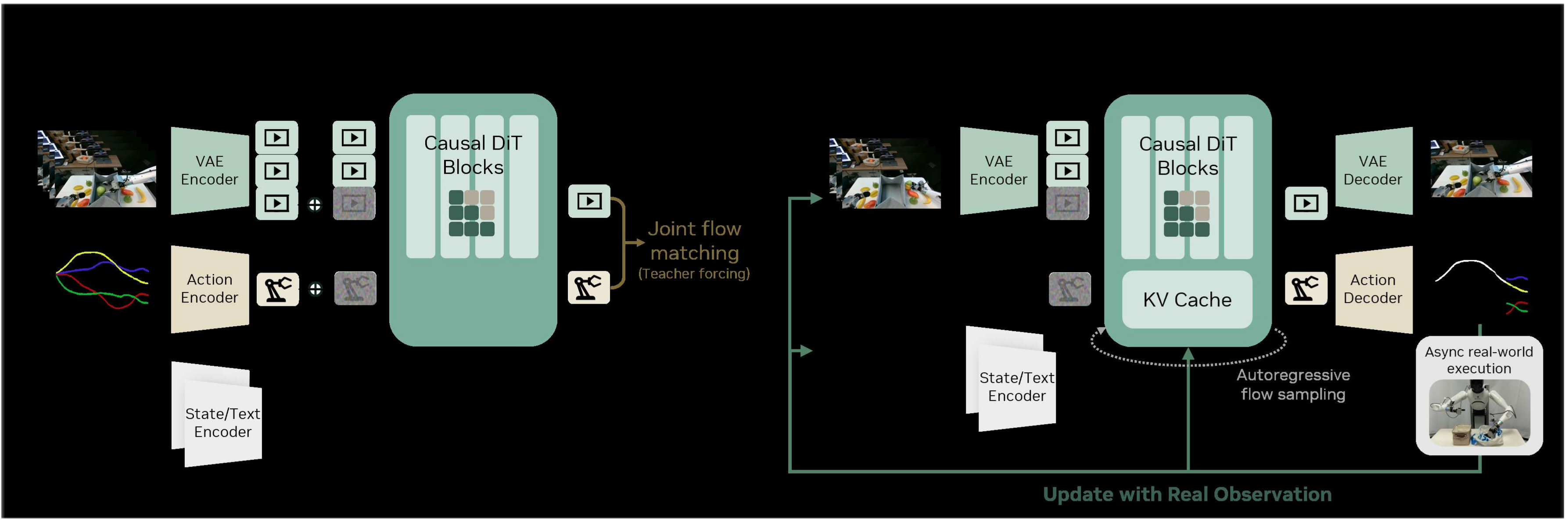
One diffusion transformer learns visual dynamics and their action correspondence. Inference repeatedly predicts a short joint chunk, executes time-aligned actions and replaces predicted visual history with observations from the real robot. This directly produces actions without a separate search over candidate trajectories.
3.1 Model Architecture
Start from Wan2.1-I2V-14B-480P, concatenate camera views into one image, and add state/action encoders plus an action decoder. Train the transformer and these additions while freezing the image encoder, text encoder and VAE. Equation 1 describes an implicit inverse-dynamics factorization rather than two separately deployed models.
Flow matching interpolates from Gaussian noise at t=0 to clean video/action at t=1 and regresses the joint velocity, with separate randomly sampled times for each chunk. Standard training couples the two modalities’ timestep and teacher-forces clean prior context. Autoregression is applied to video, not action history; real observations overwrite predicted video in the KV cache after execution. This limits accumulated visual prediction error without eliminating action or perception errors.
Equations 1–3

Original selectable MathML
| (1) |
| (2) |

Original selectable MathML
| (3) |
3.2 Real-time Execution of DreamZero
The real-time system combines asynchronous control, parallel guidance, approximate denoising reuse, compiled kernels and a separately trained fast variant. Latency figures describe action-chunk generation; they should not be confused with the robot controller’s command rate.
3.2.1 The Reactivity Gap
Naive 16-step inference takes about 5.7 seconds per chunk on one GPU, making an otherwise capable model poorly reactive. The engineering target is under 200 ms inference so observations and new actions can affect execution promptly.
3.2.2 Asynchronous Closed-Loop Execution
Run inference and execution concurrently. The controller chooses the newest available action for the current timestamp while inference consumes the latest observation. Chunking avoids idle waits but does not make prediction instantaneous; response still depends on computation and scheduling.
3.2.3 System-level Optimizations
Evaluate conditional and unconditional classifier-free guidance branches on separate GPUs, cutting per-step latency by roughly 47%. Reuse predicted flow velocities when their cosine similarity is high, reducing an average 16 transformer evaluations to about four. The latter is an approximation, not an algebraically exact optimization.
3.2.4 Implementation-level Optimizations
Compile the transformer, encoders, VAE and scheduler with CUDA Graphs and fused operators; keep the scheduler on GPU and use efficient attention kernels. Blackwell mixed-precision inference adds NVFP4 weights/activations with higher-precision sensitive operations. Quantization and velocity caching can change outputs; the other listed implementation transformations are intended to preserve the computation.
3.2.5 Model-level Optimizations: DreamZero -Flash
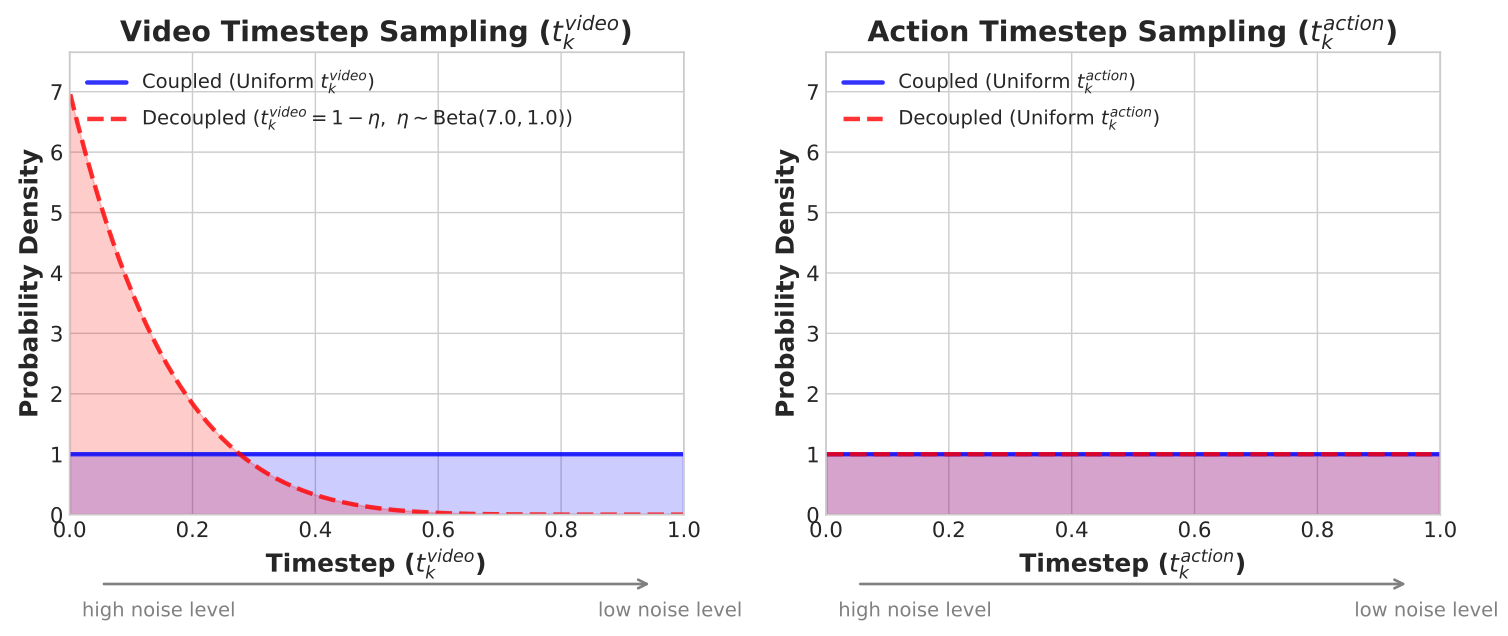
DreamZero-Flash trains with noisier video than action so a clean action can be inferred while the visual prediction is still rough. Use video time 1−η with η drawn from Beta(7,1), while action time remains uniform; mean video time is 0.125. A final training phase applies this distribution after standard training. Upsampling, Savitzky–Golay filtering and downsampling smooth the output actions.
3.2.6 Summary
The final configuration generates chunks in about 150 ms, approximately 7 Hz, on two GB200 GPUs; AgiBot executes commands at 30 Hz. The reported 38× speedup is relative to the naive H100 baseline and includes hardware, two-GPU guidance, approximation and model changes. Table 1’s cumulative factors are not isolated speedups measured under identical hardware and accuracy.
| Optimization | H100 | GB200 |
| Baseline | 1 | 1.1 |
| System-level | ||
| + CFG Parallelism | 1.9 | 1.8 |
| + DiT Caching | 5.5 | 5.4 |
| Implementation-level | ||
| + Torch Compile + CUDA Graphs | 8.9 | 10.9 |
| + Kernel & Scheduler Opts. | 9.6 | 14.8 |
| + Quantization (NVFP4) | — | 16.6 |
| Model-level | ||
| + DreamZero-Flash | — | 38 |
4 Experimental Setup
Train separate models for the bimanual AgiBot G1 and single-arm Franka. Compare GR00T N1.6 and π0.5 initialized either from their pretrained vision-language backbones or official robot-policy checkpoints. Thus “from scratch” still uses pretrained representations; equal batches and gradient steps do not equalize total pretraining data, compute or backbone capacity.
4.1 Pretraining
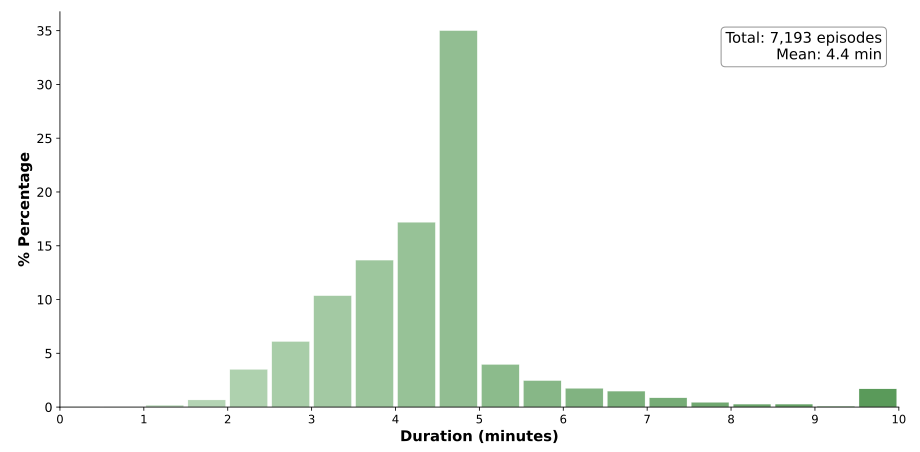
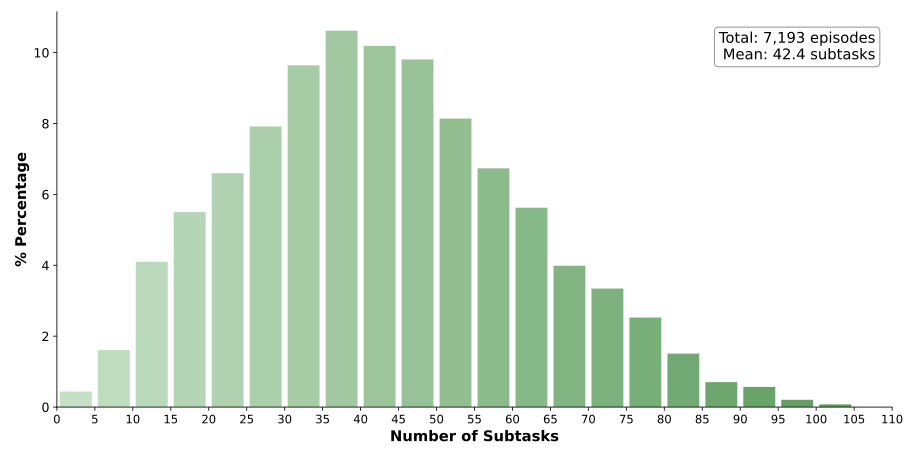
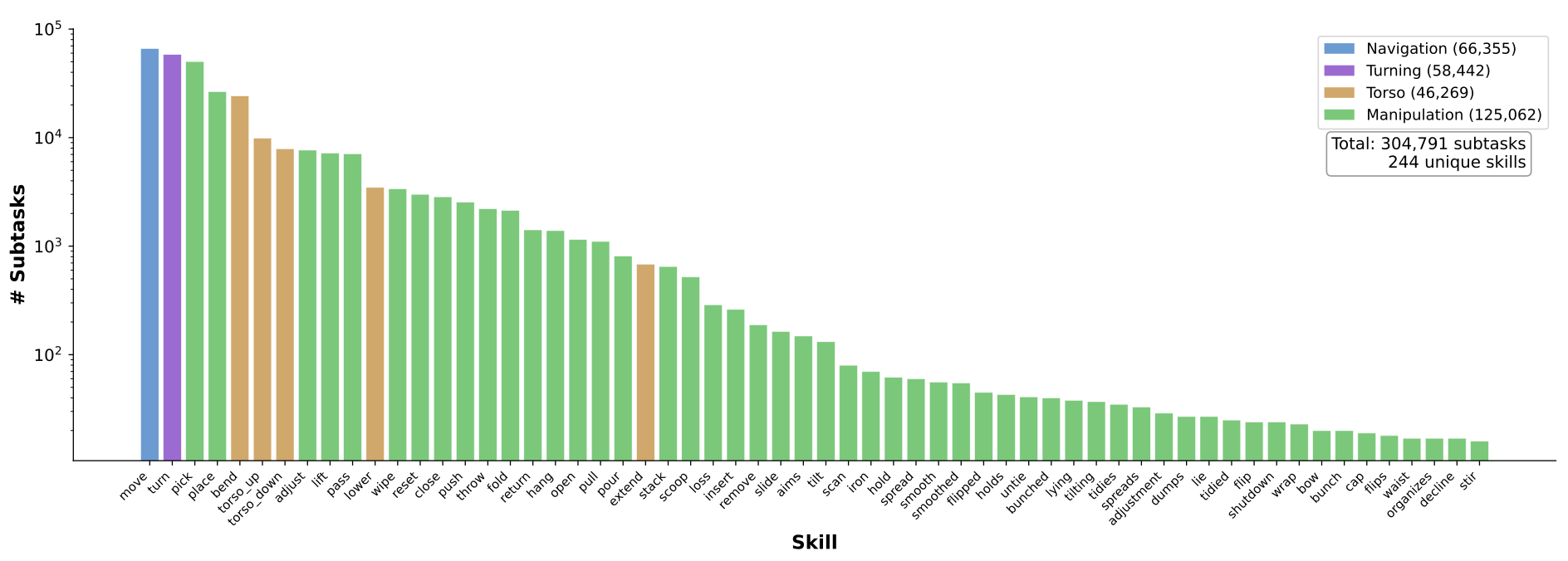
AgiBot training uses about 500 hours across 22 environments: Figure 6 reports 7,193 episodes averaging 4.4 minutes and 42.4 subtasks. Franka uses DROID. Each model trains for 100,000 steps at batch size 128. Full transformer tuning outperformed the authors’ LoRA attempt.
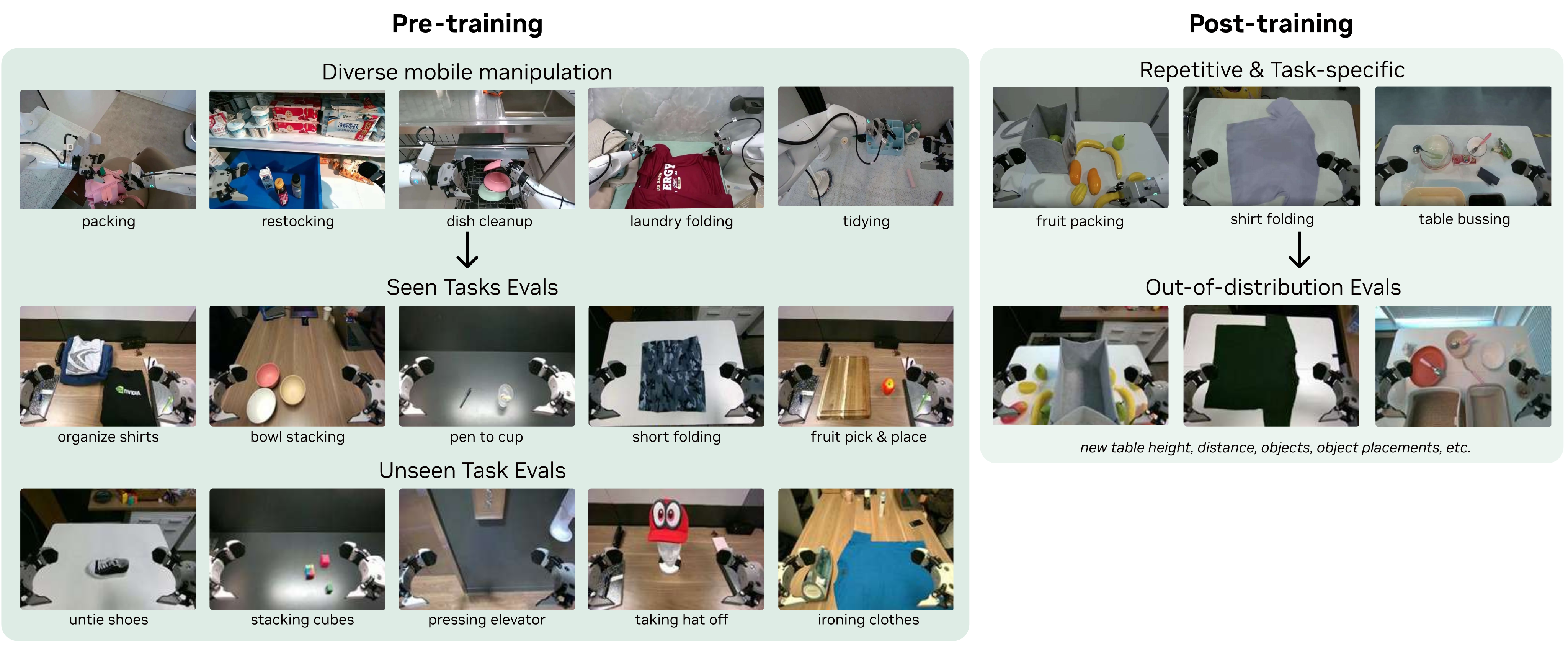
Evaluate unseen environments and objects, splitting tasks by motion and object type. AgiBot uses ten seen and ten unseen tasks, two rollouts on each of four robots: 160 trials per checkpoint. DROID uses 20 seen and 20 unseen-verb tasks, two rollouts each: 80 trials. Scores primarily measure fractional task progress, with DROID also reporting complete success. These small task-specific samples constrain precision.
4.2 Post-training
Post-train each task for 50,000 steps: shirt folding uses 33 hours of demonstrations, fruit packing 12, and table bussing 40. Evaluation has ten rollouts per task with initial positions aligned through image overlays. Progress is completed folding stages out of five, packed fruit out of ten, or cleared objects out of ten; it is not the fraction of wholly successful episodes.
5 Experimental Results
The experiments separate learning from diverse data, held-out task performance, task-specific refinement, cross-embodiment video transfer, new-robot adaptation and latency tradeoffs. Evidence strength differs substantially across these settings.
5.1 Main Results
Read each result together with its embodiment, training exposure and denominator. Qualitative galleries illustrate range but do not add a controlled aggregate success-rate measurement.
Q1. Do WAMs learn better from diverse, non-repetitive data?
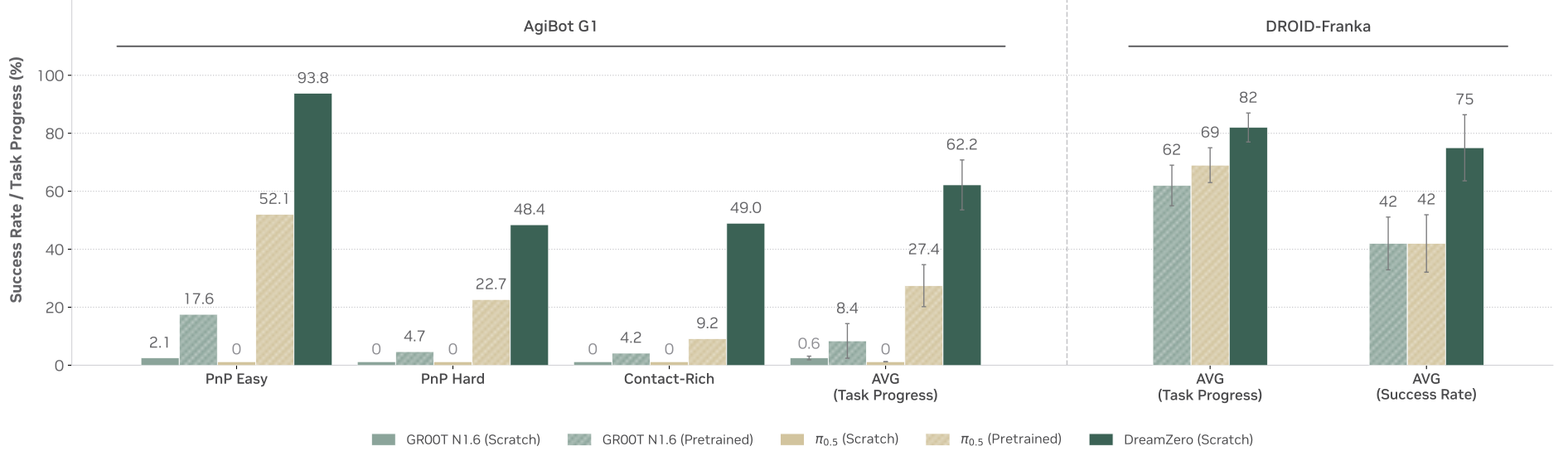
On seen AgiBot tasks in new environments, DreamZero averages 62.2% progress versus 27.4% for pretrained π0.5 and 8.4% for pretrained GR00T. Its easy pick-and-place, hard pick-and-place and contact-rich scores are 93.8%, 48.4% and 49.0%. VLA variants trained only from their VLM initialization are near zero here.
On DROID, DreamZero achieves 82% progress and 75% success; π0.5 reaches 69%/42% and GR00T 62%/42%. Thus the headline “more than 2×” is not a uniform gain across embodiments or metrics: 82/69 is about 1.19×.
Q2. Do WAMs generalize to unseen tasks?
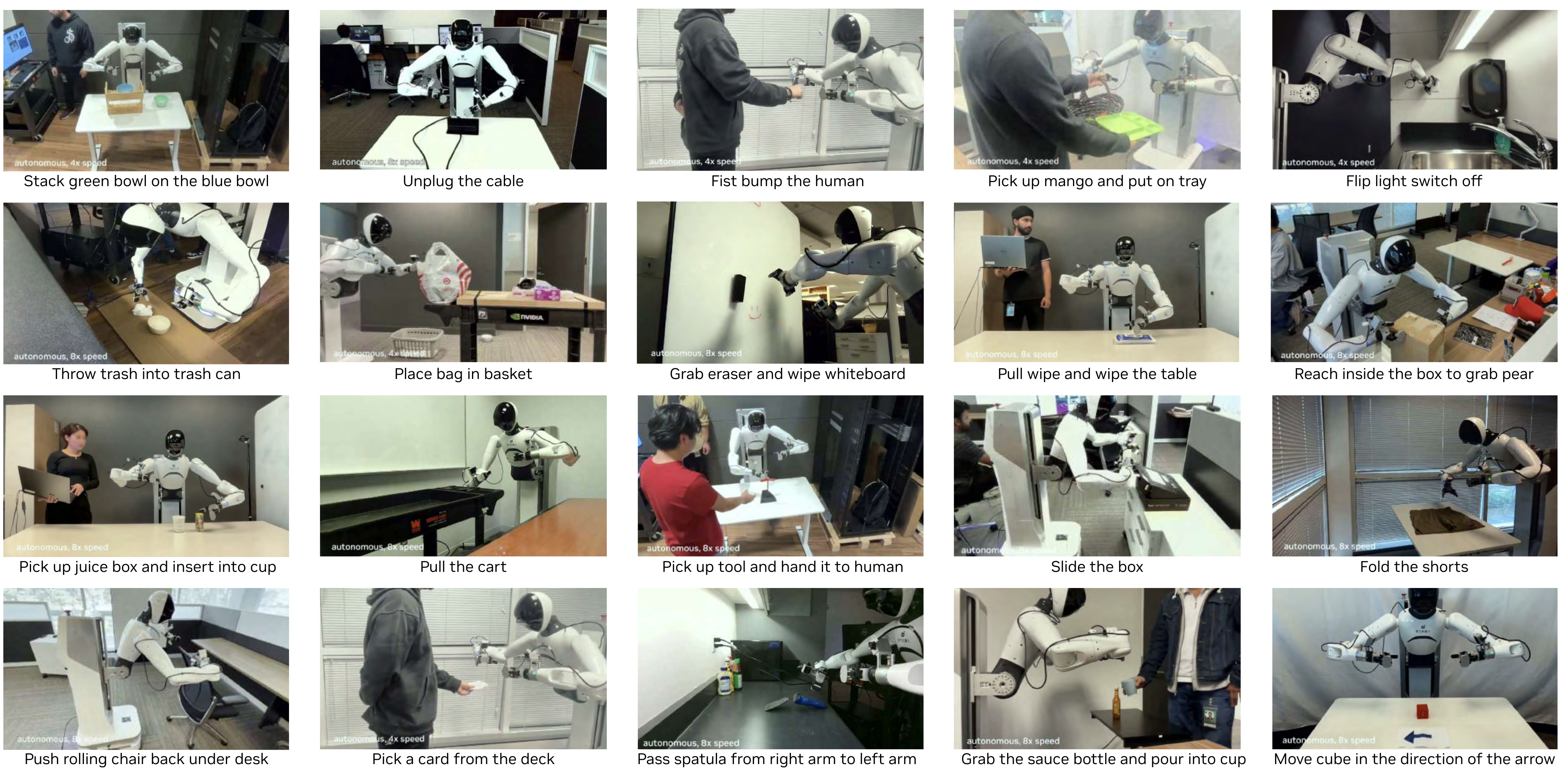
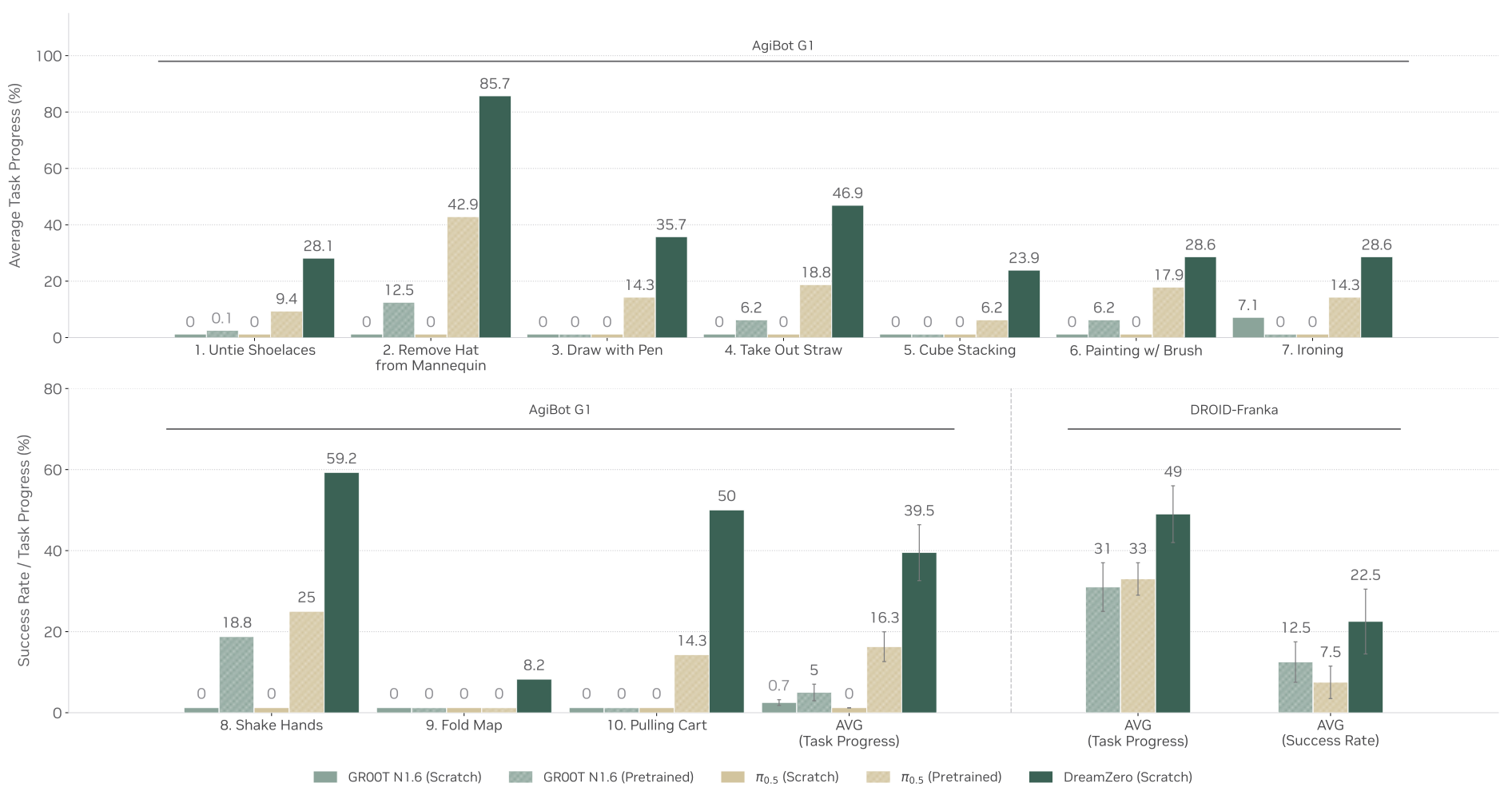
AgiBot unseen-task progress averages 39.5%, versus 16.3% for pretrained π0.5 and 5.0% for GR00T. DreamZero varies widely, from 8.2% for map folding to 85.7% for hat removal. DROID unseen-verb results are 49% progress and 22.5% complete success, versus π0.5’s 33%/7.5% and GR00T’s 31%/12.5%.
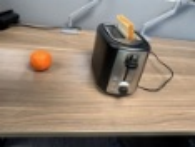
The ten-task description in Figure 9’s caption concerns AgiBot; DROID has 20 tasks. Over 100 additional free-form demonstrations are qualitative. A held-out verb is not necessarily a wholly novel physical skill: Table 7 includes pushing a toaster lever among seen tasks and depressing that lever among unseen verbs.
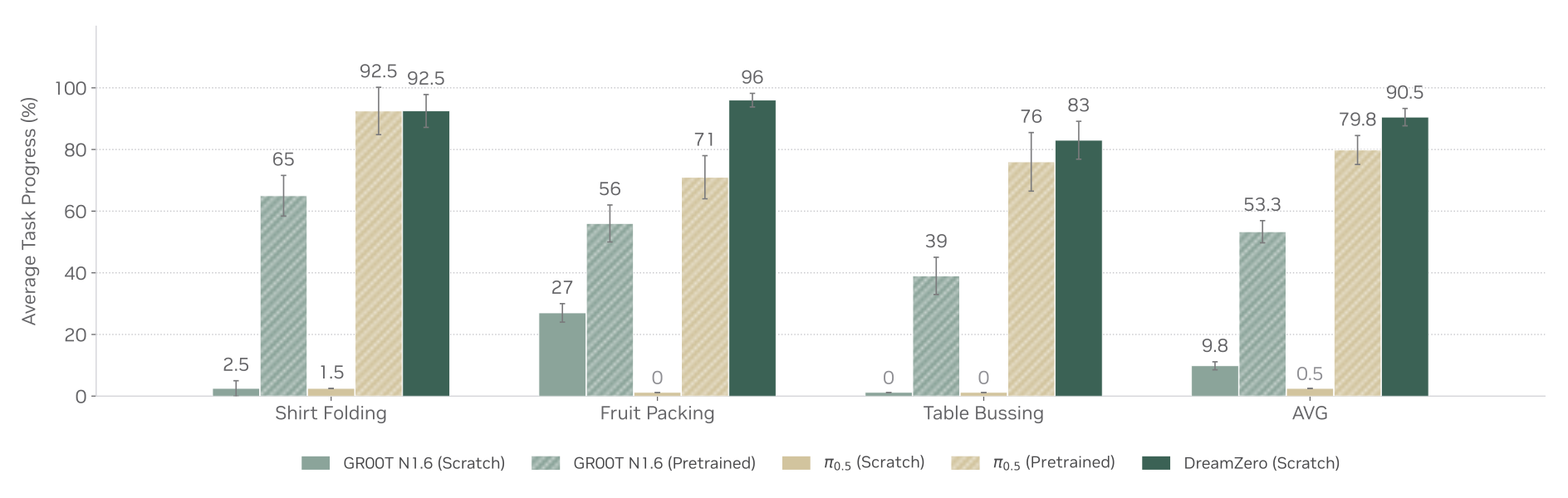
Q3. Do WAMs improve post-training performance?
After task-specific training, DreamZero scores 92.5% on shirt folding, 96% on fruit packing and 83% on table bussing, averaging 90.5% progress. Pretrained π0.5 averages 79.8% and GR00T 53.3%. The advantage over π0.5 is about 10.7 percentage points, with equal shirt-folding scores; these are ten-rollout task estimates, not a formal significance test.
Q4. Do WAMs enable strong cross-embodiment transfer to unseen tasks?
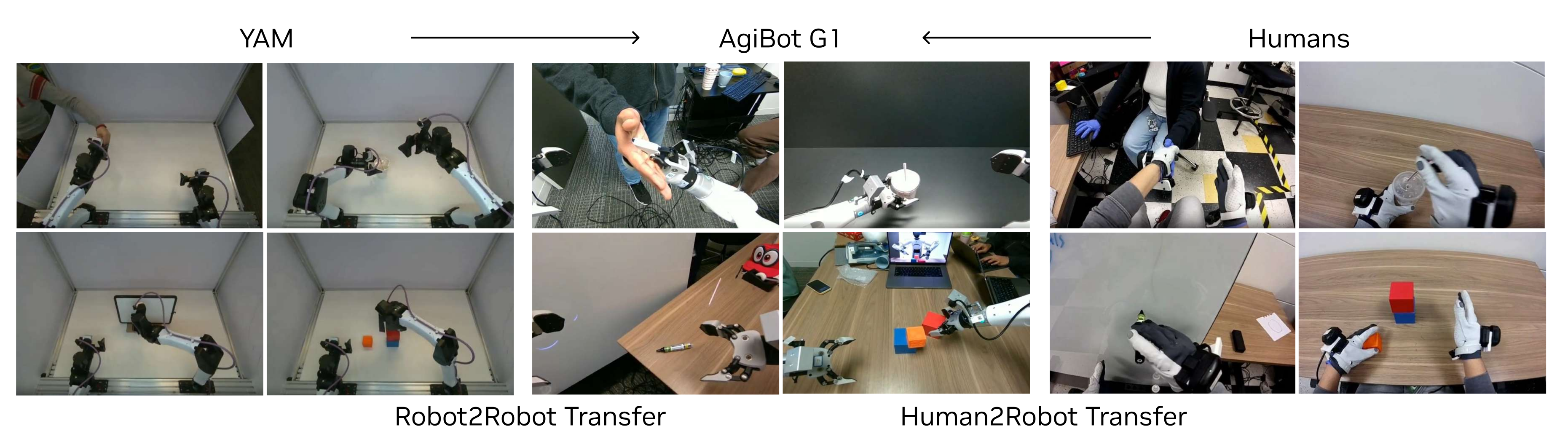
Add actionless, multiview demonstrations of nine target tasks from either humans or a YAM robot: eight trajectories per task, totaling 12 or 20 minutes respectively. Mix with original AgiBot data at 1:1 for 10,000 updates. Table 2 reports 38.3±7.6 baseline progress, 54.3±10.4 after human video and 55.4±9.5 after YAM video; uncertainties are standard errors.
These are 16.0 and 17.1 percentage-point gains, approximately 42% and 45% relative. The tasks have now been demonstrated visually on another embodiment, so the transfer setting is zero-shot only with respect to target-robot demonstrations. Pulling a cart is excluded, making its baseline different from the ten-task average in Figure 9.
| Method | Task Progress |
| DreamZero | 38.3% 7.6% |
| DreamZero + Human2Robot Transfer | 54.3% 10.4% |
| DreamZero + Robot2Robot Transfer | 55.4% 9.5% |
Q5. Do WAMs enable few-shot new embodiment adaptation?
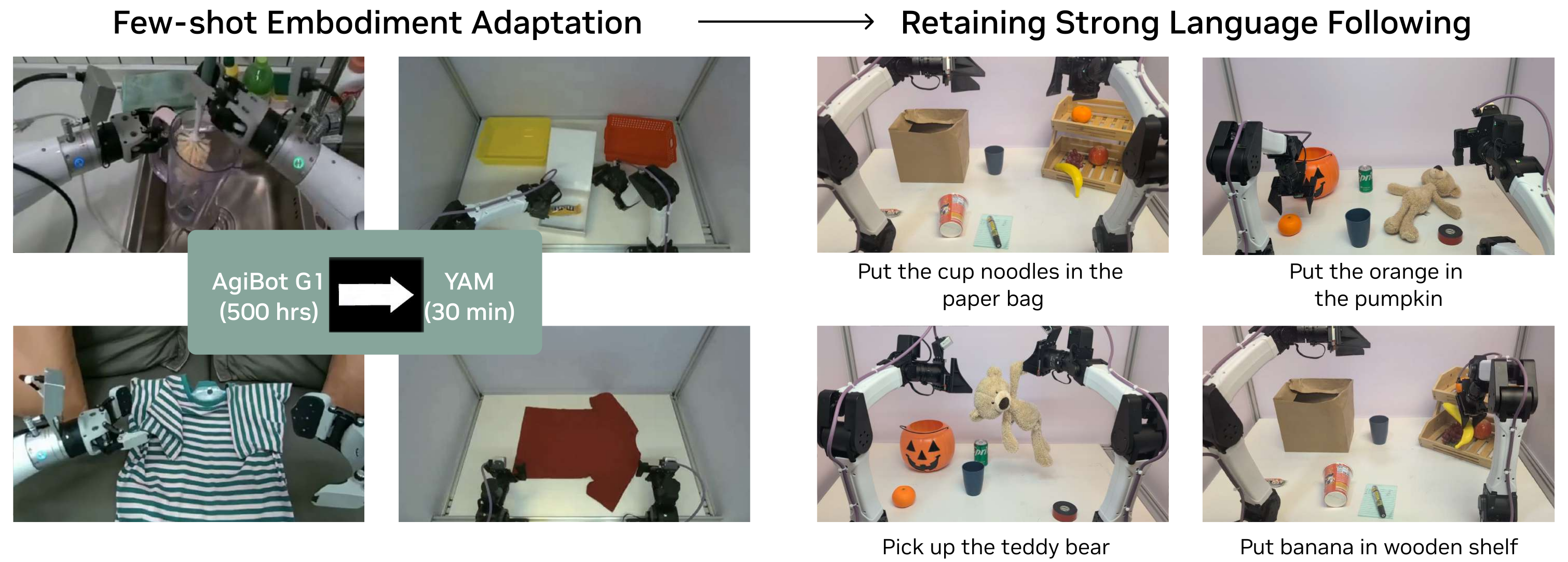
Adapt to YAM with 55 play trajectories across 11 tasks, about 30 minutes, and coarse trajectory-level language annotations. Figure 12 shows pick-and-place transfer to new objects and instructions. No quantitative trial count or aggregate success rate accompanies this adaptation experiment, and YAM shares the broad bimanual parallel-gripper setting with AgiBot.
Q6. Does DreamZero -Flash maintain performance with fewer denoising steps?
On table bussing, four-step inference gives 83±6.1% progress at 350 ms. Naive one-step inference falls to 52±10.2%; Flash recovers 74±10.1% at 150 ms. Flash is about 2.33× faster than this four-step configuration but remains nine percentage points lower in the point estimate. Table 3 measures progress despite the nearby prose calling it success.
| Method | Denoising steps | Task Progress | Inference speed | Speed up |
| DreamZero | 4 | 83% 6.1% | 350ms | 1 |
| DreamZero | 1 | 52% 10.2% | 150ms | 2.33 |
| DreamZero-Flash | 1 | 74% 10.1% | 150ms | 2.33 |
5.2 Model and Data Ablations
Ablations use 50,000 steps, batch size 32 and only easy pick-and-place evaluation. They probe selected factors under this smaller protocol; they do not repeat the complete generalization suite.
| Architecture | Model Size | Data | Task Progress | |
| Q1. Data Diversity | ||||
| DreamZero (AR) | 14B | Repetitive | 33% 4.2% | |
| DreamZero (AR) | 14B | Diverse | 50% 6.3% | |
| Q2. Model Scale | ||||
| DreamZero (AR) | 5B | Diverse | 21% 4.2% | |
| DreamZero (AR) | 14B | Diverse | 50% 6.3% | |
| VLA | 5B | Diverse | 0% 0.0% | |
| VLA | 14B | Diverse | 0% 0.0% | |
| Q3. Architecture (Bidirectional vs. AR) | ||||
| DreamZero (BD) | 14B | Diverse | 50% 14.4% | |
| DreamZero (AR) | 14B | Diverse | 50% 6.3% | |
Q1. Does data diversity improve generalization?
With roughly equal data hours, the 14B autoregressive model trained on diverse data reaches 50±6.3% progress, versus 33±4.2% for repetitive data covering 70 tasks. This supports the tested collection strategy; the standard errors and narrow evaluation should accompany the comparison.
Q2. Does WAM performance scale with model size?
The 14B WAM reaches 50±6.3% versus 21±4.2% for 5B; both VLA adaptations score zero in this protocol. Their nominal 5B/14B VLA designs truncate half the blocks of 8B/32B vision-language backbones and add an action transformer. These particular implementations and two model sizes do not establish a general scaling law or an architecture-independent VLA ceiling.
Q3. Does autoregressive architecture outperform bidirectional?
Autoregressive and bidirectional 14B models both achieve 50% mean progress, with standard errors 6.3 and 14.4 points. The authors prefer autoregression for smoother observed behavior and a reported 3–4× inference gain from caching. The result does not show higher task progress for autoregression in this ablation.
6 Discussion and Future Work
The evidence motivates larger and more diverse video/robot corpora, but scaling laws, transfer from uncontrolled internet human footage and the proposed benefits of more humanlike embodiments remain hypotheses. The human transfer videos here are a small controlled collection.
Current limitations include expensive 14B/two-GB200 inference, roughly six seconds of visual context, no explicit long-horizon memory evaluation, and difficulty with sub-centimeter manipulation. High-level planning, longer coherent context and dense precision demonstrations are proposed directions. Claims about how degrees of freedom or human resemblance affect adaptation are not quantified by the present experiments.
7 Acknowledgment
The authors acknowledge robot operators, assistance integrating DreamZero-DROID into RoboArena, organizational support and technical discussions. These contributions explain the data and evaluation effort behind the reported policy results.
Appendix A Comparison with Alternative World Model Architectures
The appendix contrasts direct joint video–action generation with latent predictive models and point-cloud dynamics used for planning, citing V-JEPA 2, the Dreamer family and PointWorld. The relevant property of DreamZero is that its deployed policy directly emits actions. No matched latency/quality experiment against those alternative systems is provided; the broad discussion does not establish that every world-model policy must perform online search.
Appendix B Bidirectional vs. Autoregressive WAMs
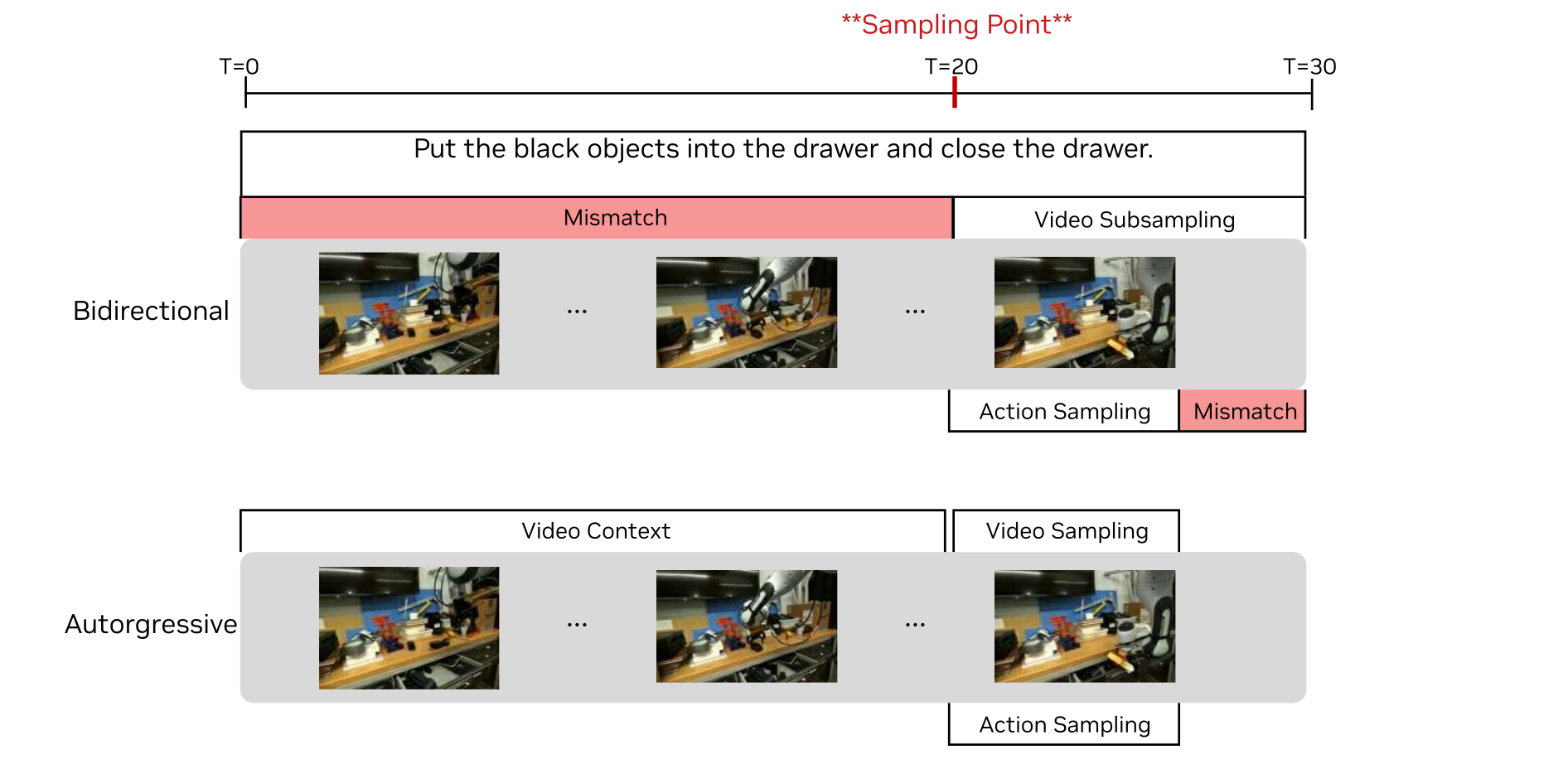
A bidirectional training clip beginning mid-task can mismatch a language instruction describing the whole task. Subsampling to cover more of the task changes video timing relative to actions. Conditioning an autoregressive model on prior video gives a way to retain native frame rate and task context. Figure 13 illustrates this particular training tradeoff, rather than proving all bidirectional designs require the same sampling recipe.
Appendix C Model and Training details
Use two latent frames per chunk and up to four chunks of visual context. AgiBot predicts 48 actions at 30 Hz; DROID predicts 24 at 15 Hz. Both cover 1.6 seconds with video sampled at 5 Hz. Eight cached latent frames correspond to 33 raw frames, or 6.6 seconds, under the VAE’s initial-frame convention. Figure 14 retains the exact training and inference attention masks.
The two algorithms are retained verbatim as source pseudocode. Algorithm 1 draws video time directly from Beta(7,1), whereas Equation 5 specifies 1−Beta(7,1), reversing the intended noise bias. Algorithm 2 passes t=0 for clean cache prefill despite Equation 2’s clean-at-1 convention, and references v_last without showing its initialization/update. These unresolved notation details matter for implementation; the algorithms should not be treated as executable specifications.
Original selectable source
Original selectable source
Appendix D Real-time Execution Details
The execution appendix supplies the implementation details behind the cumulative speedups and exact Flash training equations. Faster chunk inference and controller command frequency remain separate measurements.
D.1 System-level Optimizations
Parallel guidance splits conditional/unconditional branches across two GPUs. Velocity caching uses cosine similarity between successive flow predictions to skip several transformer evaluations, analogous in purpose but not identical in criterion to TeaCache or TaylorSeer. Asynchronous execution follows the most recent available timed action while new inference uses the latest observation.
D.2 Implementation-level Optimizations
Compile with static shapes, full-graph capture and reduce-overhead CUDA Graphs. Changing KV-cache shapes triggers recompilation during the first trajectory; subsequent trajectories reuse the compiled cases. Explicit cache inputs/outputs make the model functional for compilation.
On Blackwell, quantize with NVIDIA Model Optimizer to NVFP4, retain sensitive QKV/softmax operations in FP8 and use FP16 accumulation for LayerNorm/RoPE. The paper’s cuDNN attention path requires PyTorch 2.9 or newer. Move UniPC scheduler operations to GPU to avoid CPU–GPU synchronization. These are the reported implementation requirements, not independent current compatibility claims.
D.3 Model-level Optimizations — DreamZero -Flash
Equations 4–6 contrast shared uniform video/action time with independently sampled Flash times. Because t=0 is noise, transforming η~Beta(7,1) to 1−η concentrates video training near noisy states while action time stays uniform. The expected video time changes from 0.5 to 0.125, teaching action prediction with imperfect visual futures.
For execution, upsample actions 2× by cubic interpolation, apply a Savitzky–Golay filter of window size 21 and polynomial order three, then downsample. This suppresses jitter; it is additional post-processing, not evidence that raw one-step outputs already match the smoother baseline.
Equations 4–6
| (4) |
| (5) |
| (6) |
Appendix E AgiBot Diverse Data Collection Strategy
The AgiBot corpus covers offices, homes, restaurants, supermarkets, coffee shops, warehouses, laboratories, hotels and retail environments. Diversity arises from varied places, coarse tasks and transitions rather than one fixed task repeated to exhaustion.
E.1 Daily Collection Workflow
Teleoperators select three coarse tasks per episode, typically one to two minutes each. Retire a task after it appears in 50 episodes and encourage new proposals. Thus the corpus is diverse but still contains repetition; “non-repetitive” should not be read as one demonstration per task.
E.2 Multi-Task Episode Structure
Consecutive coarse tasks create trajectories with many fine-grained subtasks and transitions, averaging 42.4 subtasks per recorded episode. Clearing dishes, wiping a table and organizing condiments may form one episode. This is a different granularity from counting three coarse task instructions.
Appendix F AgiBot Evaluation Details
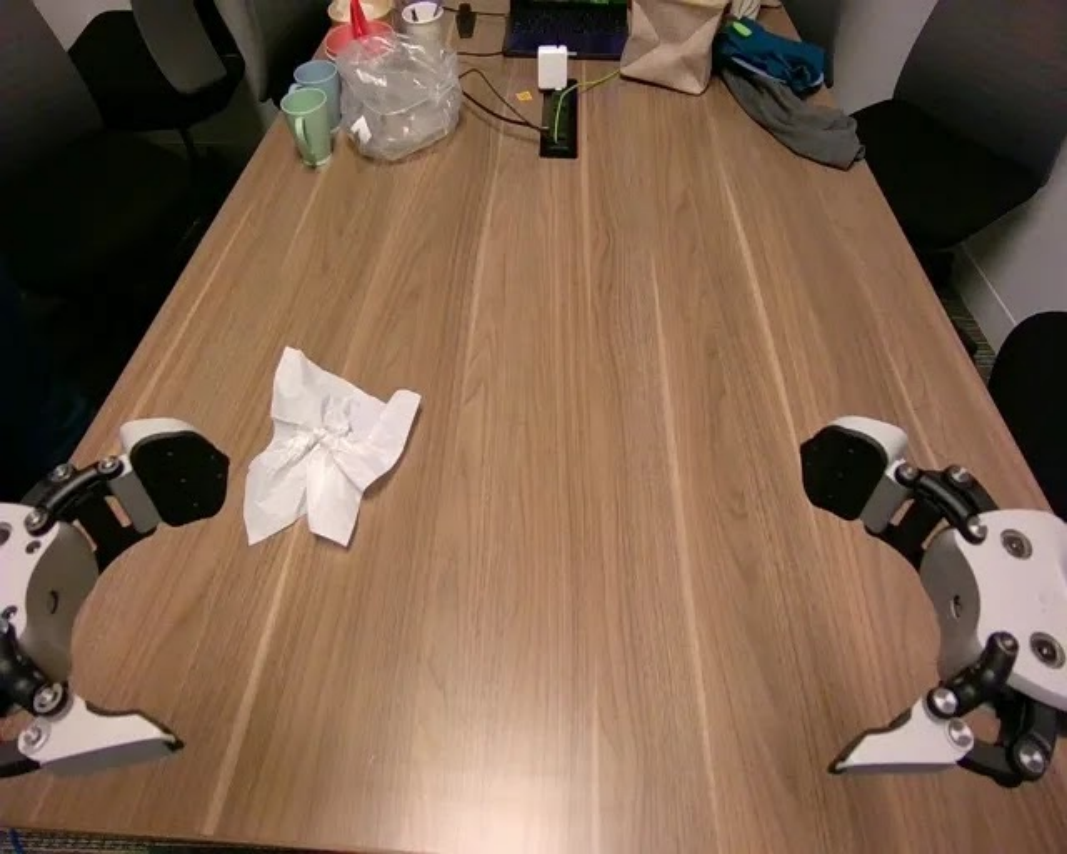
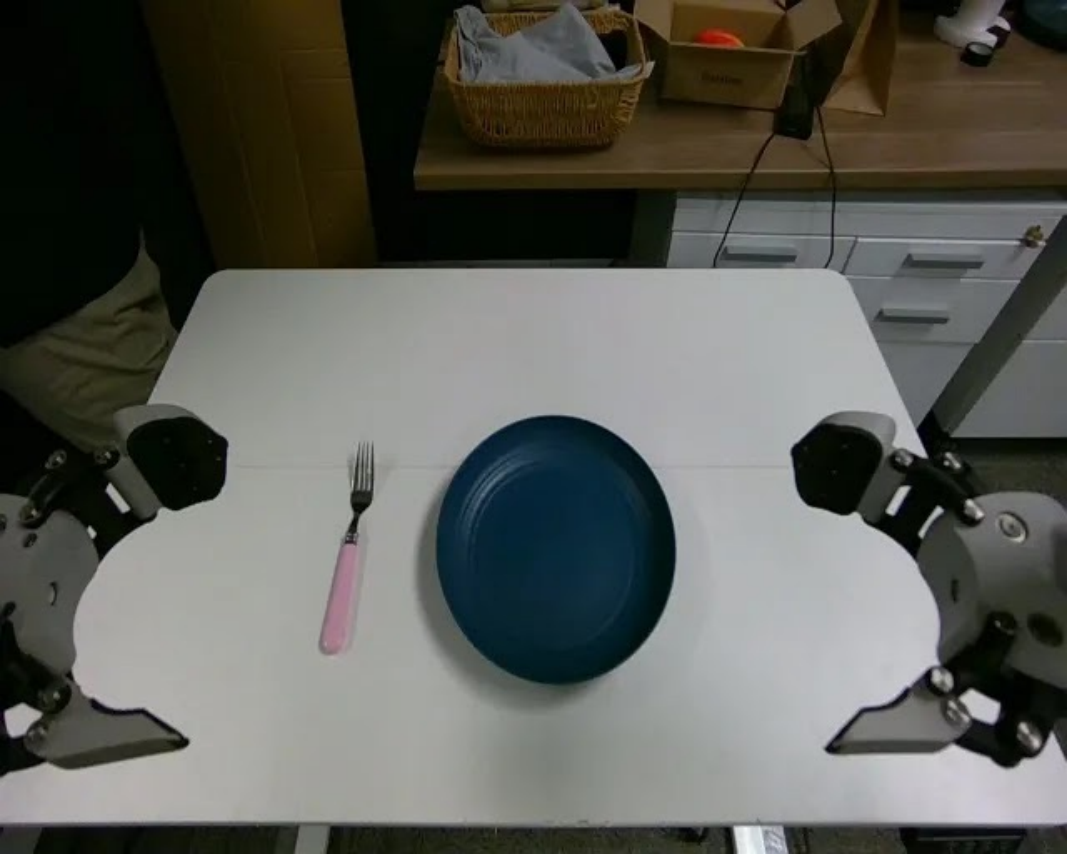
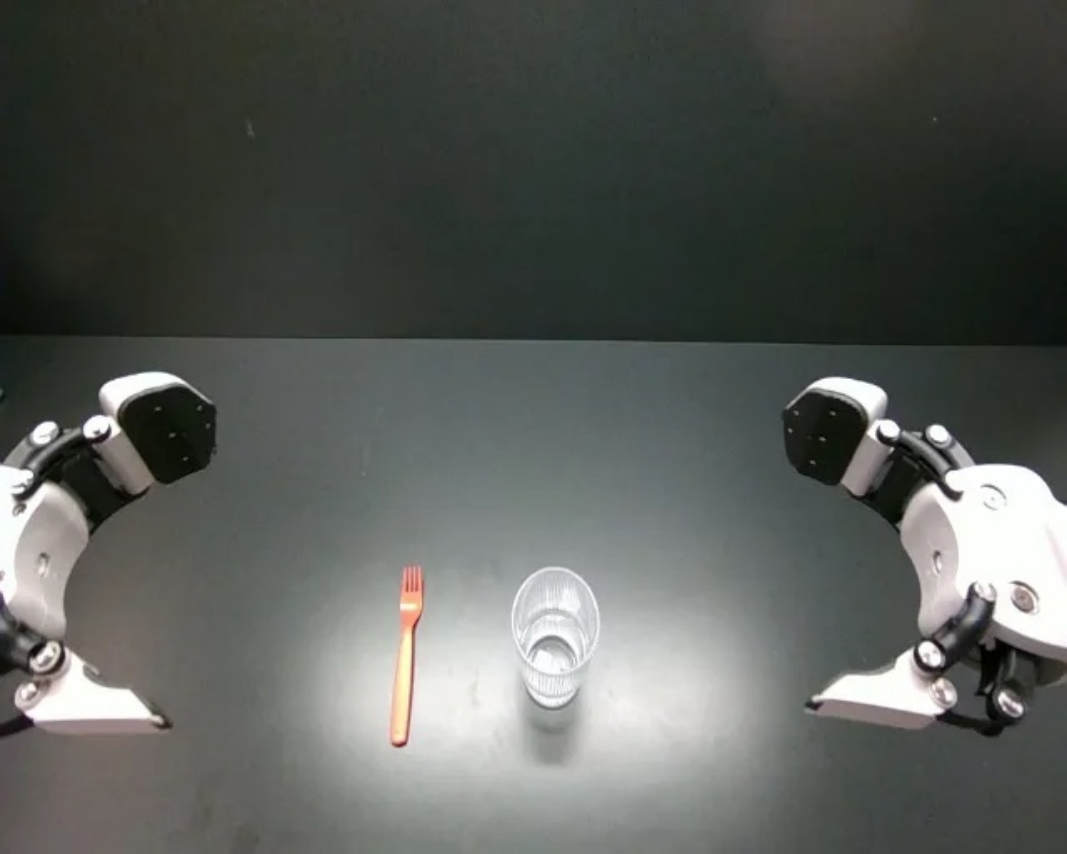
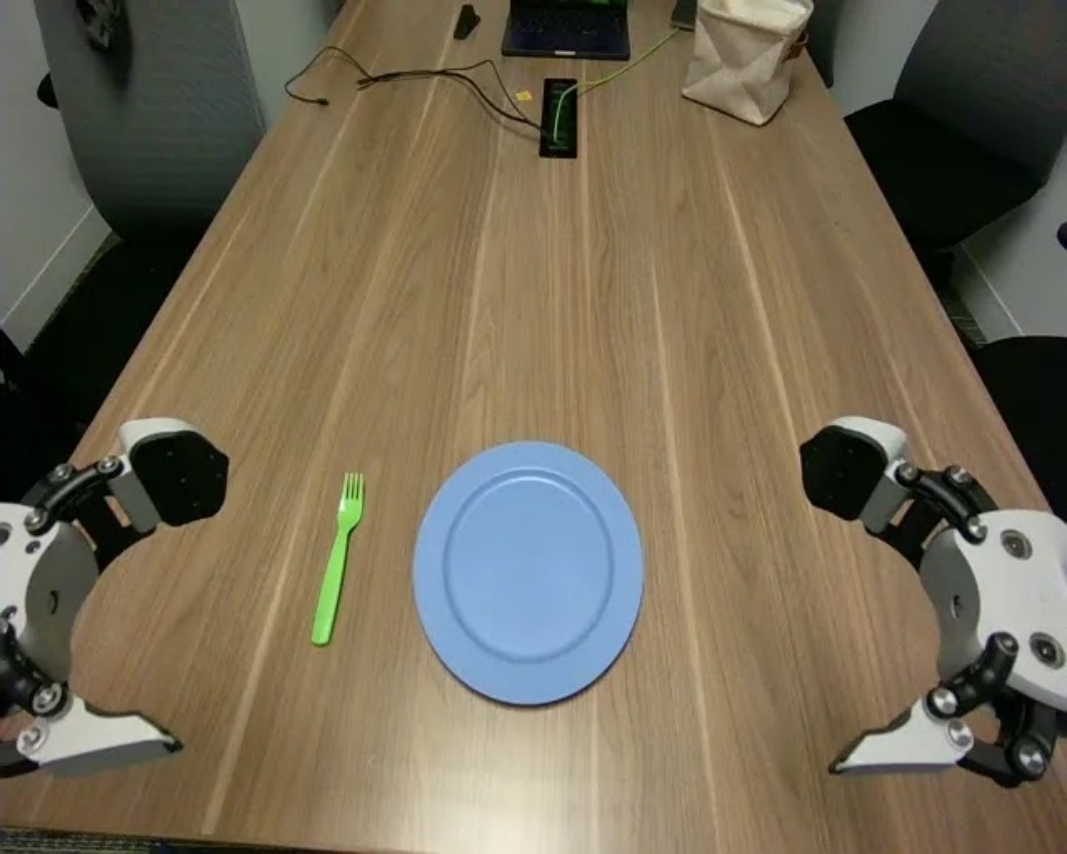
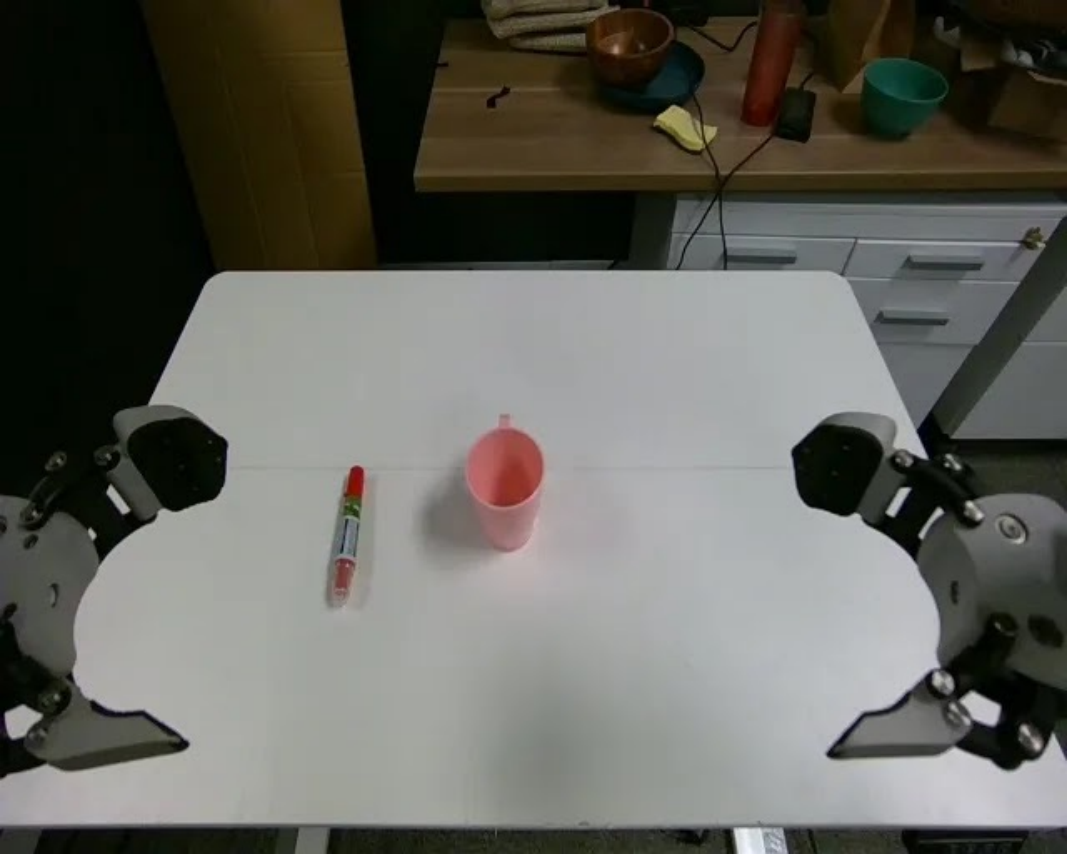
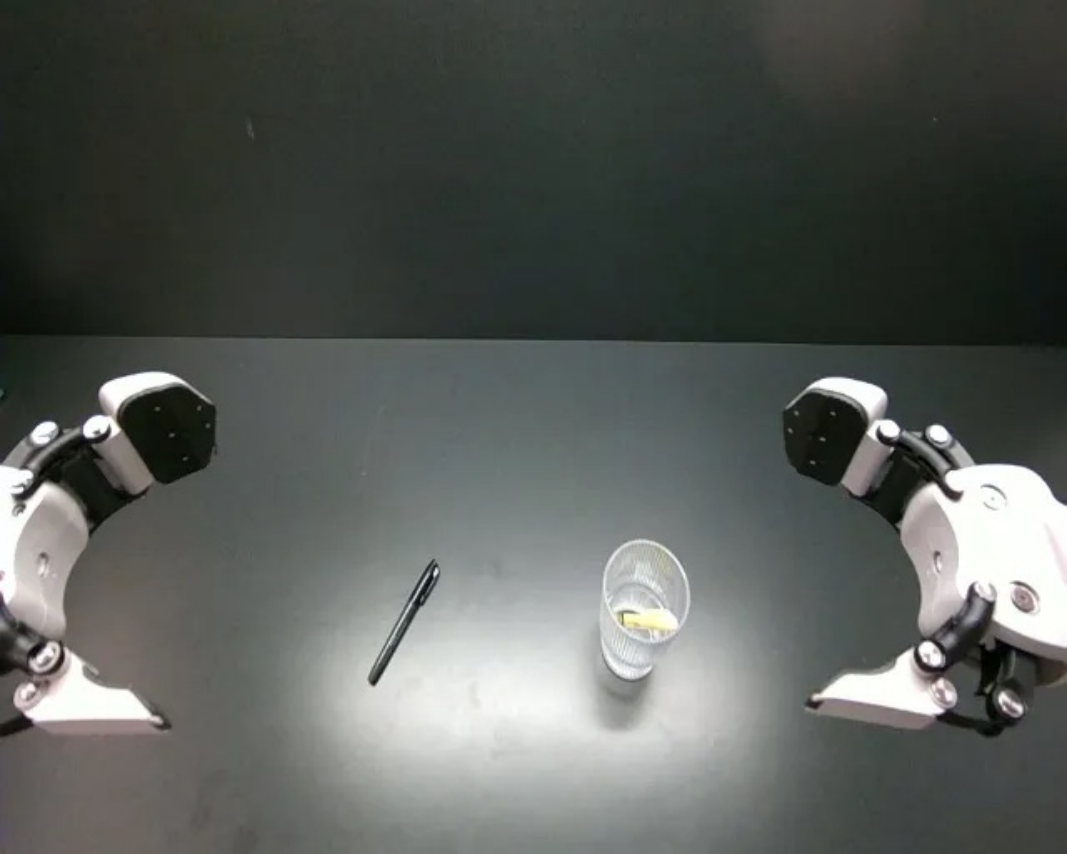
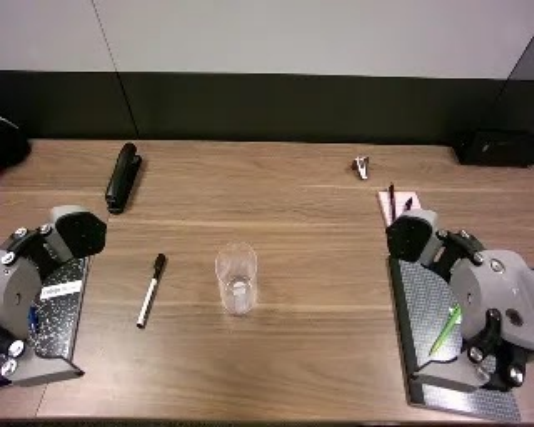
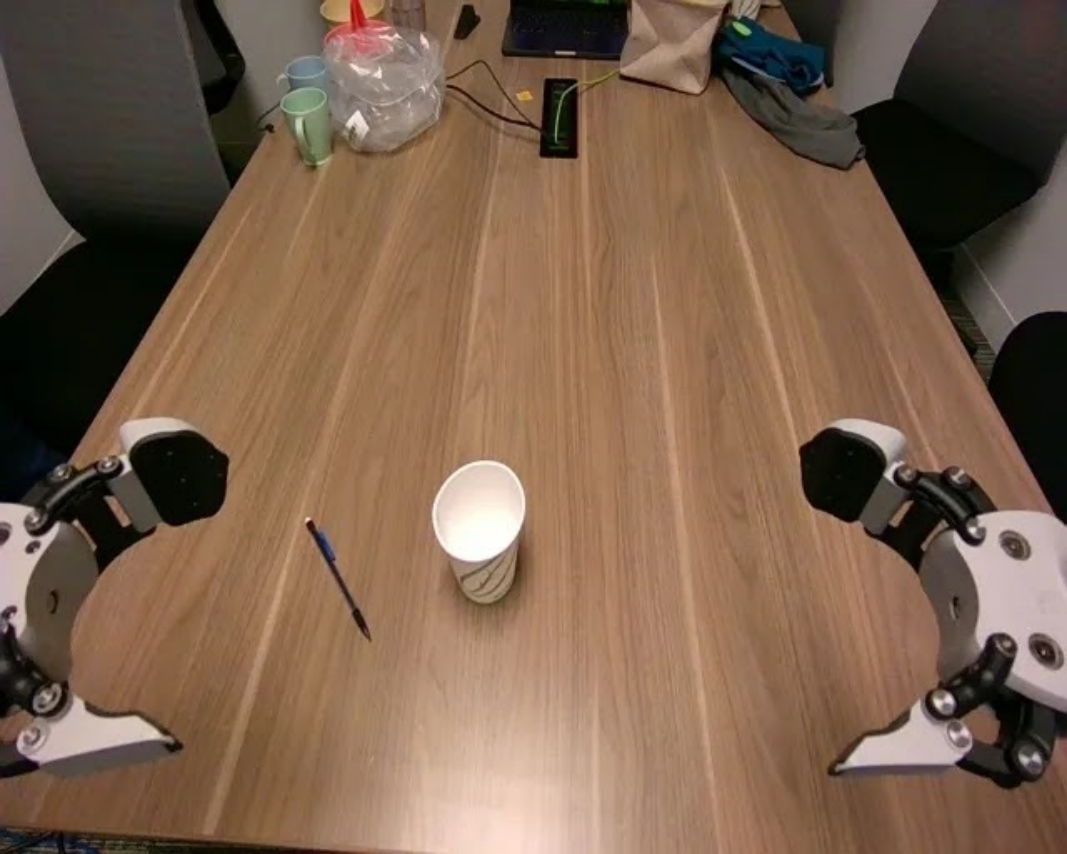
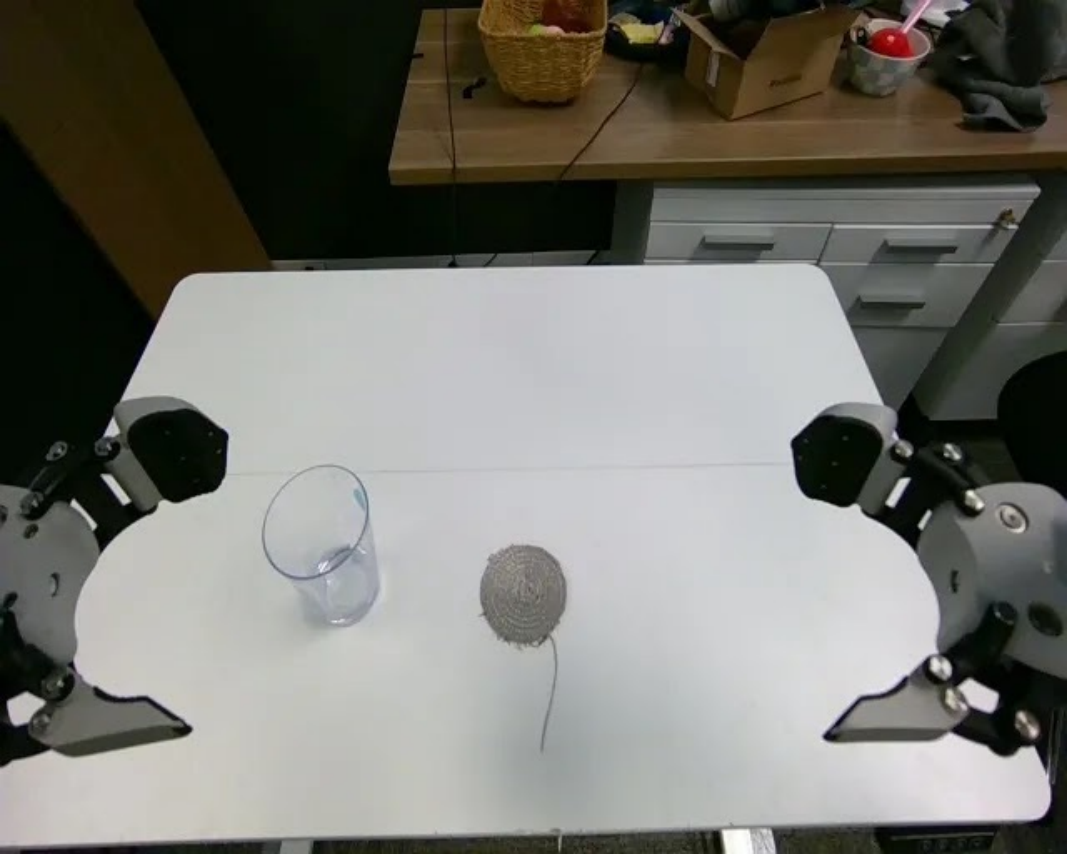
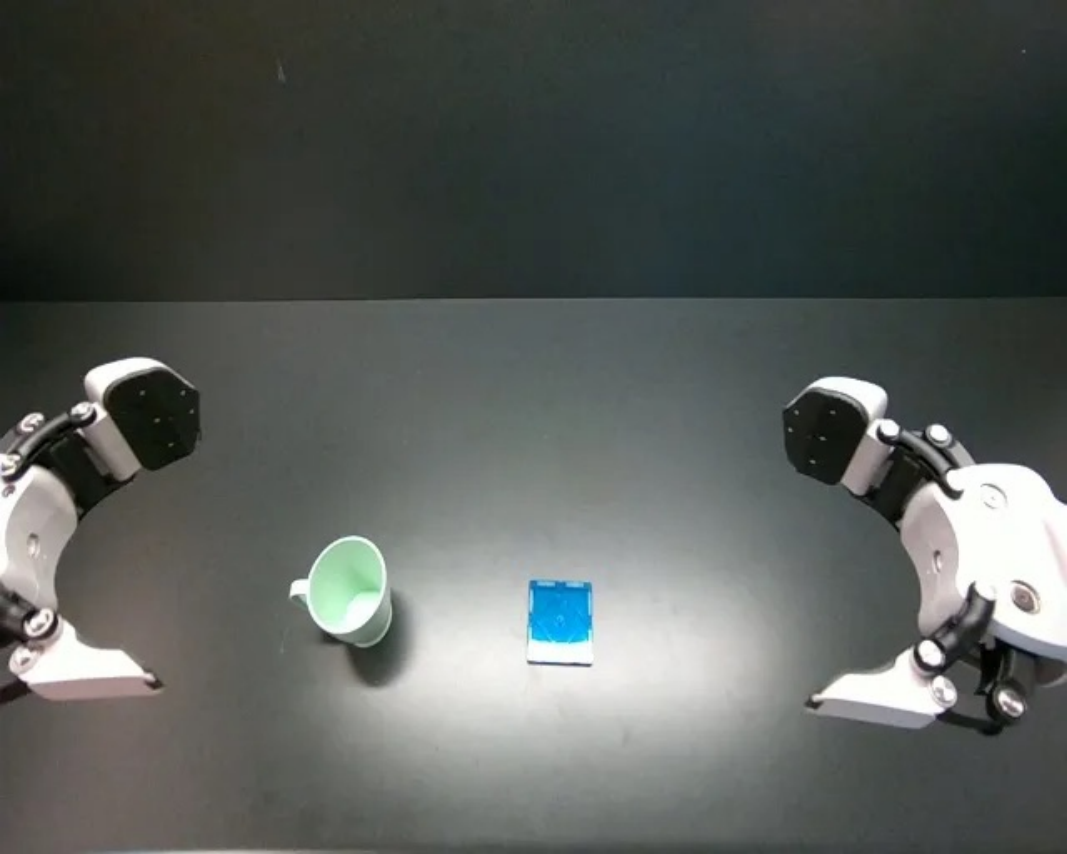
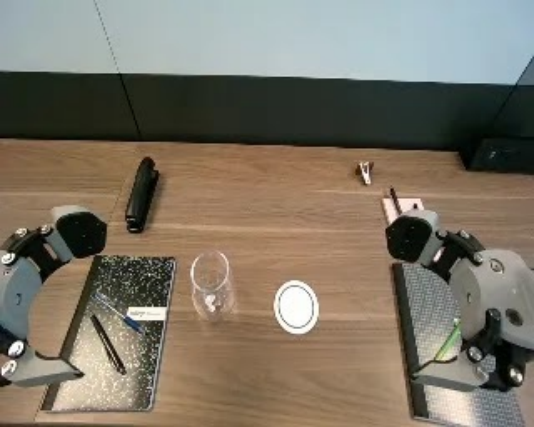
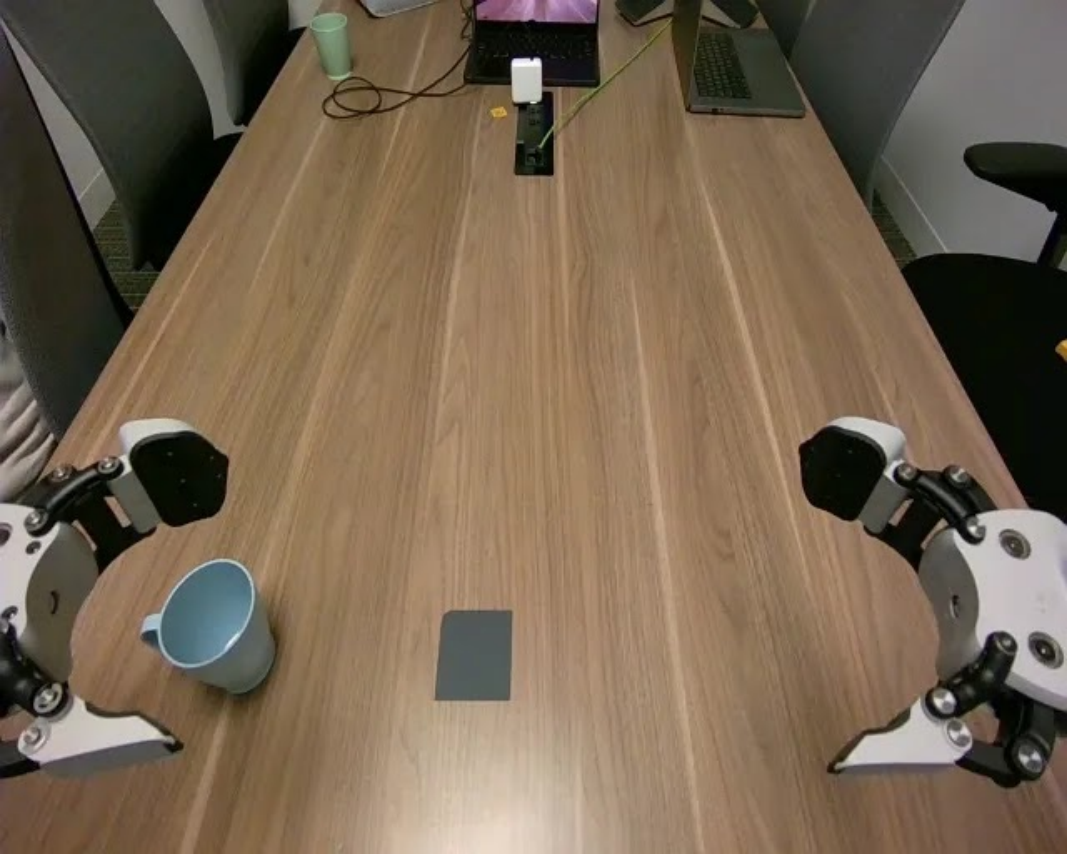
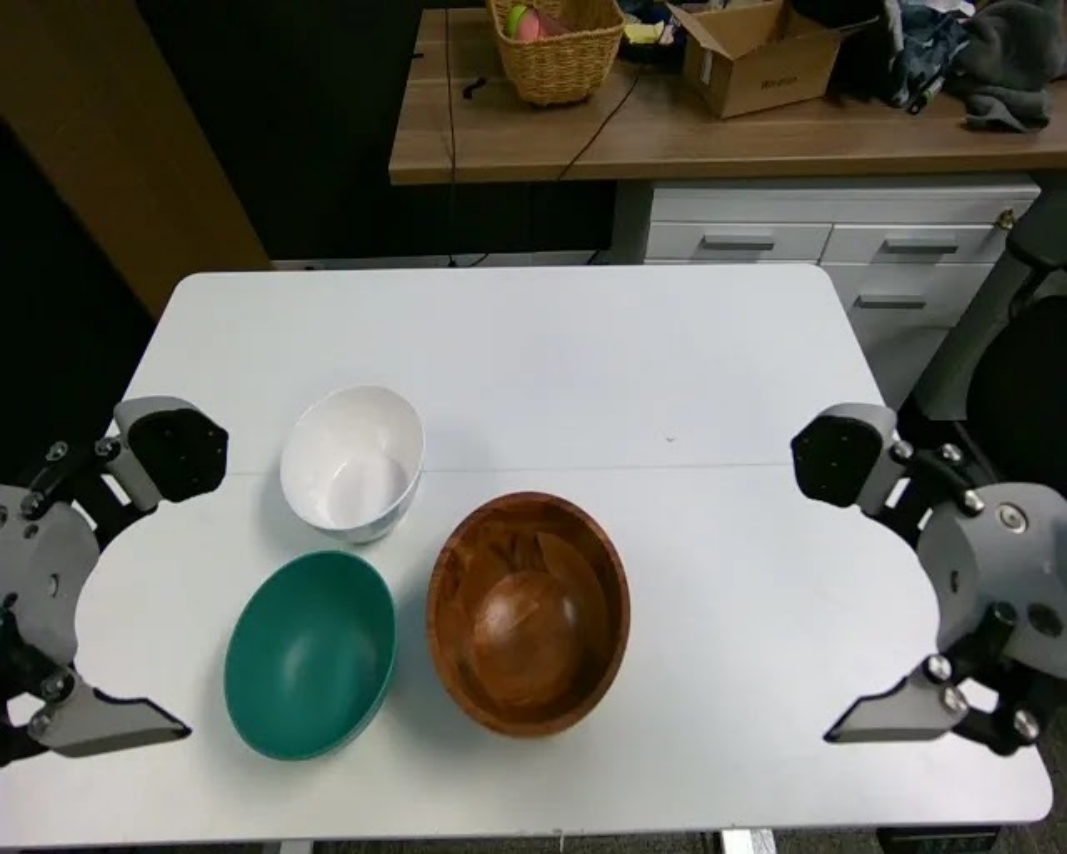
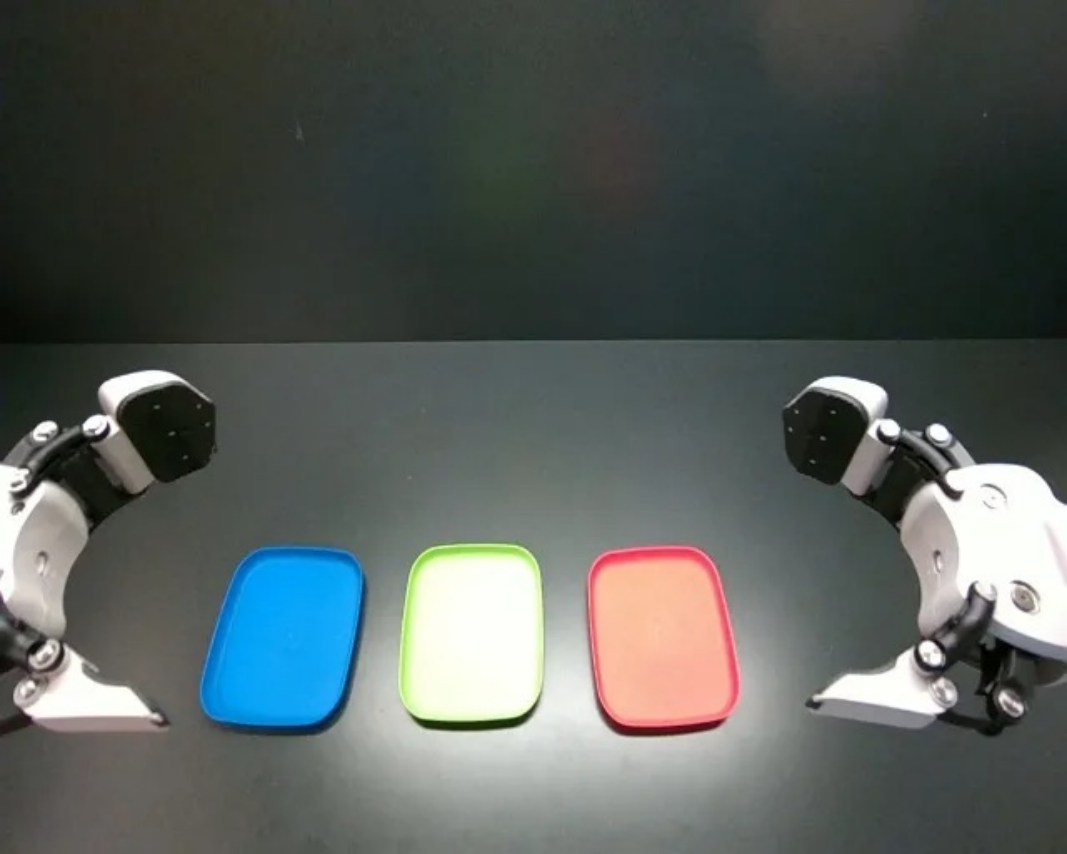
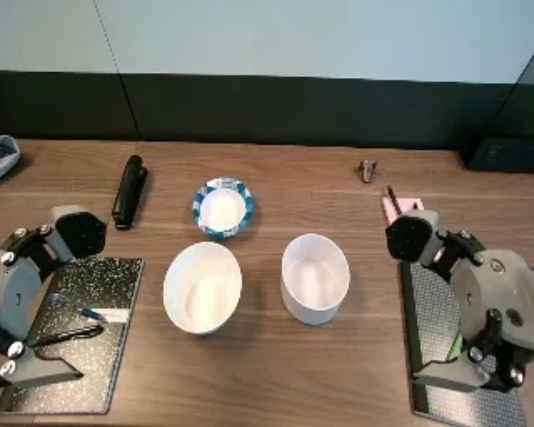
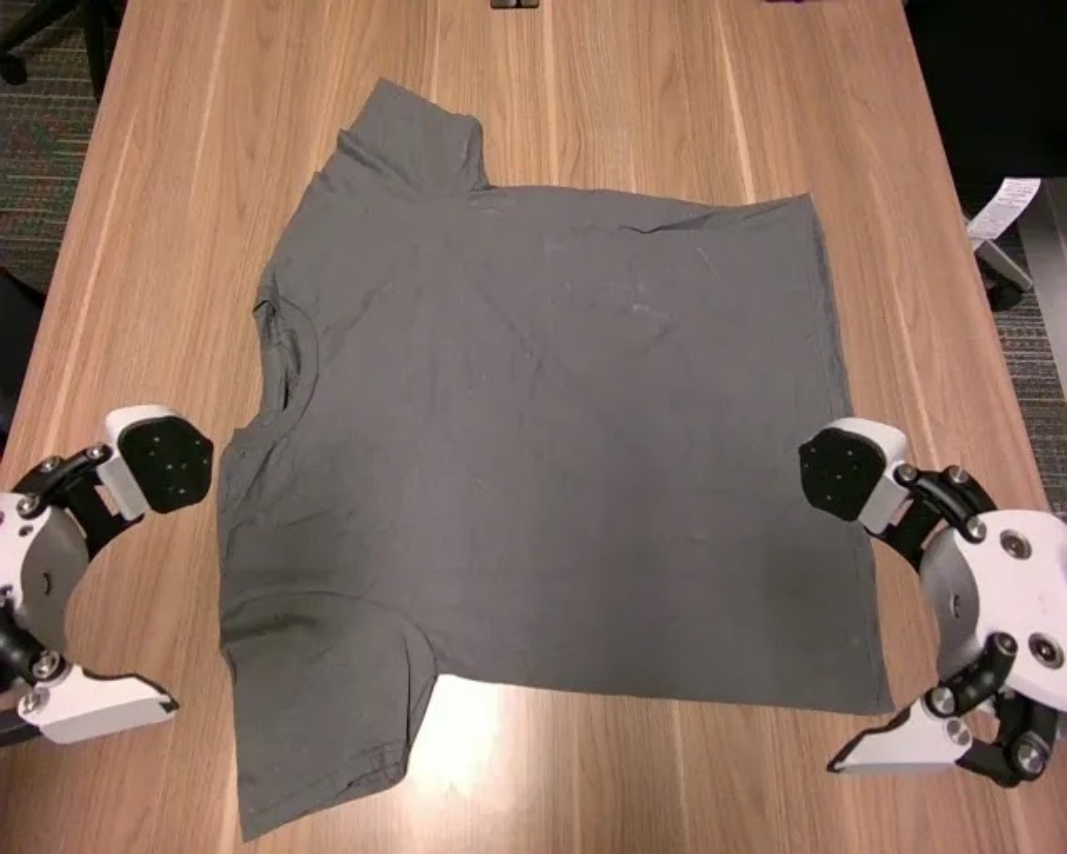
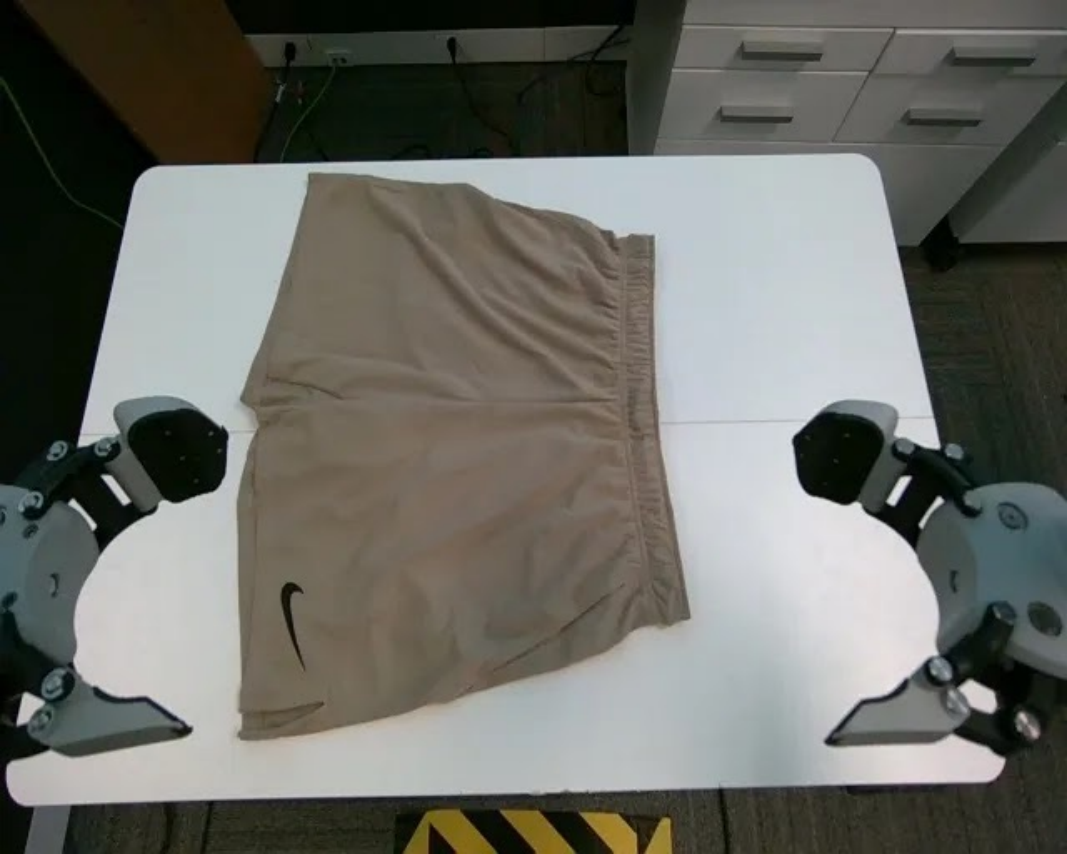
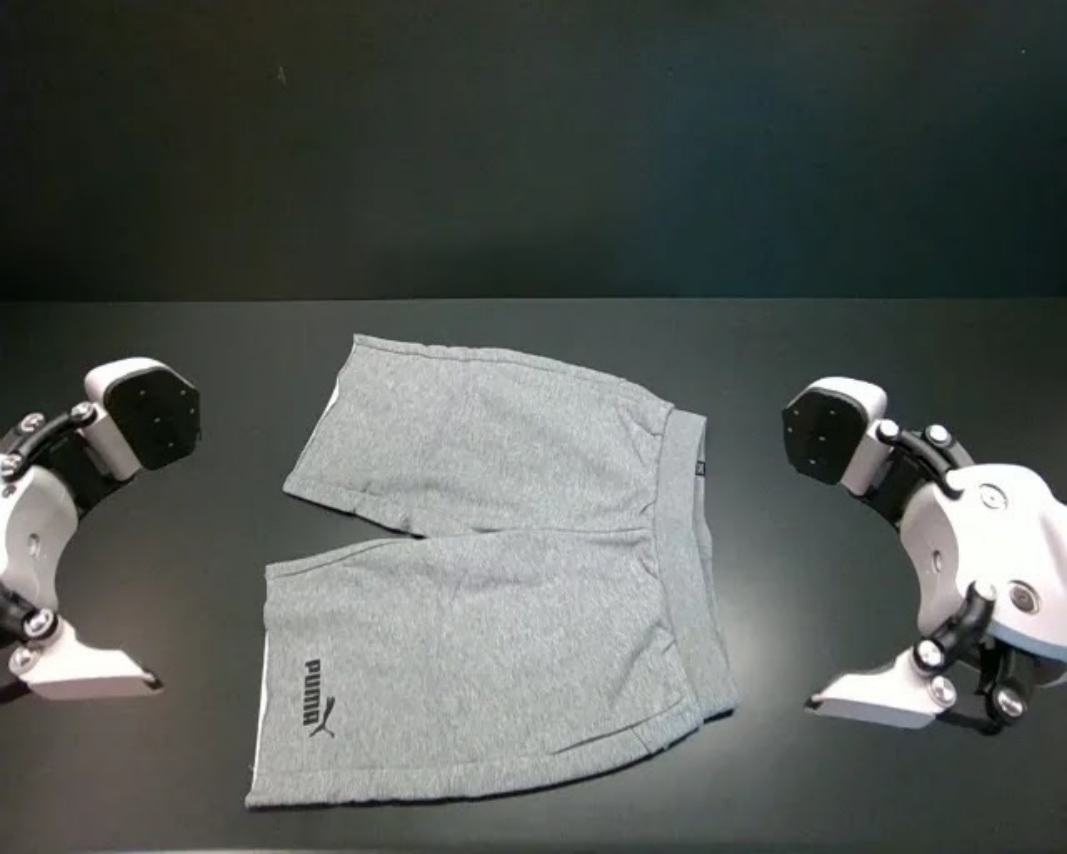
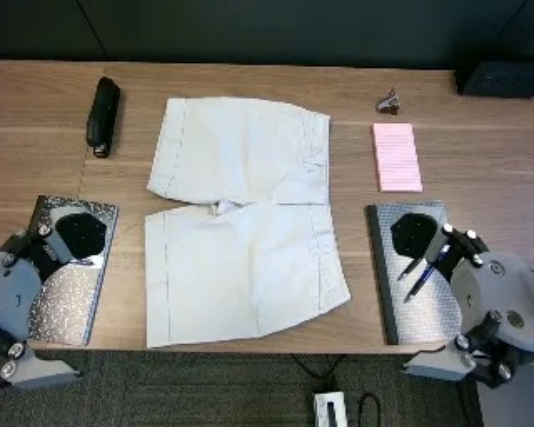
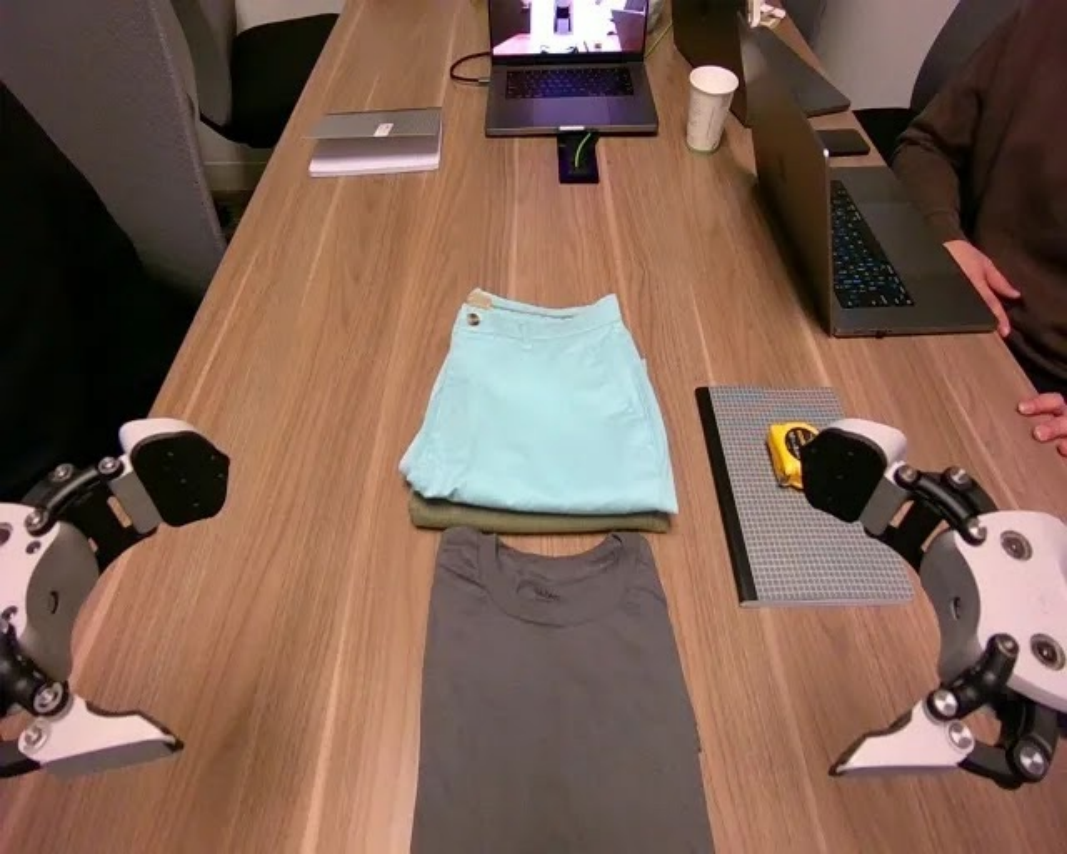
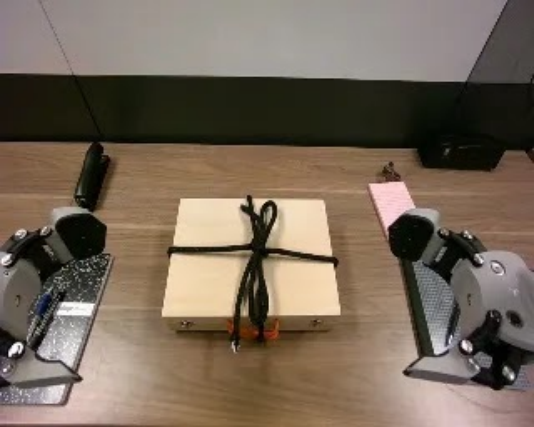
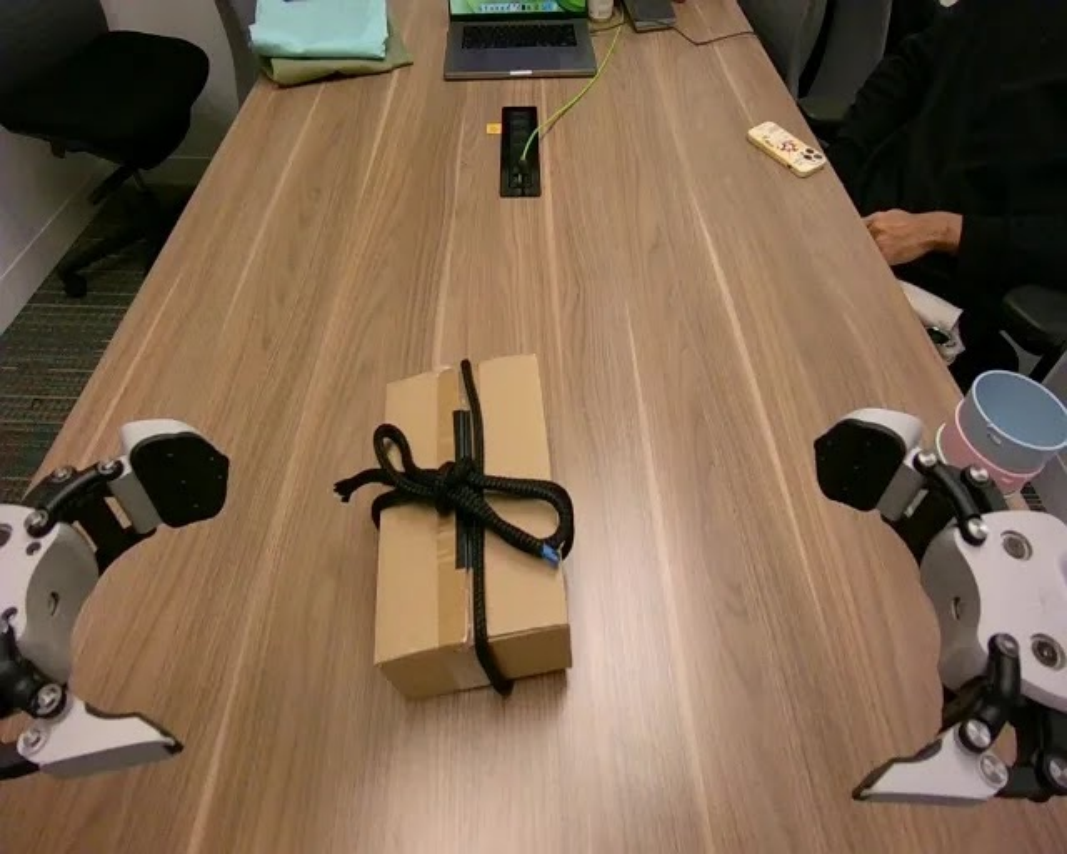
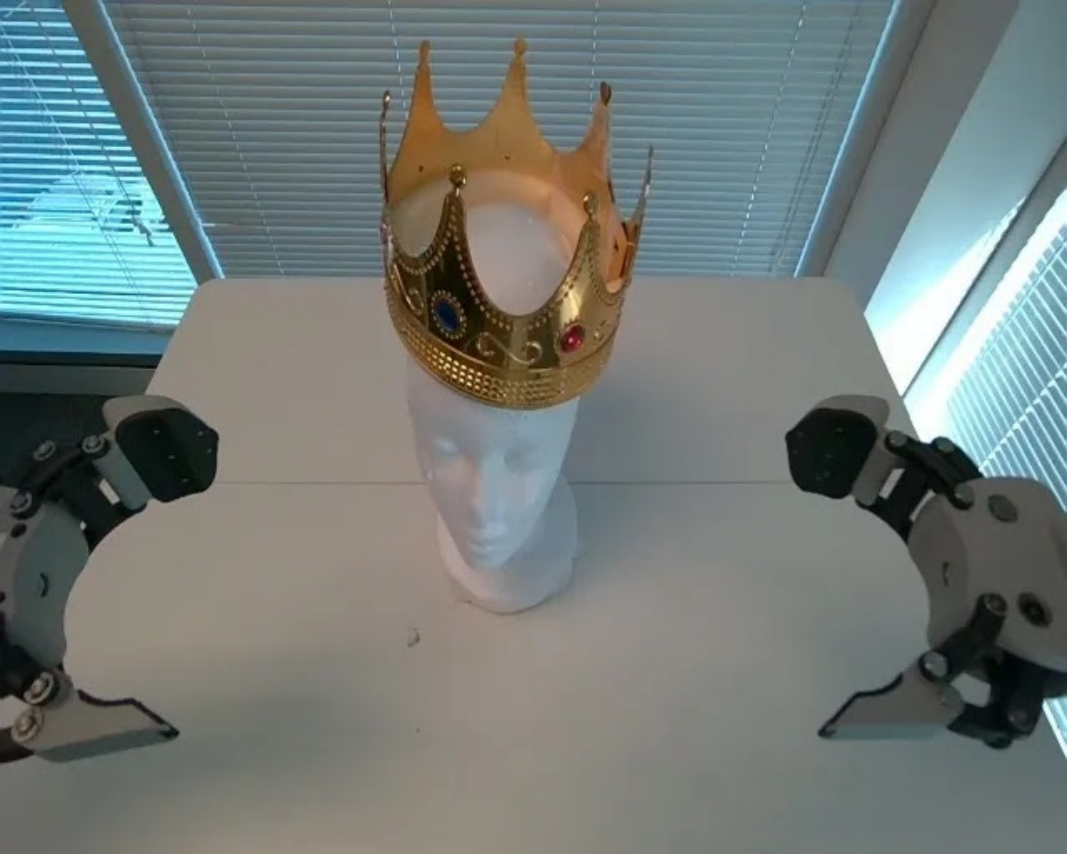
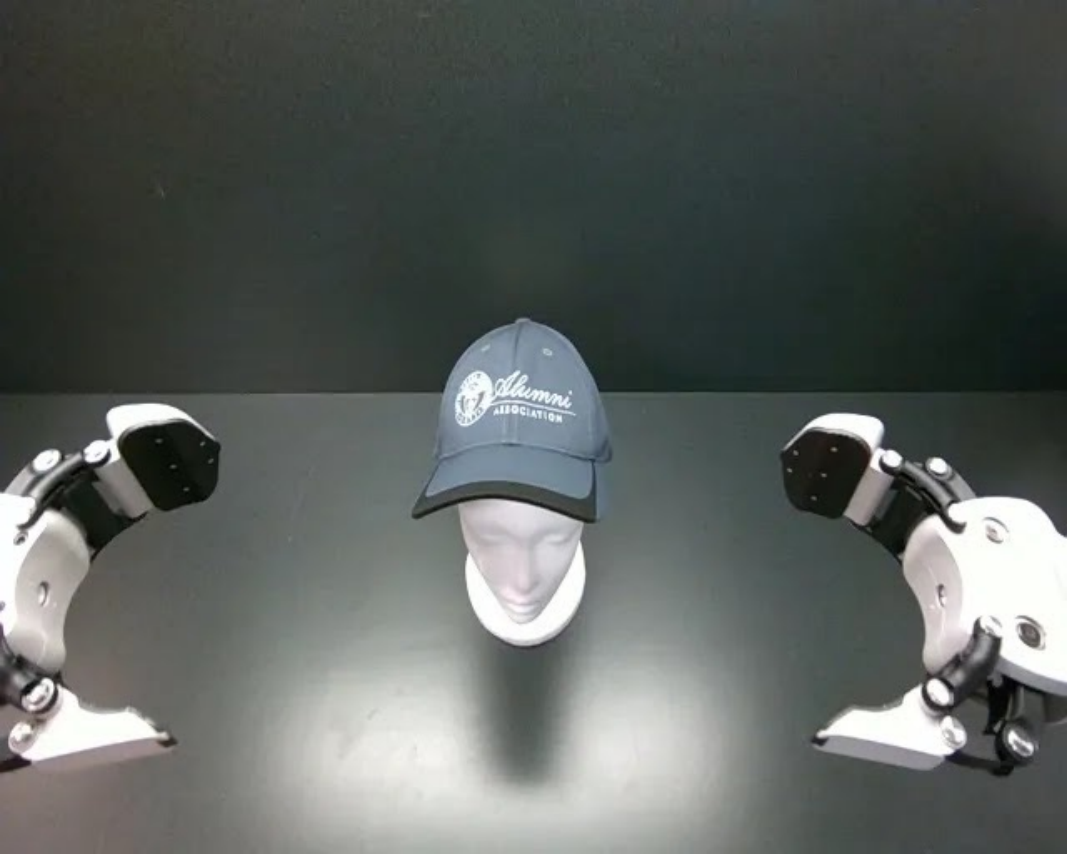
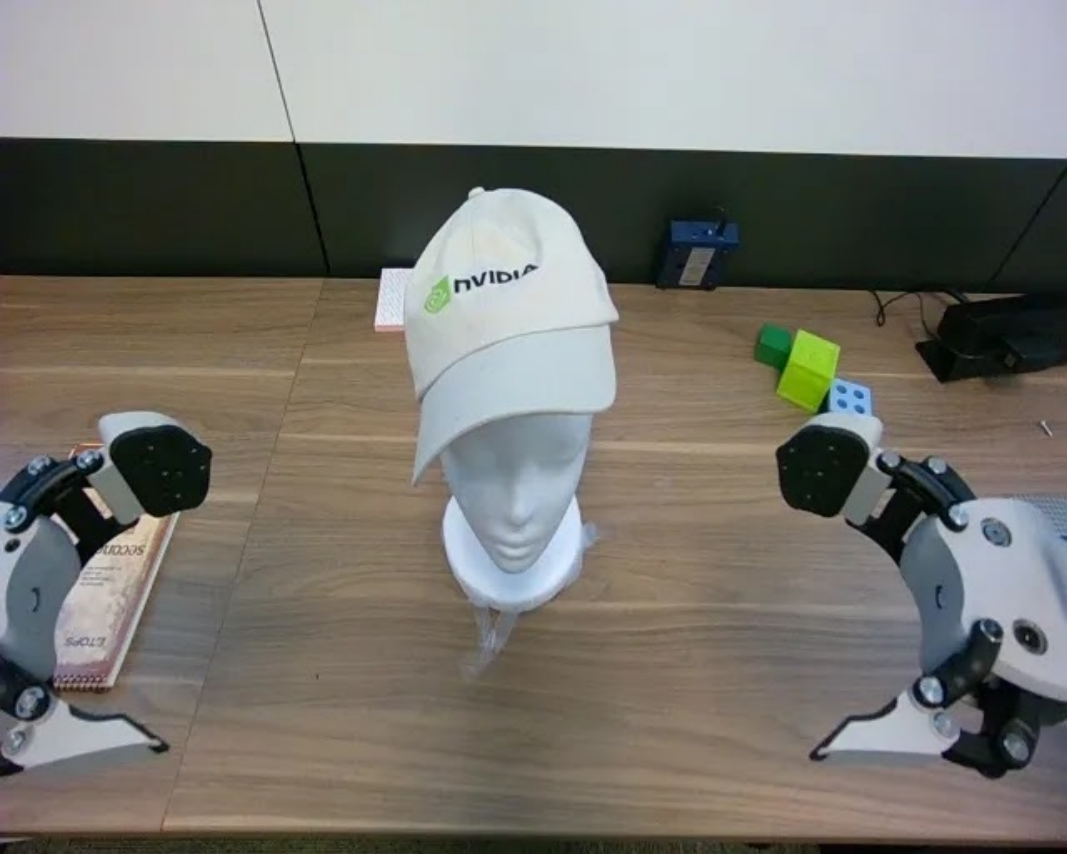
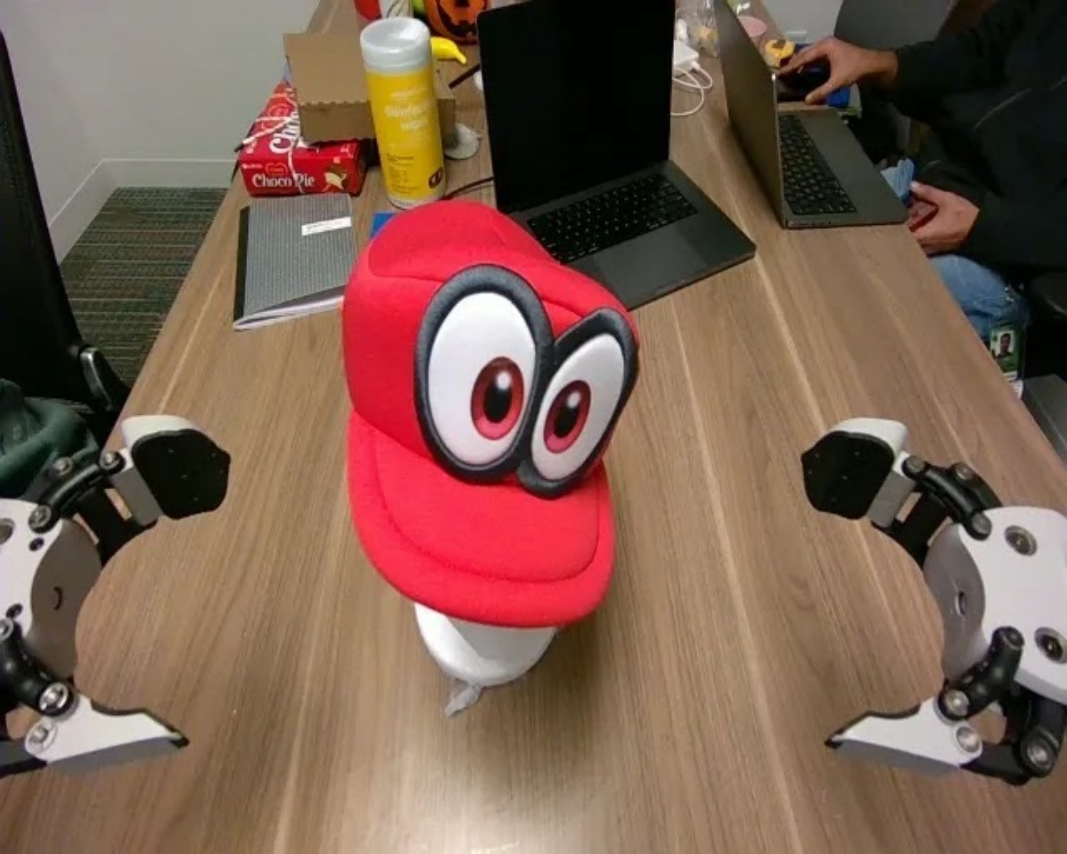
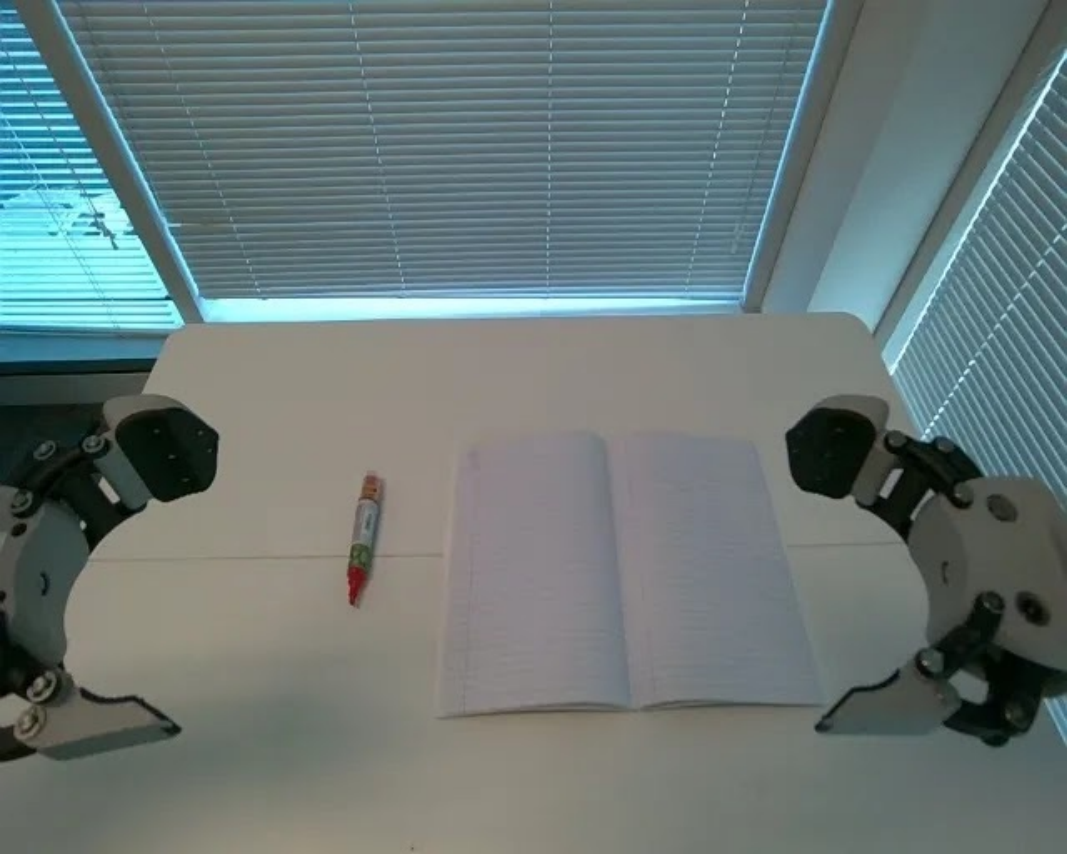
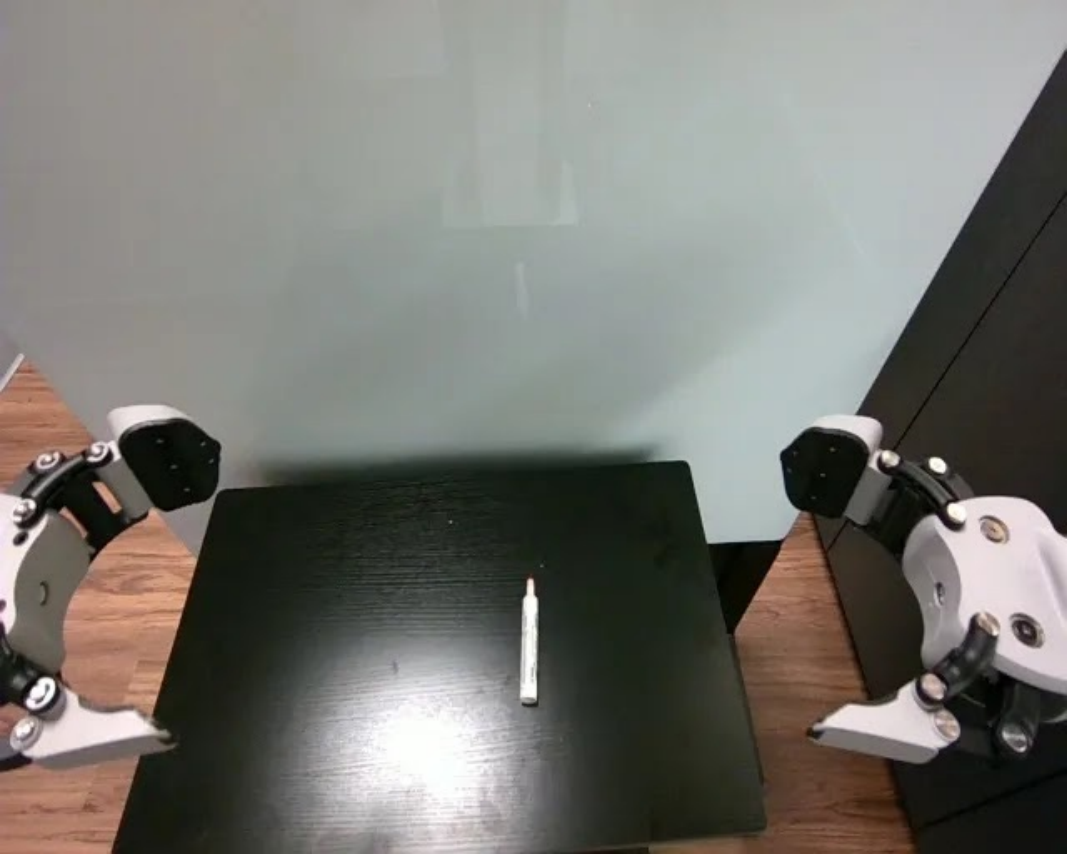
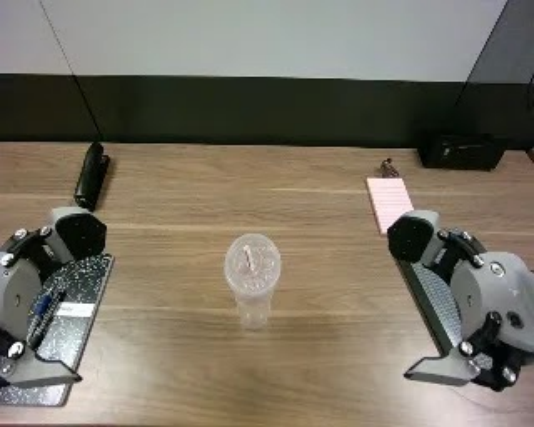
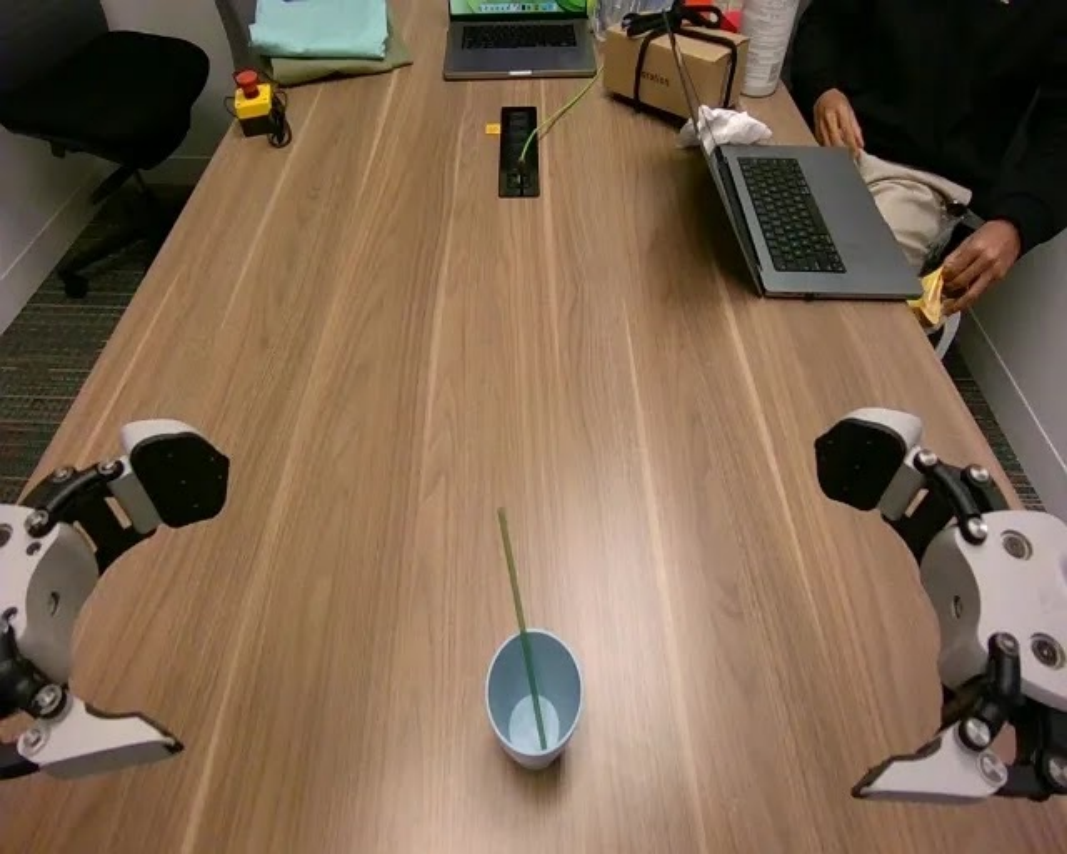
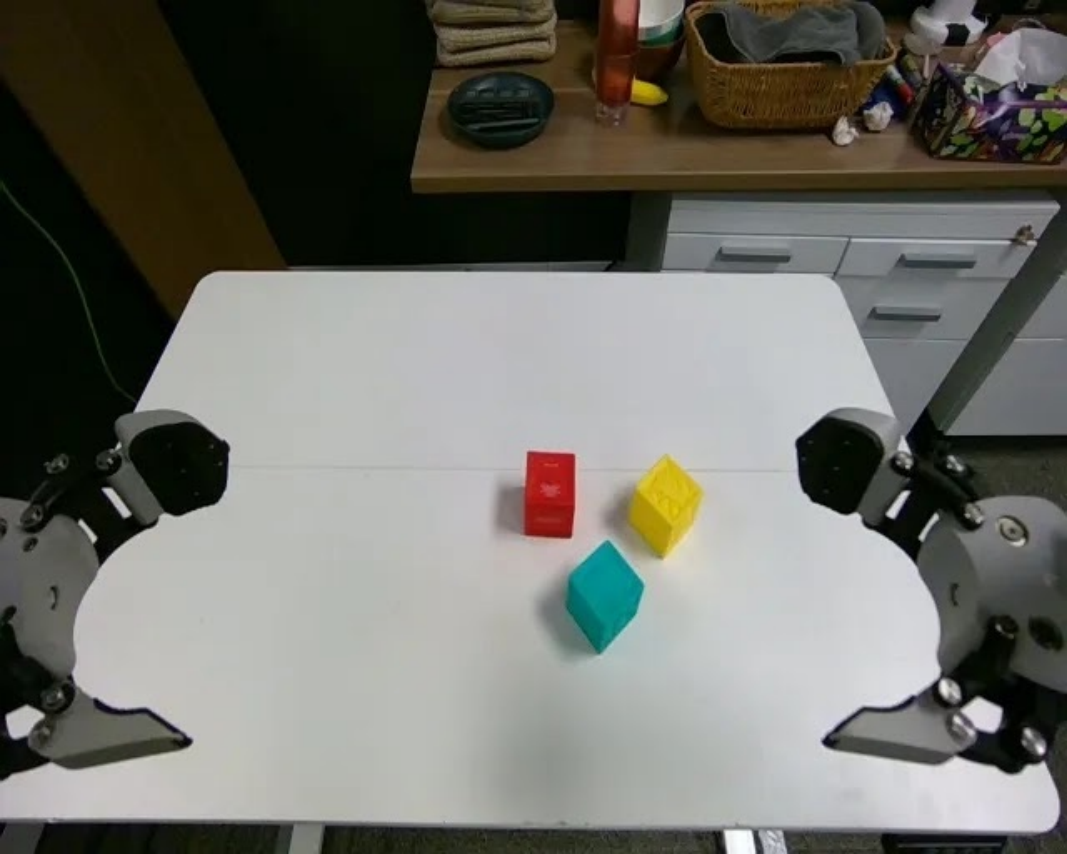
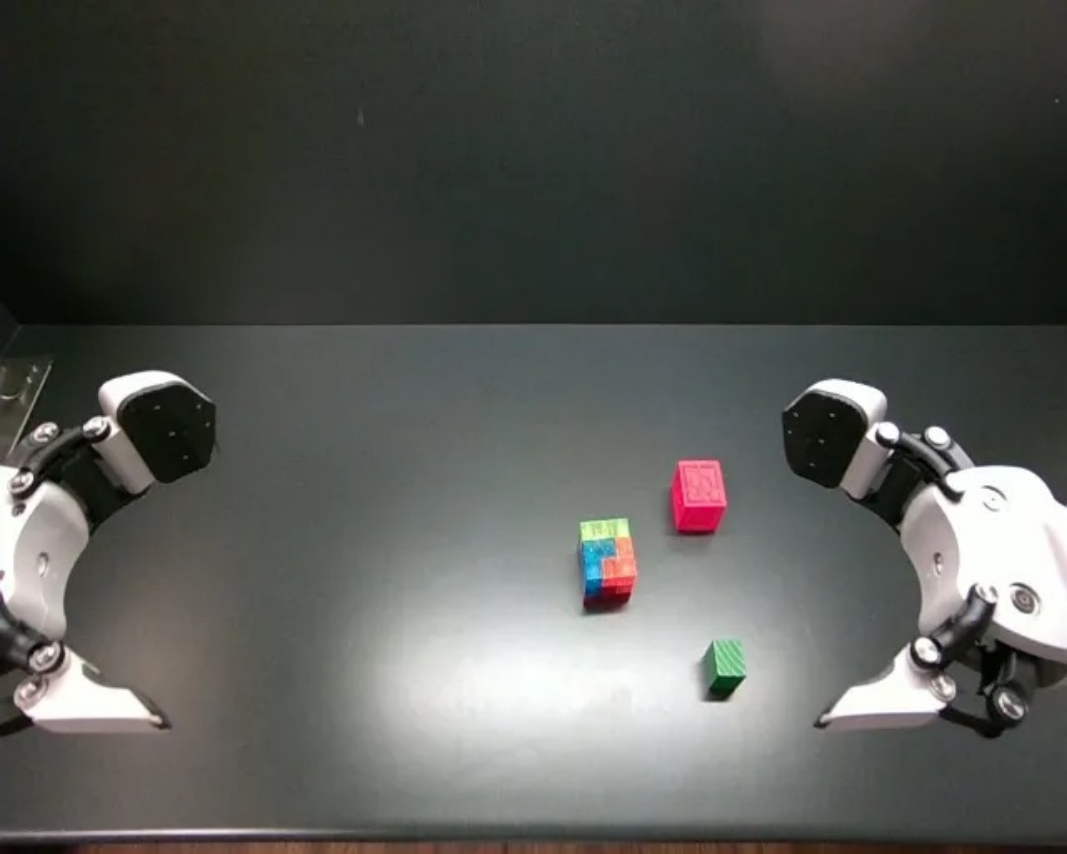
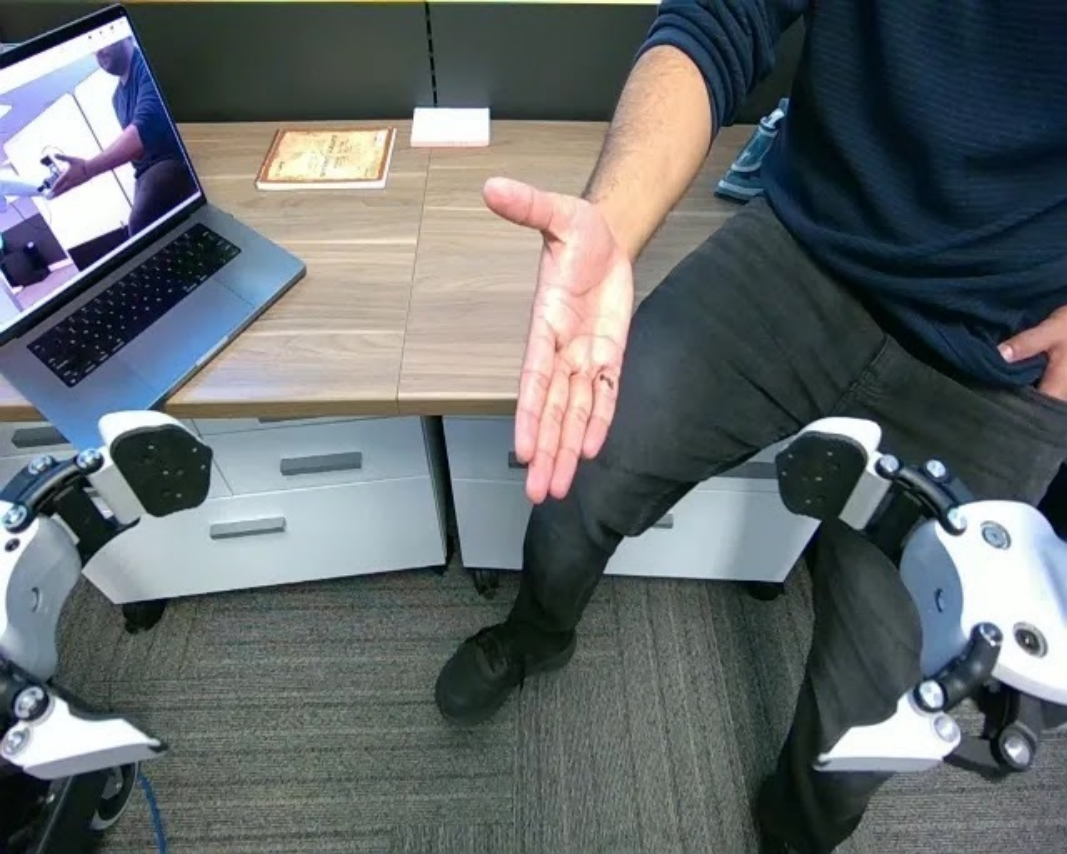
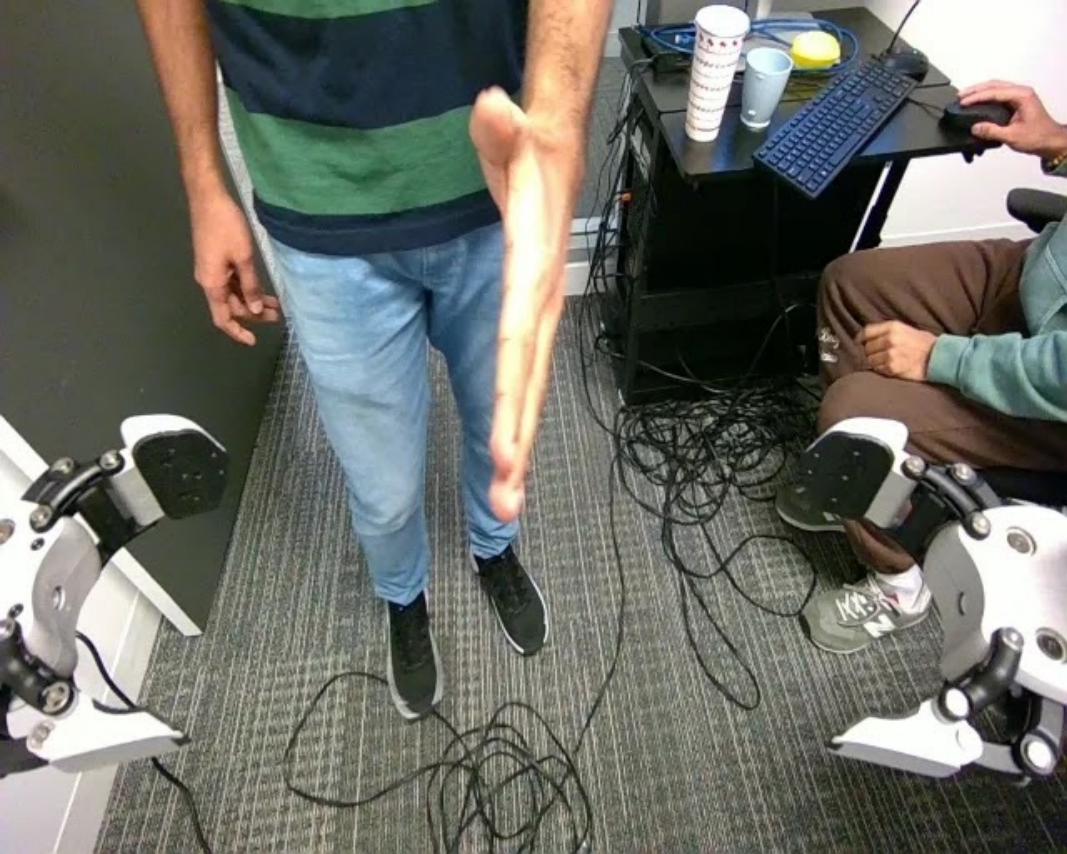
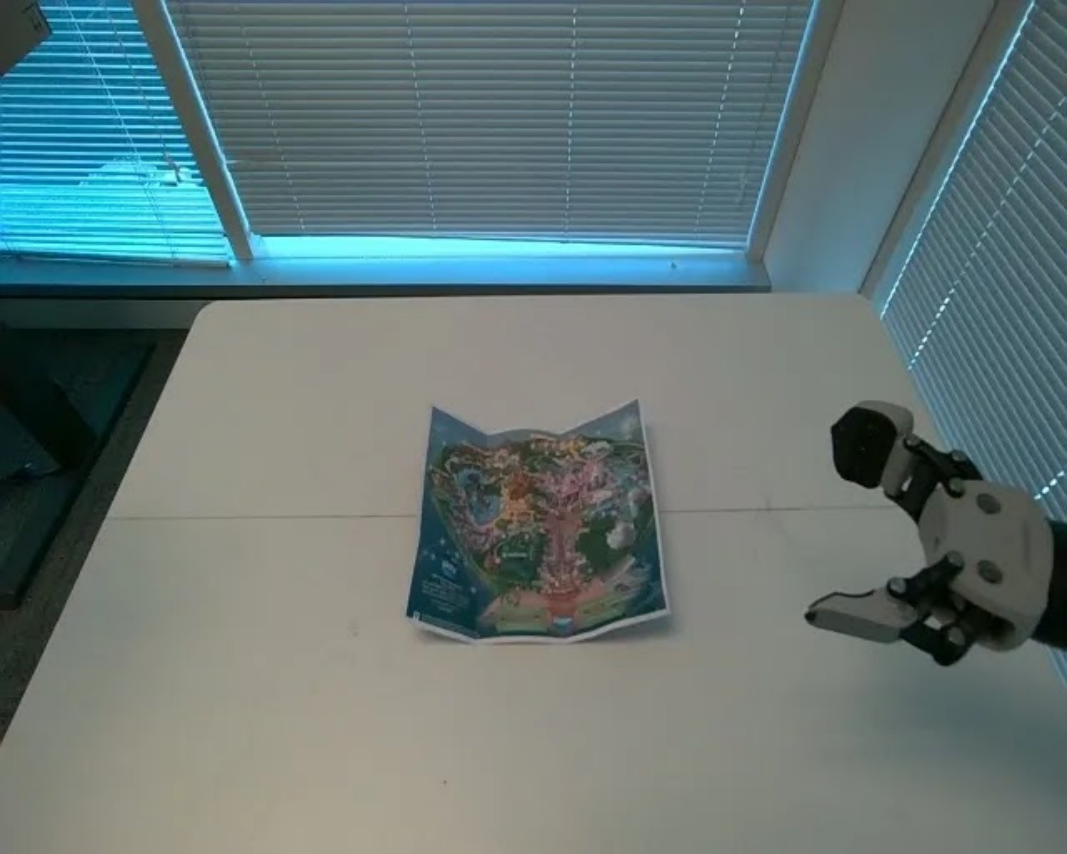
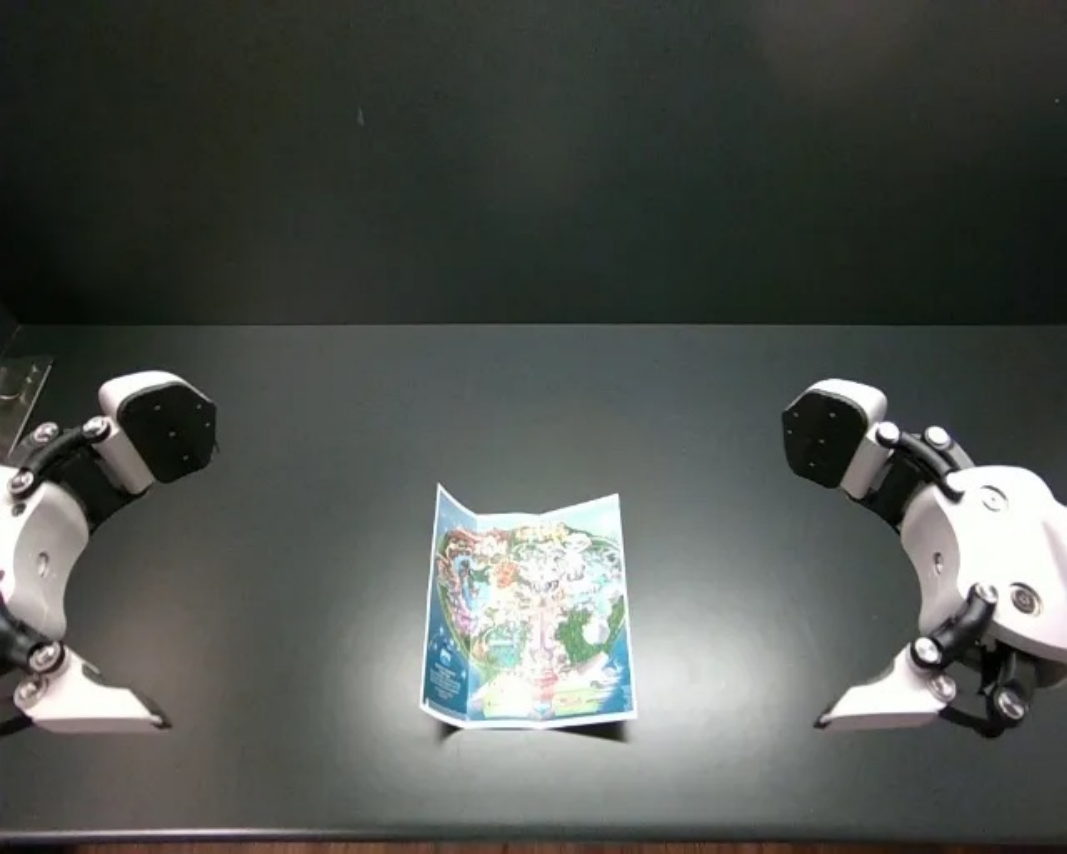
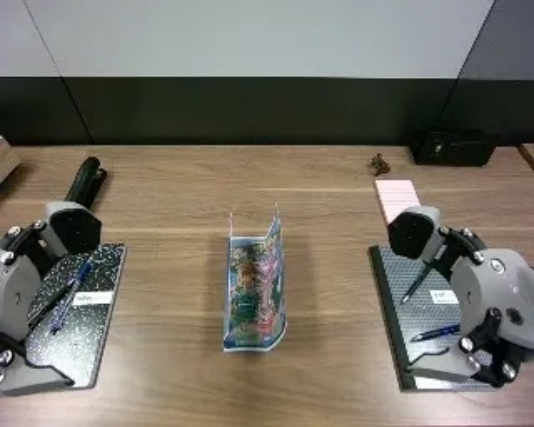
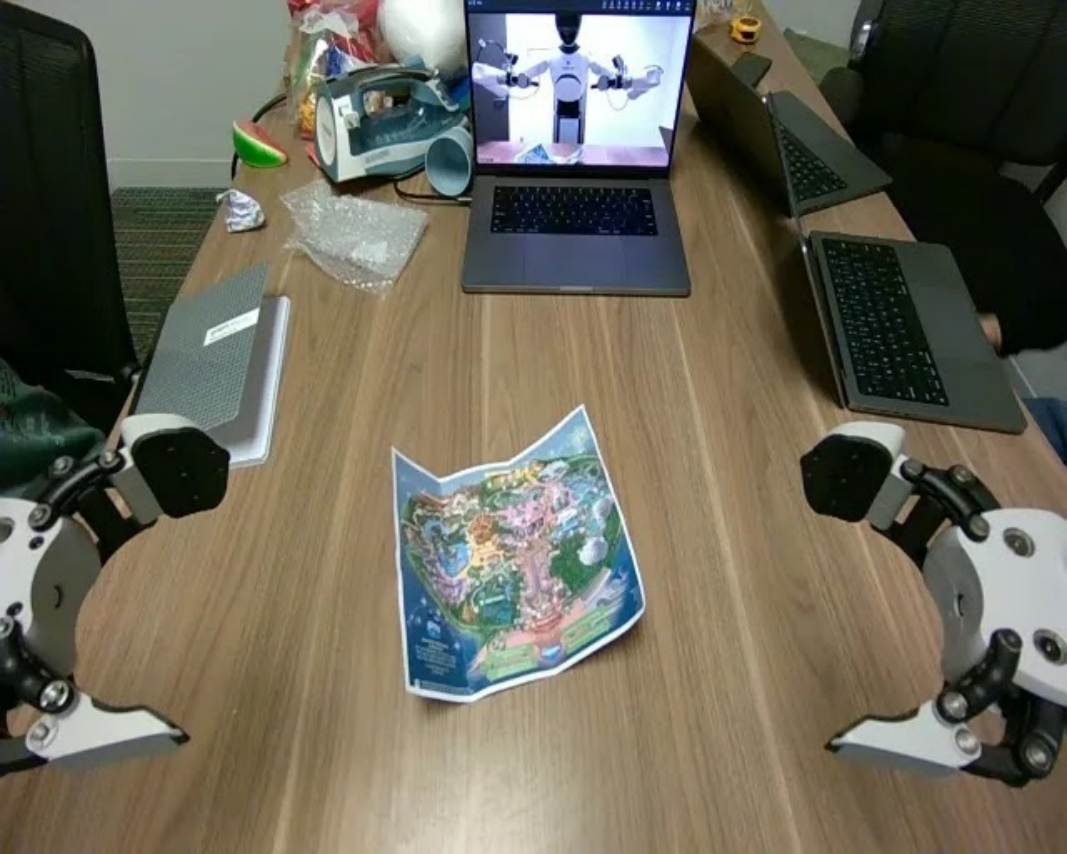
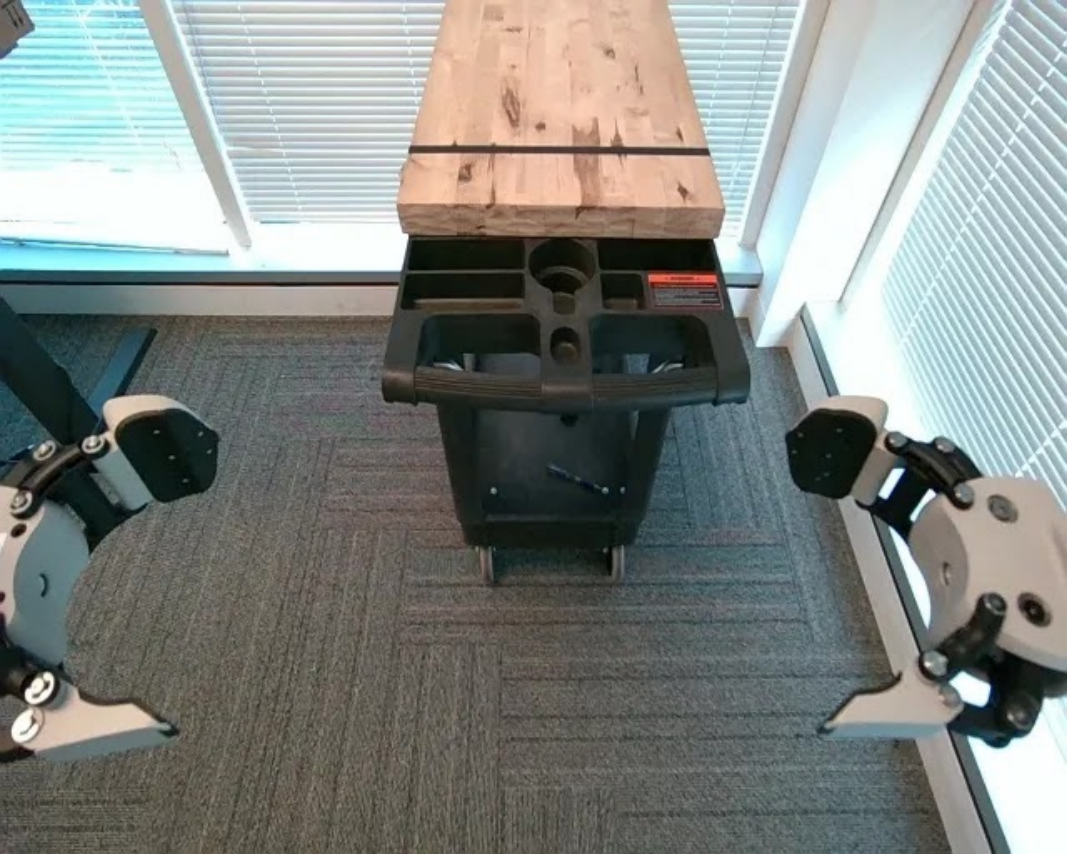
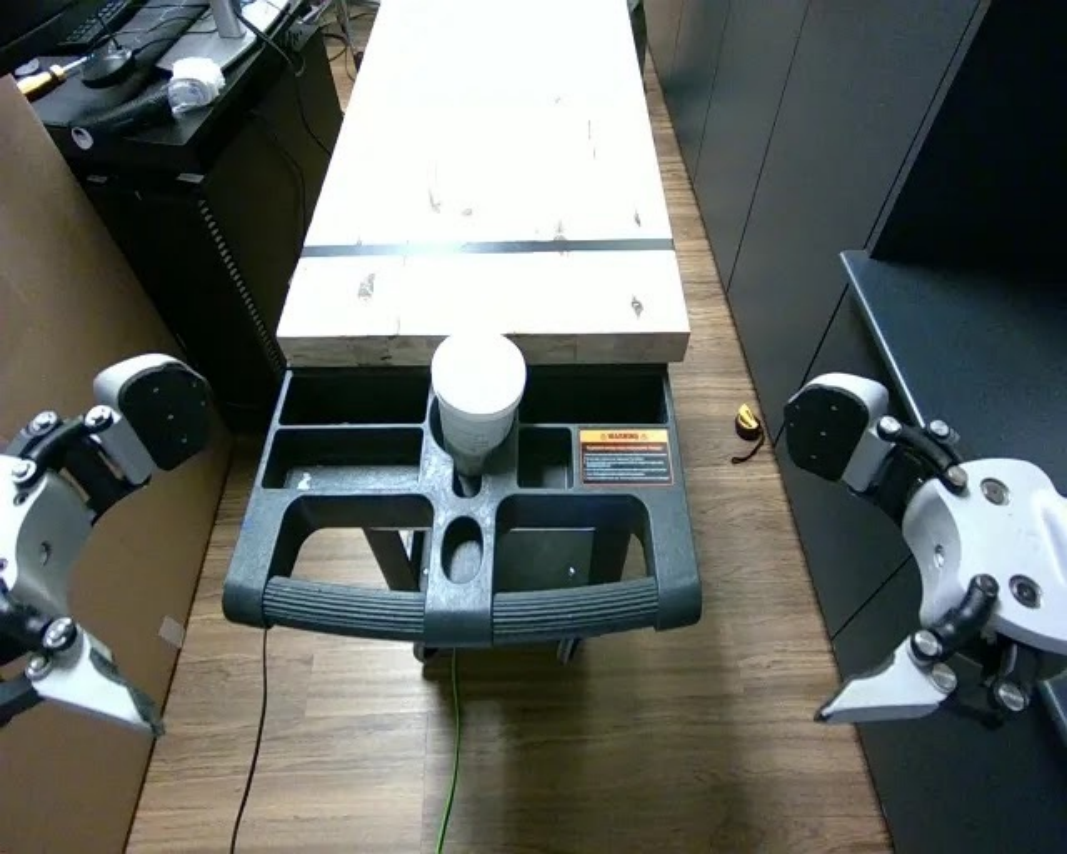
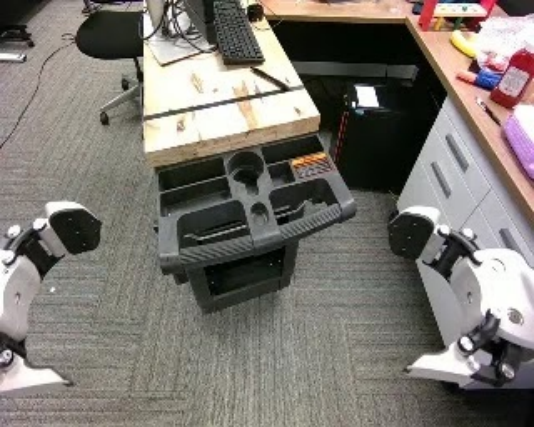
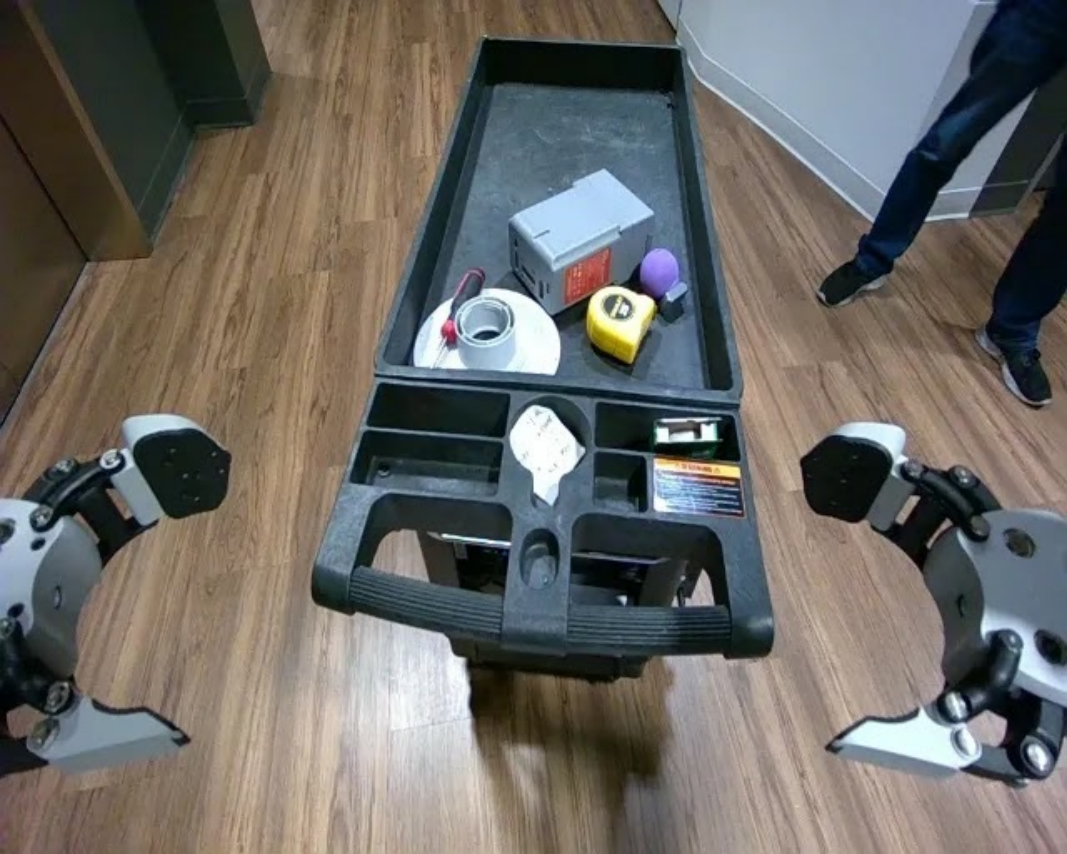
Tables 5–6 preserve all 80 initial-view/instruction pairs: ten seen and ten unseen tasks on four robots, with two evaluation rollouts per robot/task. Object, location and active arm vary; the illustrated table mostly uses the left arm. Instructions include detailed multistage folding/stacking descriptions. The appendix does not give a complete numeric per-task progress rubric for these pretraining evaluations.
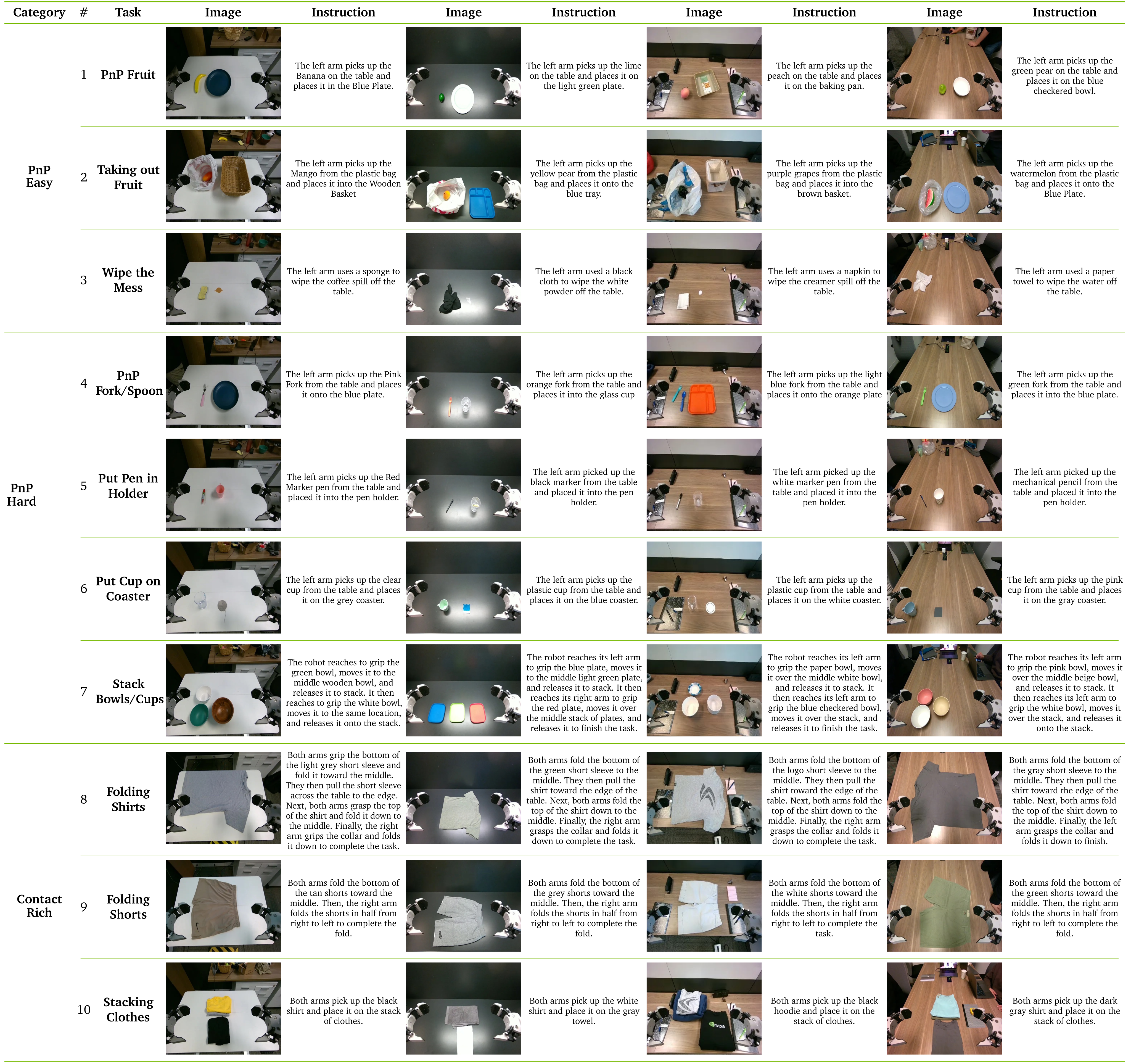
Original selectable source
| Category | # | Task | Image | Instruction | Image | Instruction | Image | Instruction | Image | Instruction |
| 1 | PnP Fruit |
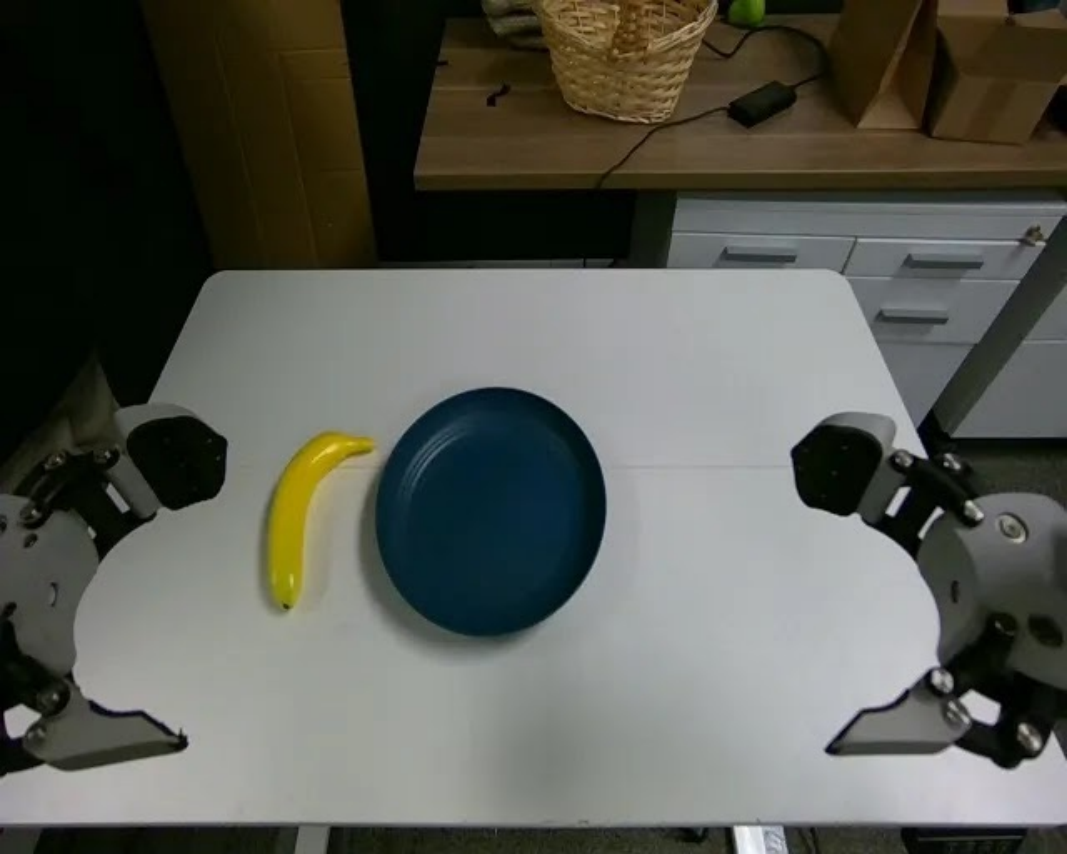
|
The left arm picks up the Banana on the table and places it in the Blue Plate. |
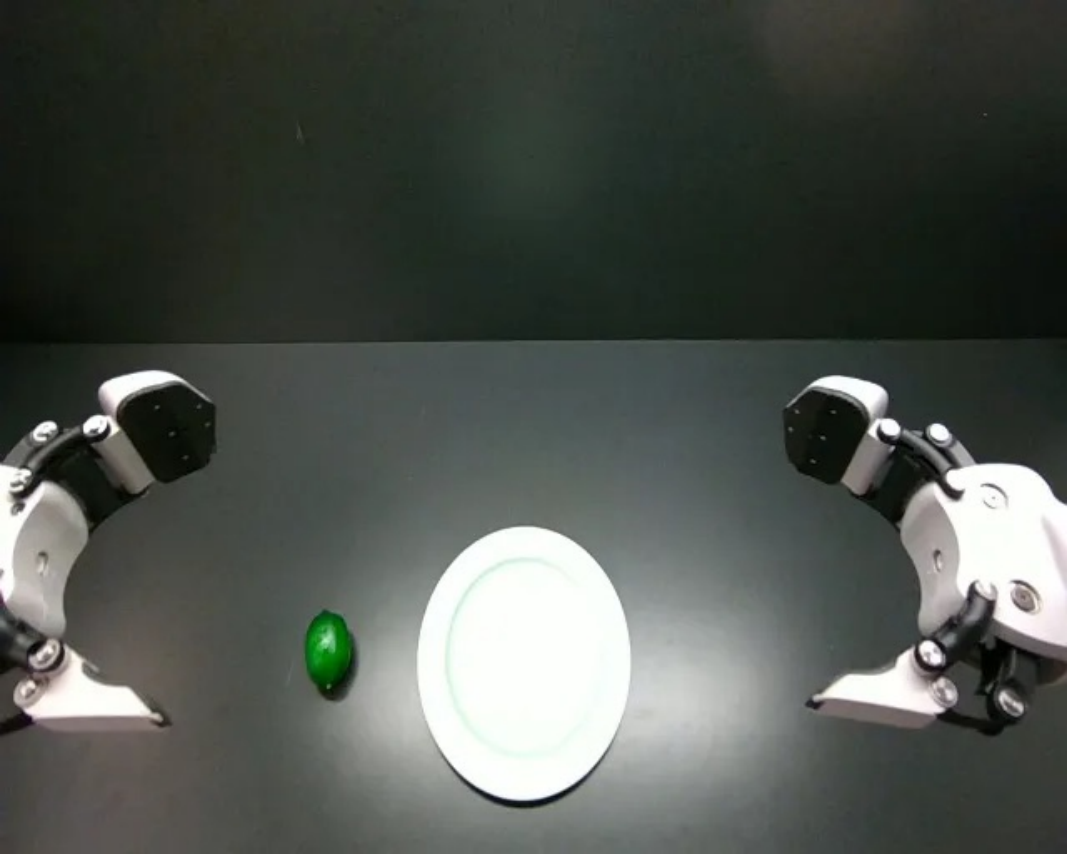
|
The left arm picks up the lime on the table and places it on the light green plate. |
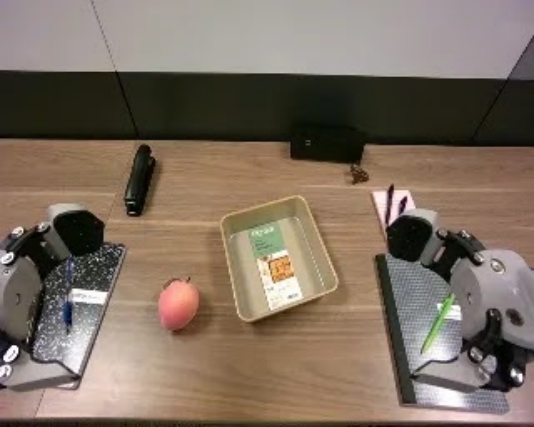
|
The left arm picks up the peach on the table and places it on the baking pan. |
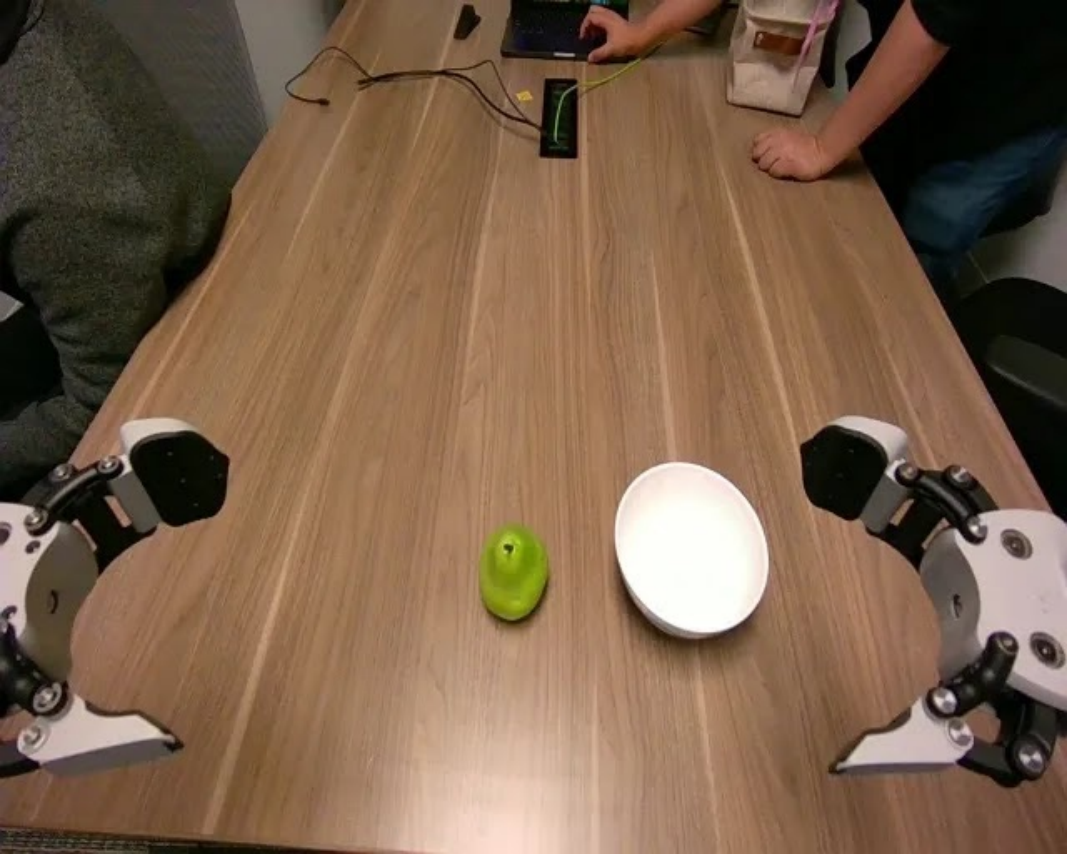
|
The left arm picks up the green pear on the table and places it on the blue checkered bowl. | |
| PnP Easy | 2 | Taking out Fruit |
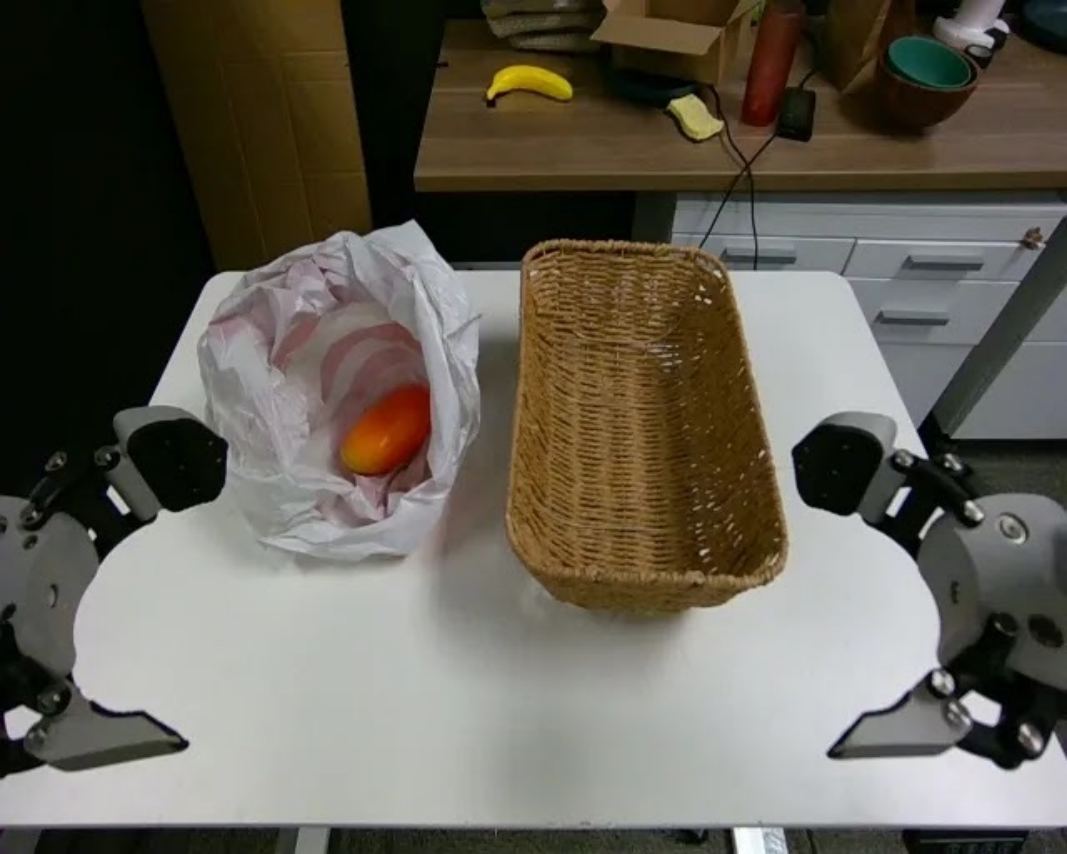
|
The left arm picks up the Mango from the plastic bag and places it into the Wooden Basket |
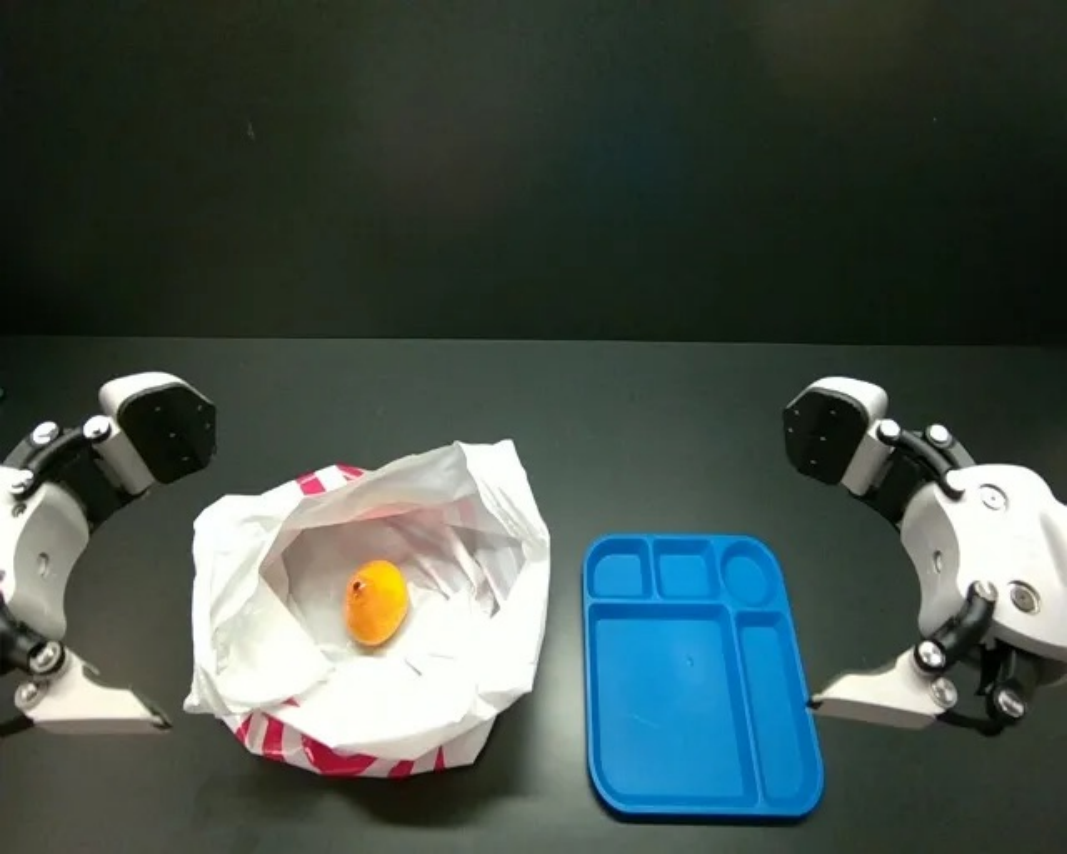
|
The left arm picks up the yellow pear from the plastic bag and places it onto the blue tray. |
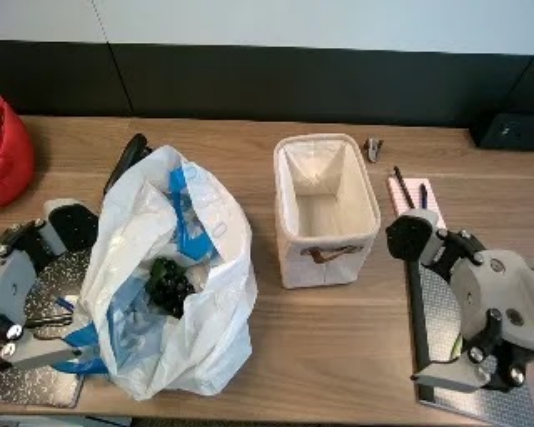
|
The left arm picks up the purple grapes from the plastic bag and places it into the brown basket. |
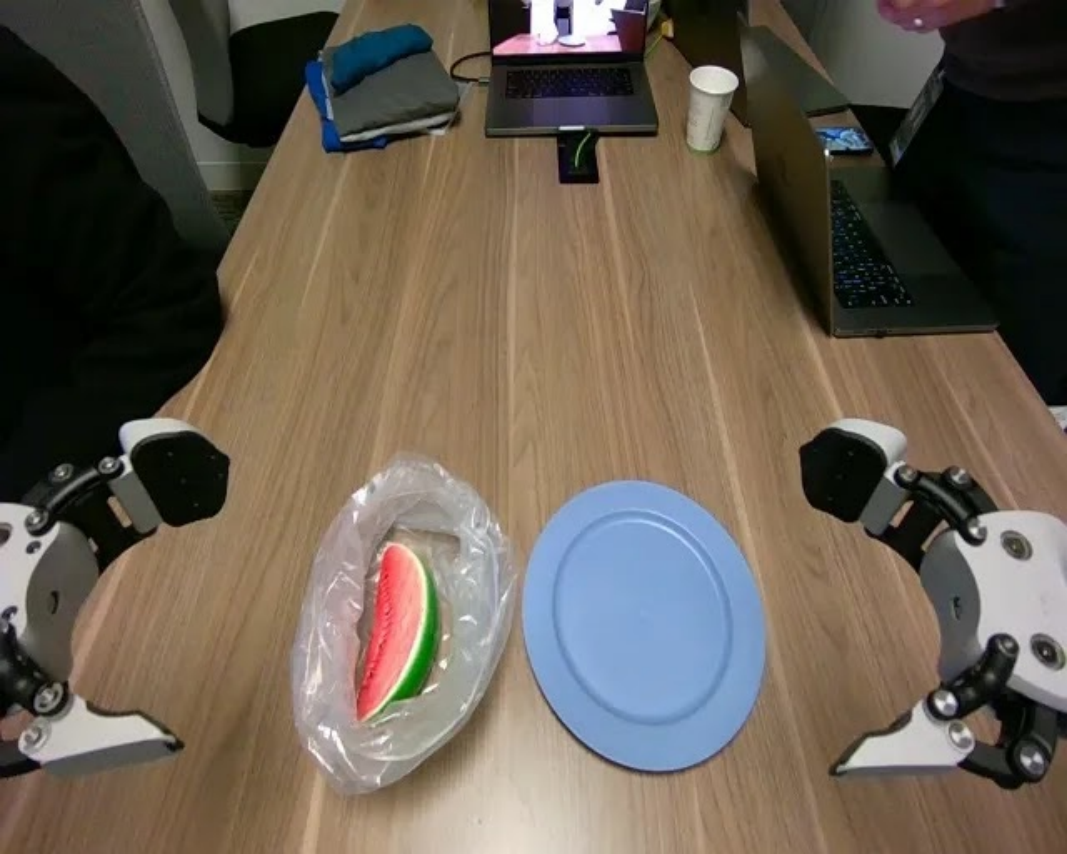
|
The left arm picks up the watermelon from the plastic bag and places it onto the Blue Plate. |
| 3 | Wipe the Mess |
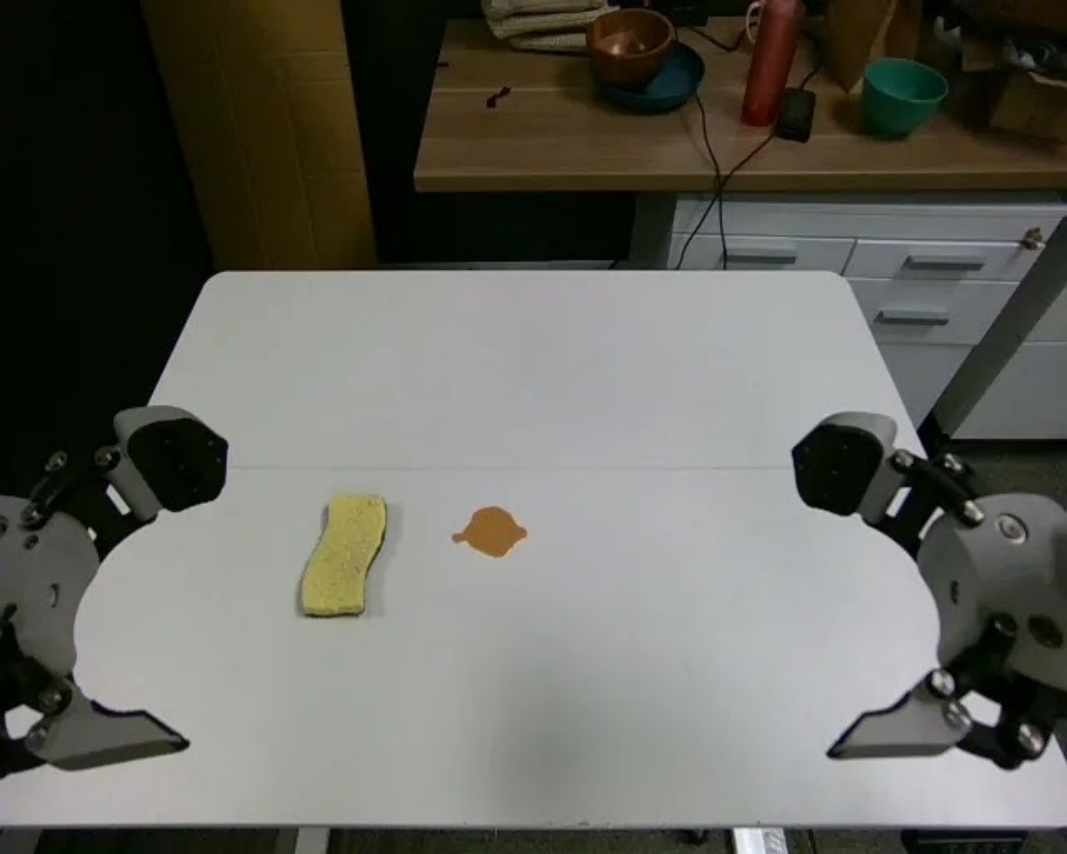
|
The left arm uses a sponge to wipe the coffee spill off the table. |
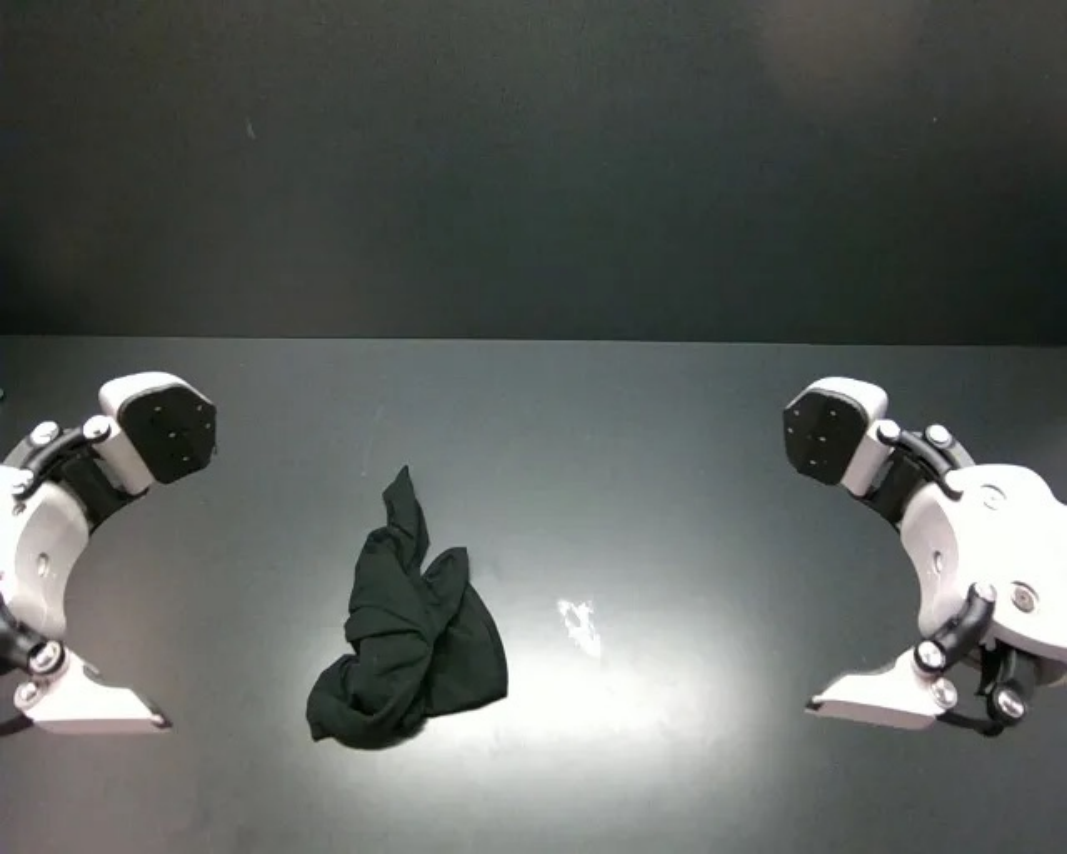
|
The left arm used a black cloth to wipe the white powder off the table. |
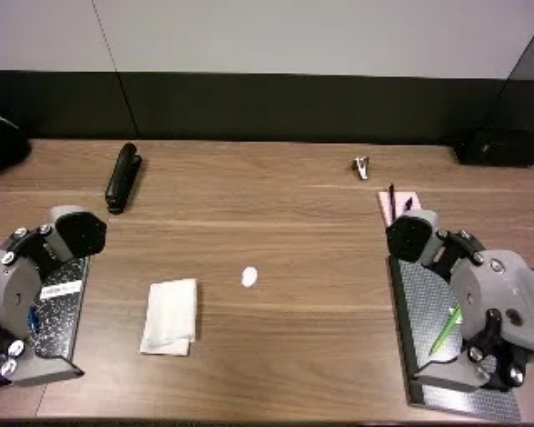
|
The left arm uses a napkin to wipe the creamer spill off the table. |
|
The left arm used a paper towel to wipe the water off the table. | |
| 4 | PnP Fork/Spoon |
|
The left arm picks up the Pink Fork from the table and places it onto the blue plate. |
|
The left arm picks up the orange fork from the table and places it into the glass cup |
|
The left arm picks up the light blue fork from the table and places it onto the orange plate |
|
The left arm picks up the green fork from the table and places it into the blue plate. | |
| PnP Hard | 5 | Put Pen in Holder |
|
The left arm picks up the Red Marker pen from the table and placed it into the pen holder. |
|
The left arm picked up the black marker from the table and placed it into the pen holder. |
|
The left arm picked up the white marker pen from the table and placed it into the pen holder. |
|
The left arm picked up the mechanical pencil from the table and placed it into the pen holder. |
| 6 | Put Cup on Coaster |
|
The left arm picks up the clear cup from the table and places it on the grey coaster. |
|
The left arm picks up the plastic cup from the table and places it on the blue coaster. |
|
The left arm picks up the plastic cup from the table and places it on the white coaster. |
|
The left arm picks up the pink cup from the table and places it on the gray coaster. | |
| 7 | Stack Bowls/Cups |
|
The robot reaches to grip the green bowl, moves it to the middle wooden bowl, and releases it to stack. It then reaches to grip the white bowl, moves it to the same location, and releases it onto the stack. |
|
The robot reaches its left arm to grip the blue plate, moves it to the middle light green plate, and releases it to stack. It then reaches its right arm to grip the red plate, moves it over the middle stack of plates, and releases it to finish the task. |
|
The robot reaches its left arm to grip the paper bowl, moves it over the middle white bowl, and releases it to stack. It then reaches its left arm to grip the blue checkered bowl, moves it over the stack, and releases it to finish the task. |
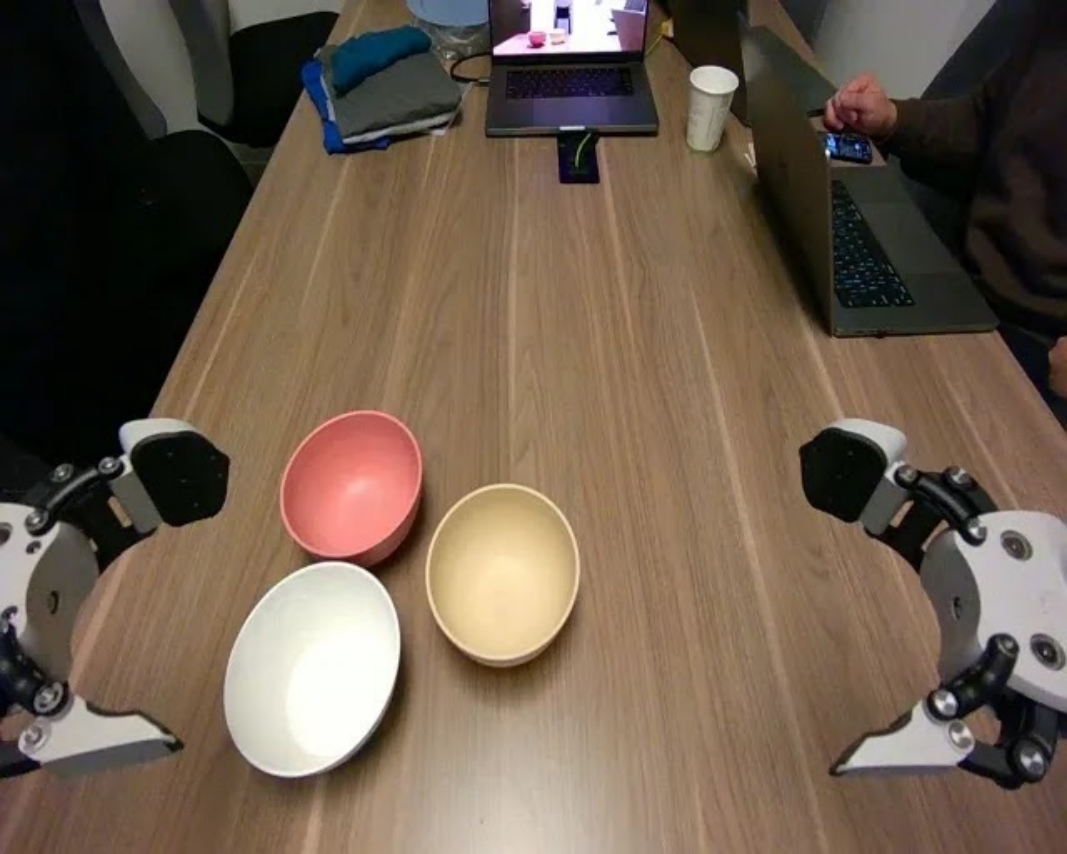
|
The robot reaches its left arm to grip the pink bowl, moves it over the middle beige bowl, and releases it to stack. It then reaches its left arm to grip the white bowl, moves it over the stack, and releases it onto the stack. | |
| 8 | Folding Shirts |
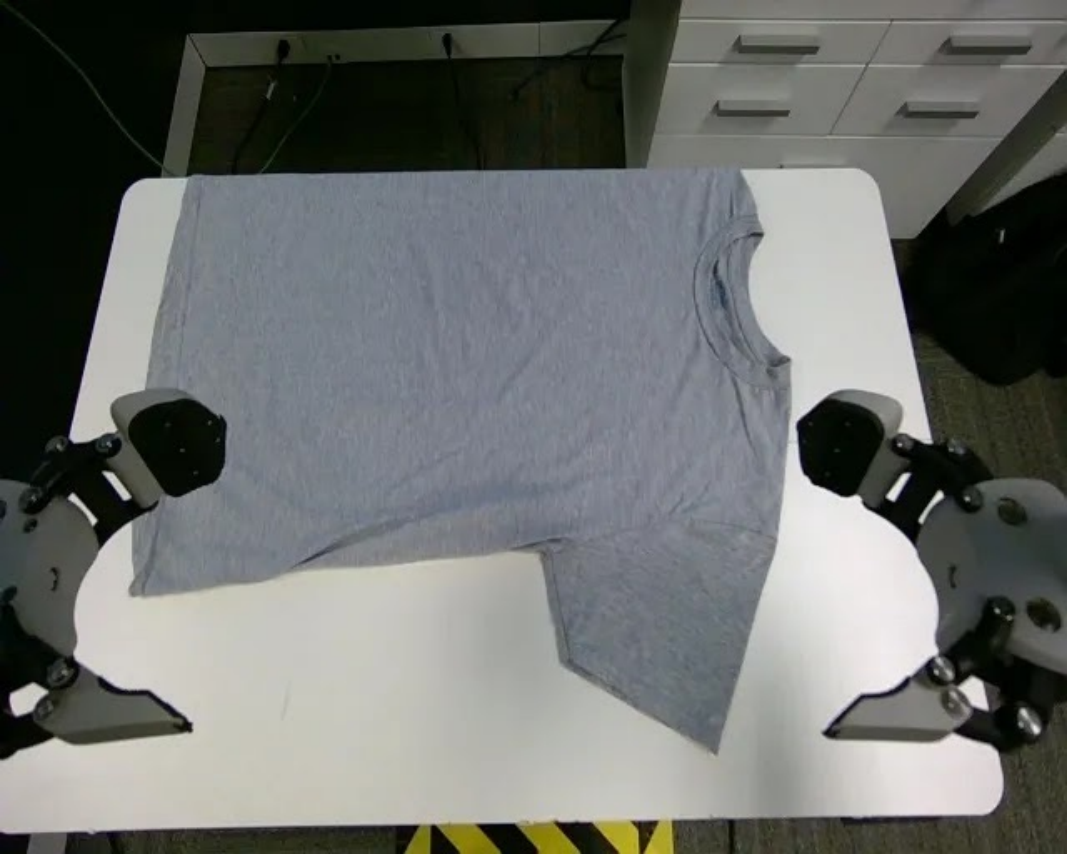
|
Both arms grip the bottom of the light grey short sleeve and fold it toward the middle. They then pull the short sleeve across the table to the edge. Next, both arms grasp the top of the shirt and fold it down to the middle. Finally, the right arm grips the collar and folds it down to complete the task. |
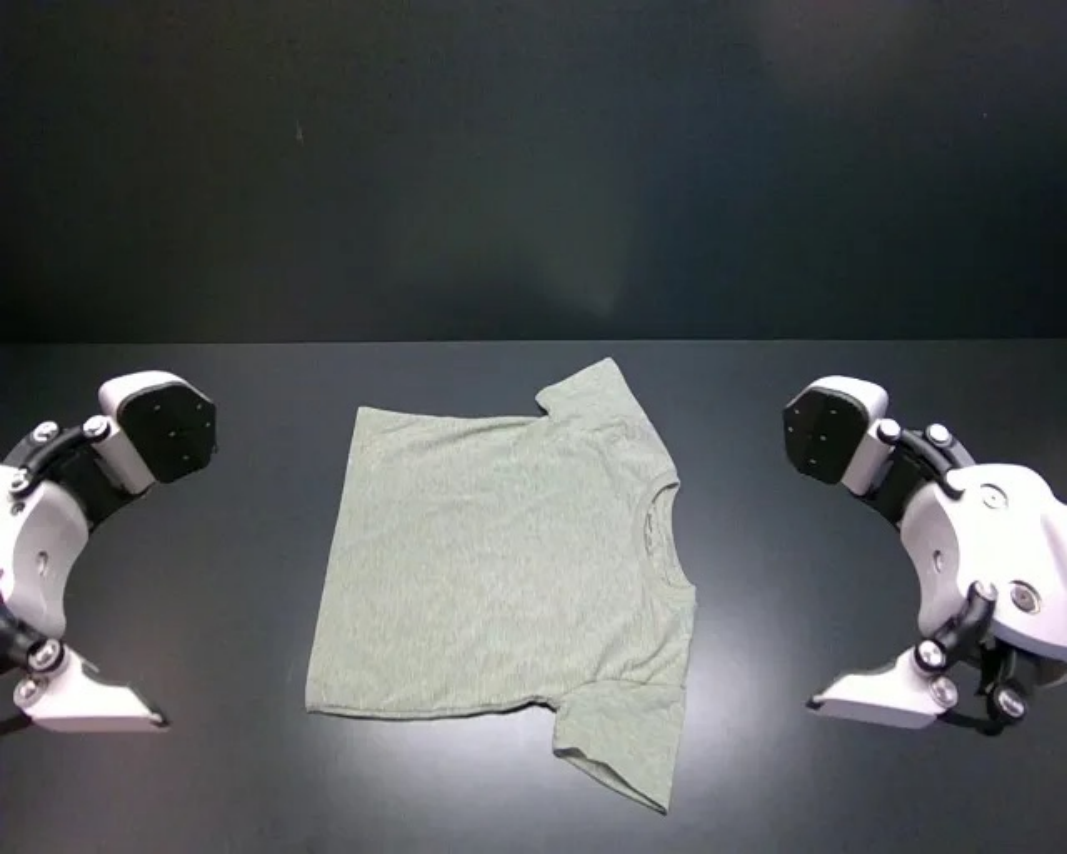
|
Both arms fold the bottom of the green short sleeve to the middle. They then pull the shirt toward the edge of the table. Next, both arms fold the top of the shirt down to the middle. Finally, the right arm grasps the collar and folds it down to complete the task. |
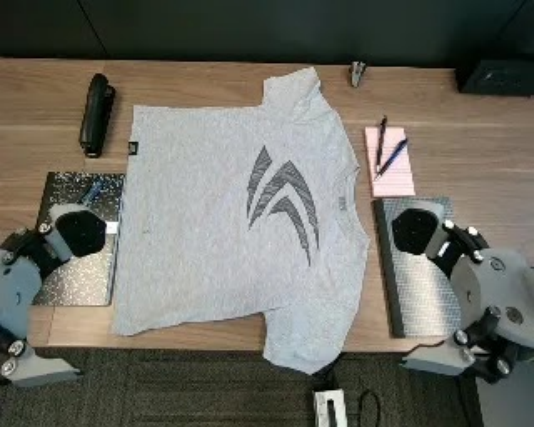
|
Both arms fold the bottom of the logo short sleeve to the middle. They then pull the shirt toward the edge of the table. Next, both arms fold the top of the shirt down to the middle. Finally, the right arm grasps the collar and folds it down to complete the task. |
|
Both arms fold the bottom of the gray short sleeve to the middle. They then pull the shirt toward the edge of the table. Next, both arms fold the top of the shirt down to the middle. Finally, the left arm grasps the collar and folds it down to finish. | |
| Contact Rich | 9 | Folding Shorts |
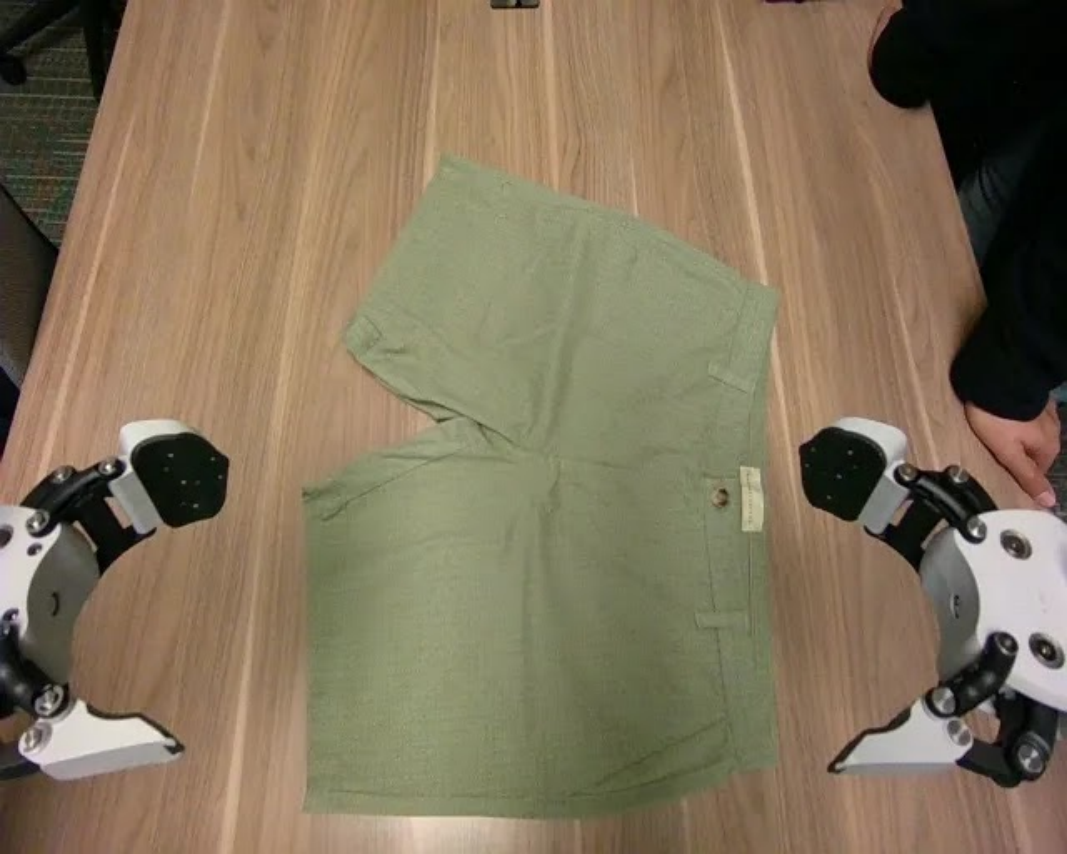
|
Both arms fold the bottom of the tan shorts toward the middle. Then, the right arm folds the shorts in half from right to left to complete the fold. |
|
Both arms fold the bottom of the grey shorts toward the middle. Then, the right arm folds the shorts in half from right to left to complete the fold. |
|
Both arms fold the bottom of the white shorts toward the middle. Then, the right arm folds the shorts in half from right to left to complete the task. |
|
Both arms fold the bottom of the green shorts toward the middle. Then, the right arm folds the shorts in half from right to left to complete the fold. |
| 10 | Stacking Clothes |
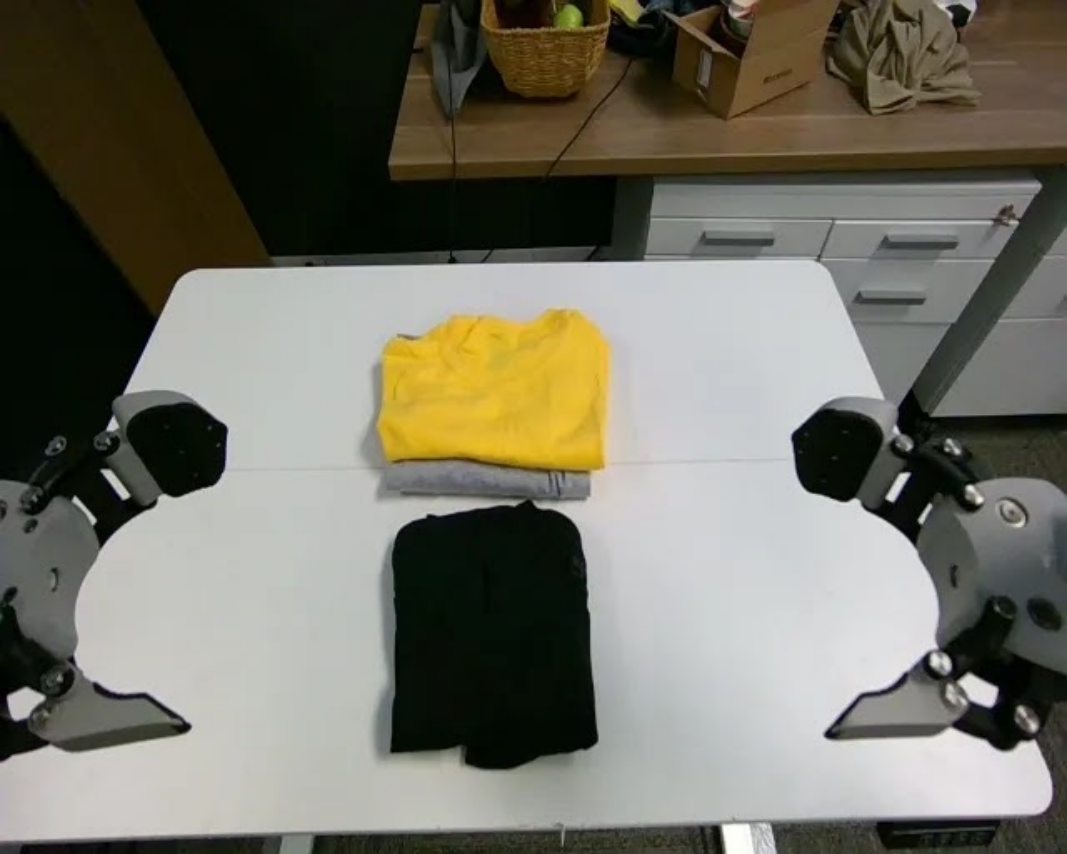
|
Both arms pick up the black shirt and place it on the stack of clothes. |
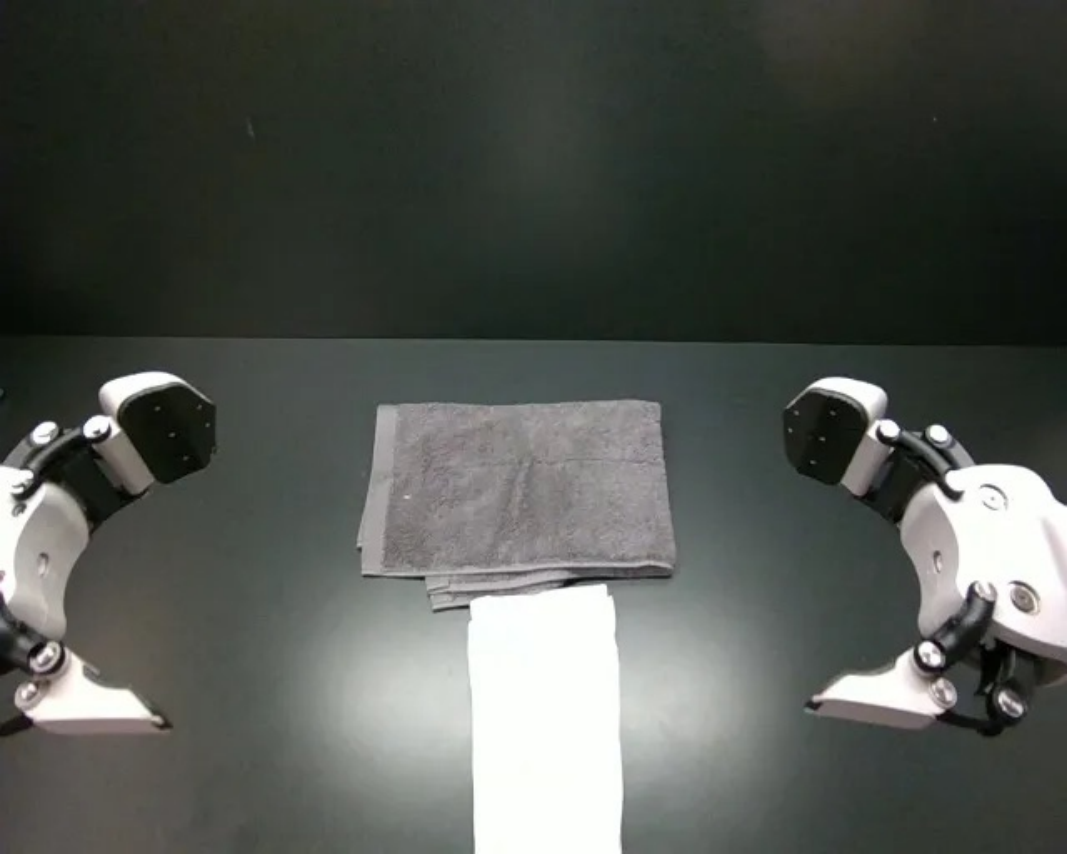
|
Both arms pick up the white shirt and place it on the gray towel. |
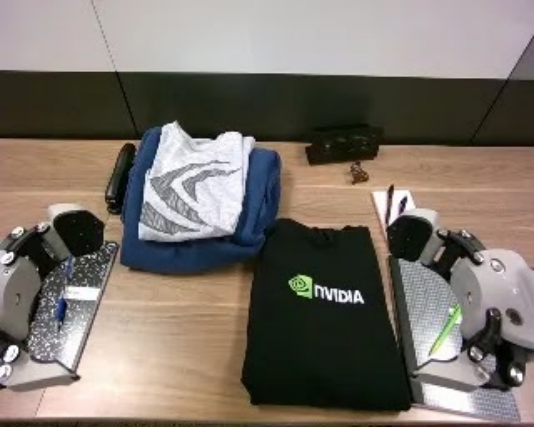
|
Both arms pick up the black hoodie and place it on the stack of clothes. |
|
Both arms pick up the dark gray shirt and place it on the stack of clothes. |
Original selectable source
| # | Task | Image | Instruction | Image | Instruction | Image | Instruction | Image | Instruction |
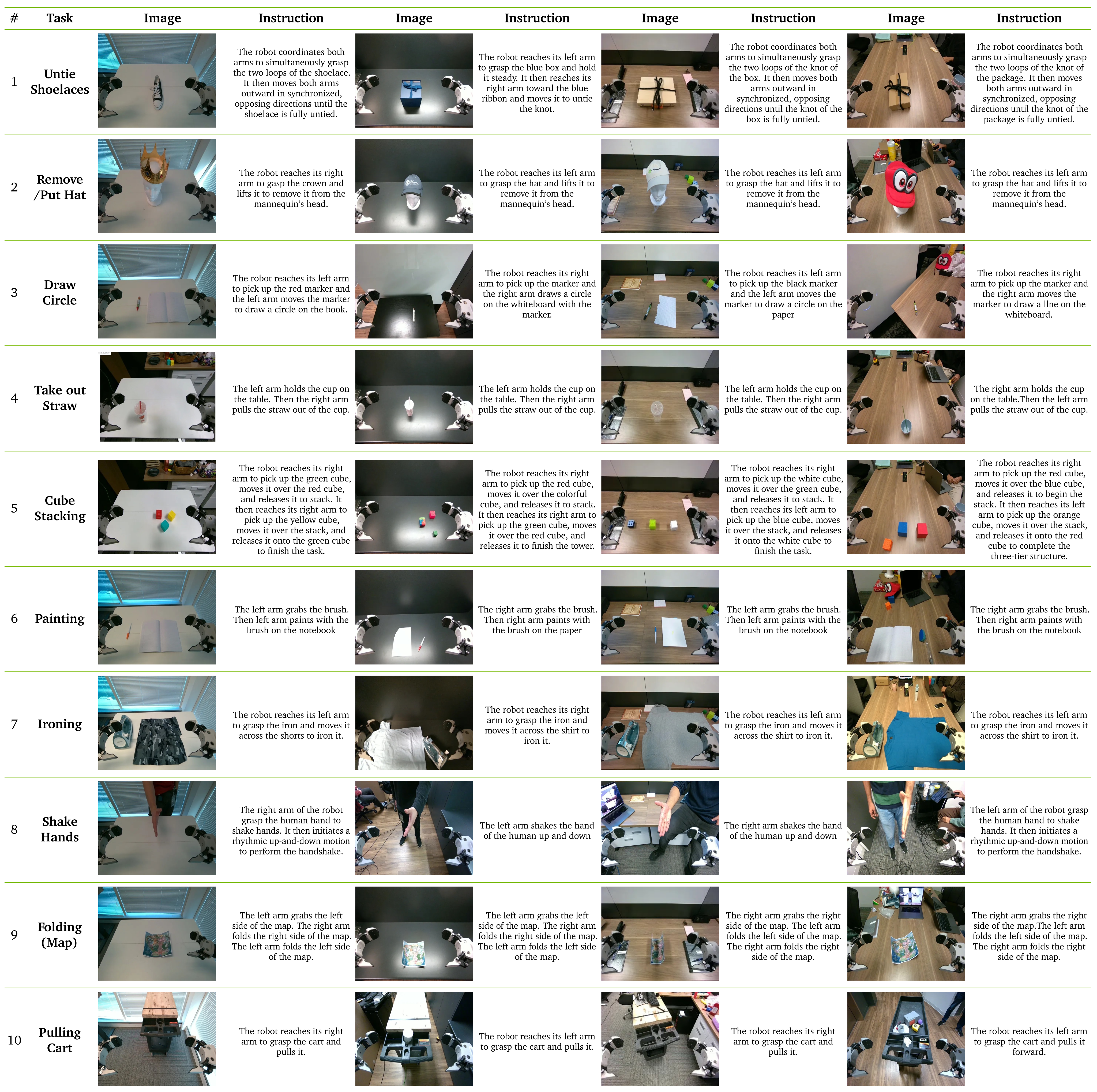
| 1 | Untie Shoelaces |
|
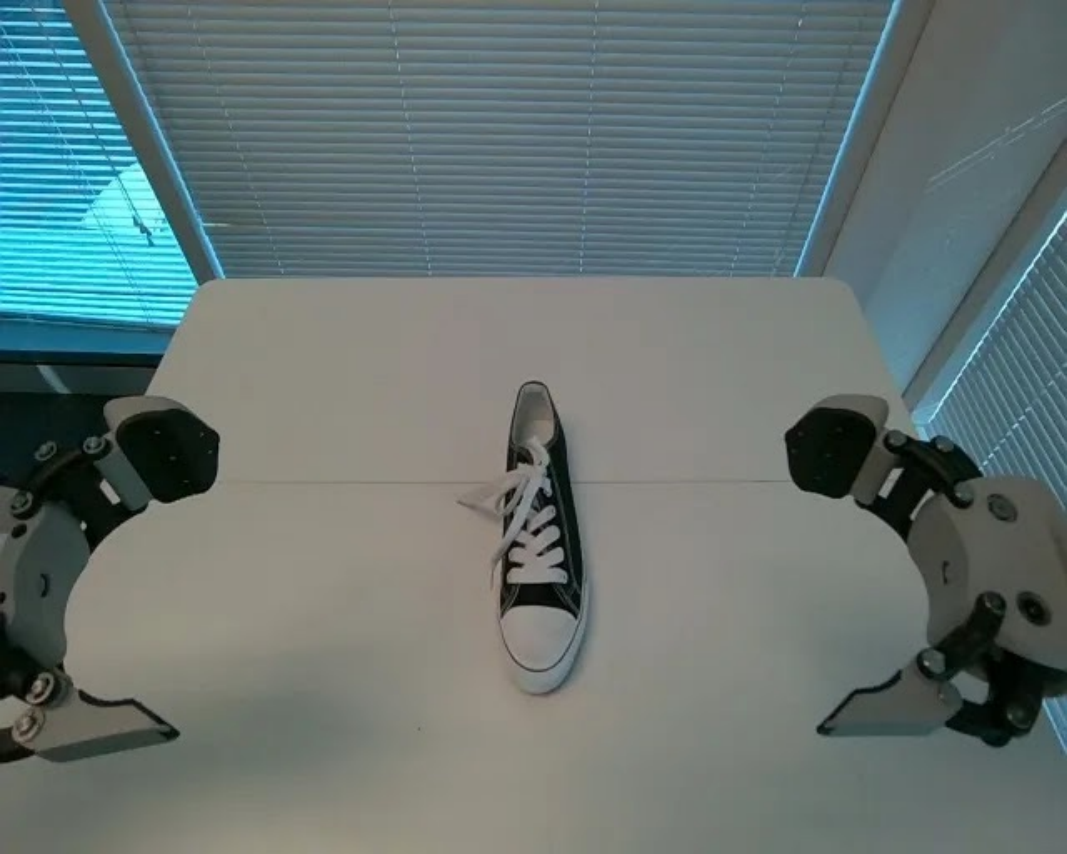
The robot coordinates both arms to simultaneously grasp the two loops of the shoelace. It then moves both arms outward in synchronized, opposing directions until the shoelace is fully untied. |
|
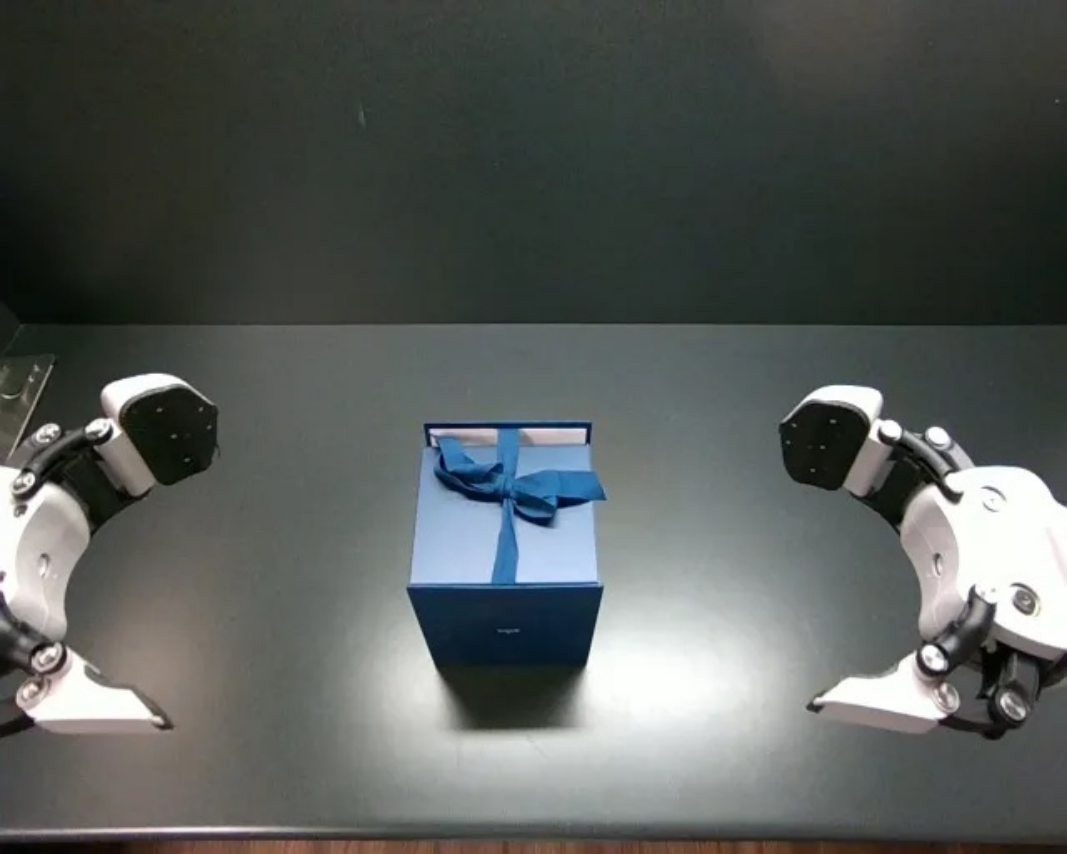
The robot reaches its left arm to grasp the blue box and hold it steady. It then reaches its right arm toward the blue ribbon and moves it to untie the knot. |
|
The robot coordinates both arms to simultaneously grasp the two loops of the knot of the box. It then moves both arms outward in synchronized, opposing directions until the knot of the box is fully untied. |
|
The robot coordinates both arms to simultaneously grasp the two loops of the knot of the package. It then moves both arms outward in synchronized, opposing directions until the knot of the package is fully untied. |
| 2 | Remove /Put Hat |
|
The robot reaches its right arm to gasp the crown and lifts it to remove it from the mannequin’s head. |
|
The robot reaches its left arm to grasp the hat and lifts it to remove it from the mannequin’s head. |
|
The robot reaches its left arm to grasp the hat and lifts it to remove it from the mannequin’s head. |
|
The robot reaches its left arm to grasp the hat and lifts it to remove it from the mannequin’s head. |
| 3 | Draw Circle |
|
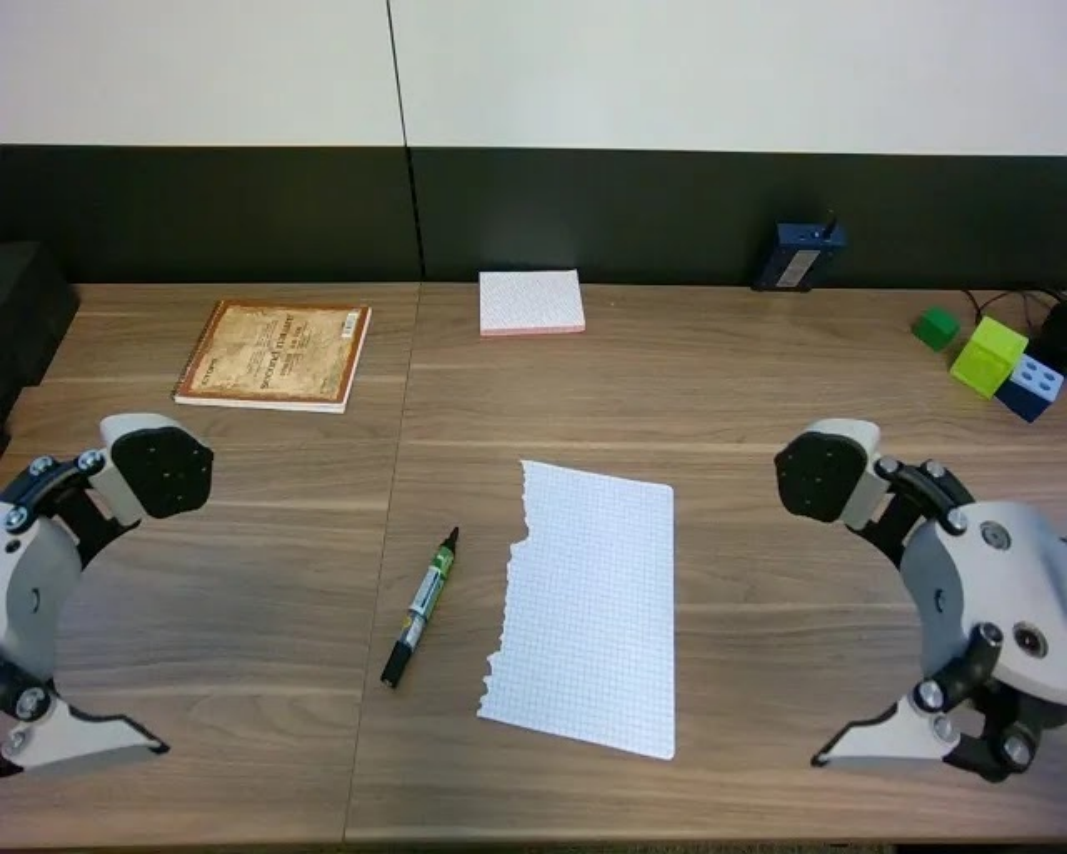
The robot reaches its left arm to pick up the red marker and the left arm moves the marker to draw a circle on the book. |
|
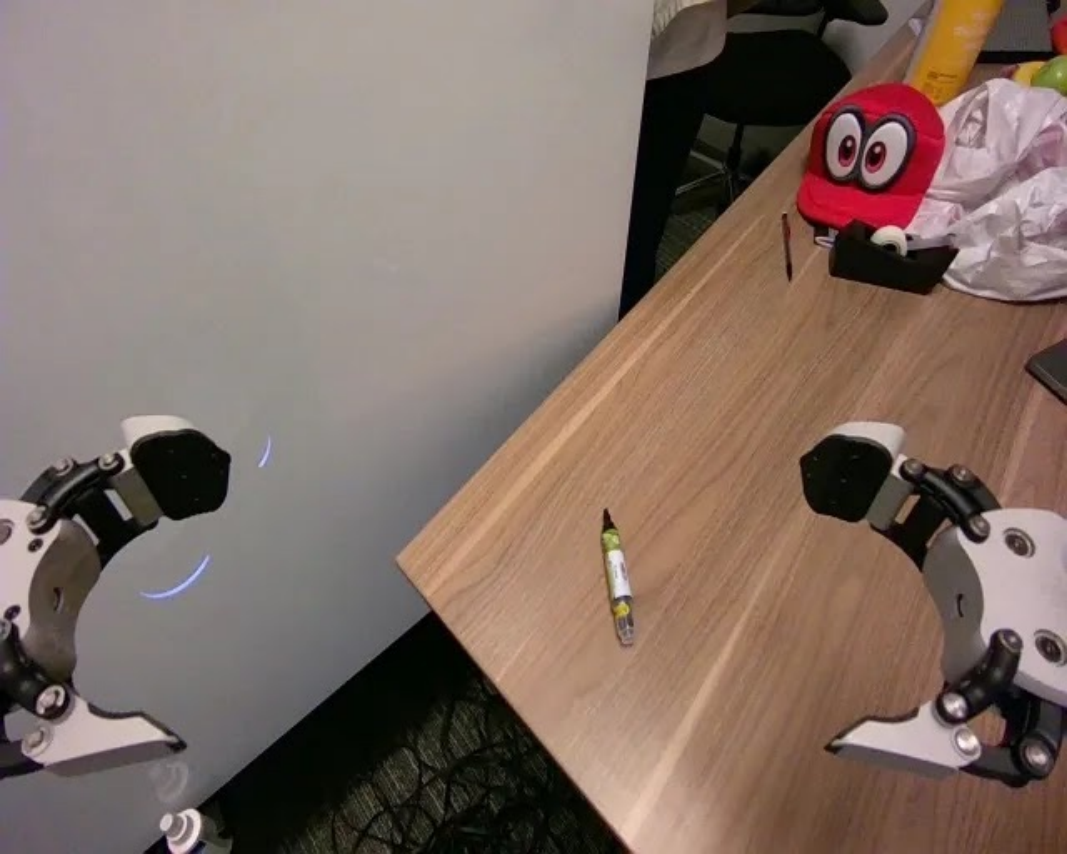
The robot reaches its right arm to pick up the marker and the right arm draws a circle on the whiteboard with the marker. |
|
The robot reaches its left arm to pick up the black marker and the left arm moves the marker to draw a circle on the paper |
|
The robot reaches its right arm to pick up the marker and the right arm moves the marker to draw a llne on the whiteboard. |
| 4 | Take out Straw |
|
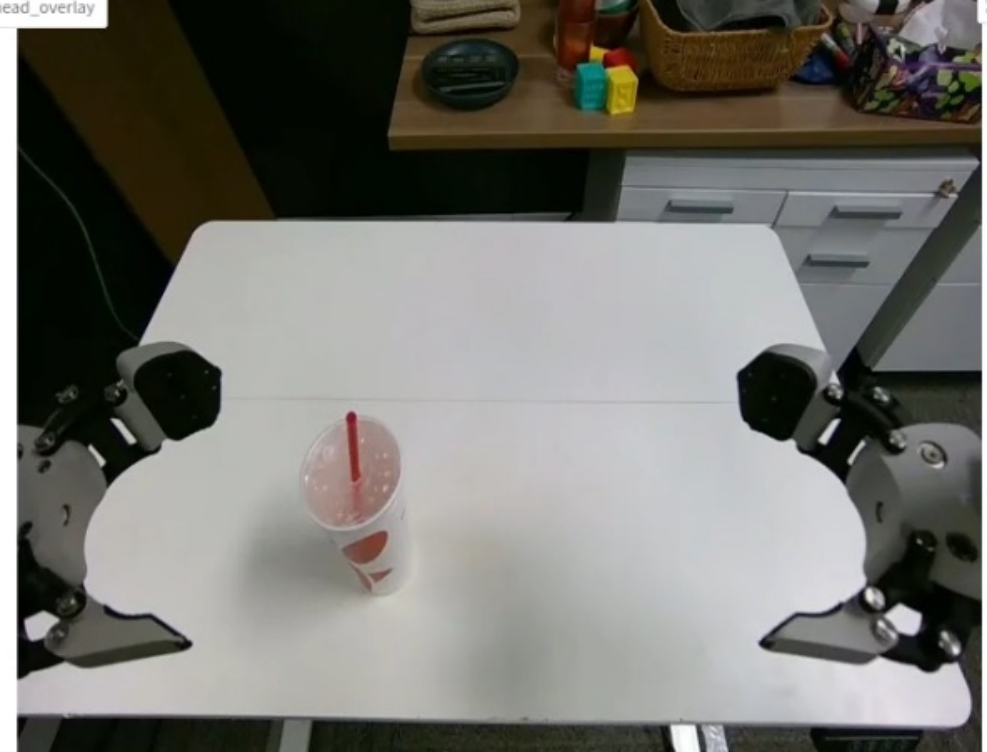
The left arm holds the cup on the table. Then the right arm pulls the straw out of the cup. |
|
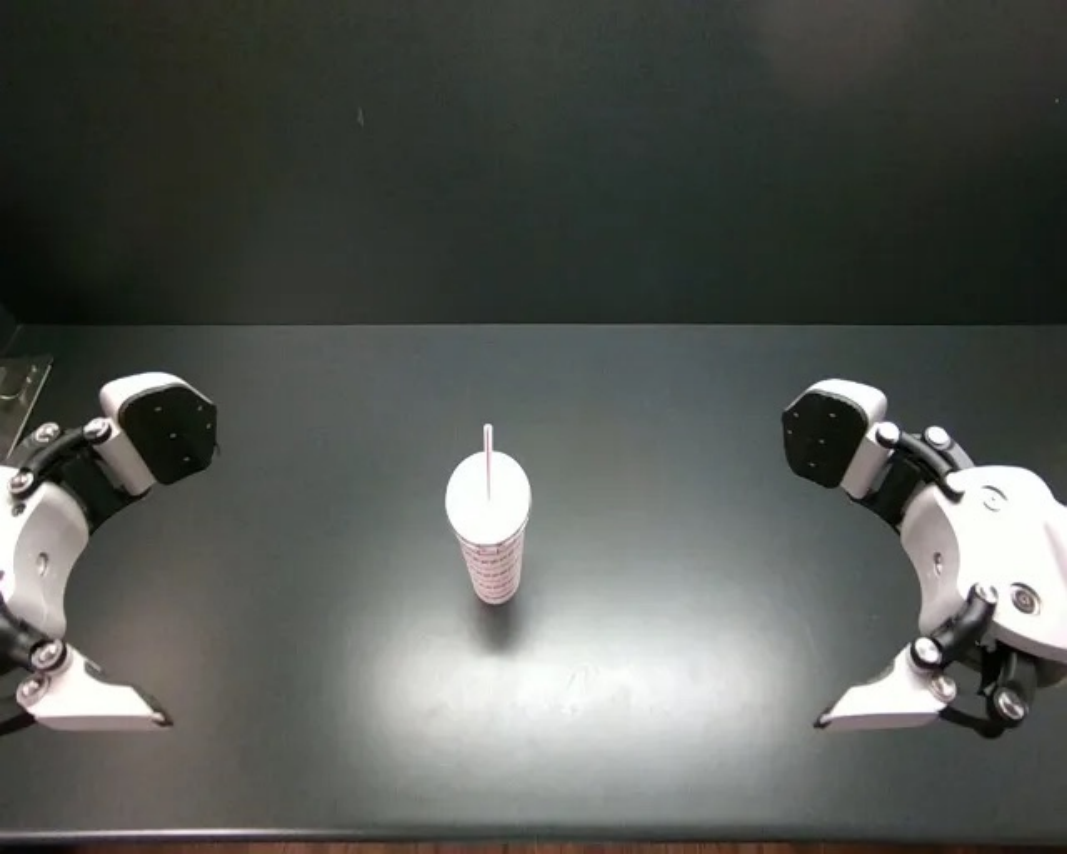
The left arm holds the cup on the table. Then the right arm pulls the straw out of the cup. |
|
The left arm holds the cup on the table. Then the right arm pulls the straw out of the cup. |
|
The right arm holds the cup on the table.Then the left arm pulls the straw out of the cup. |
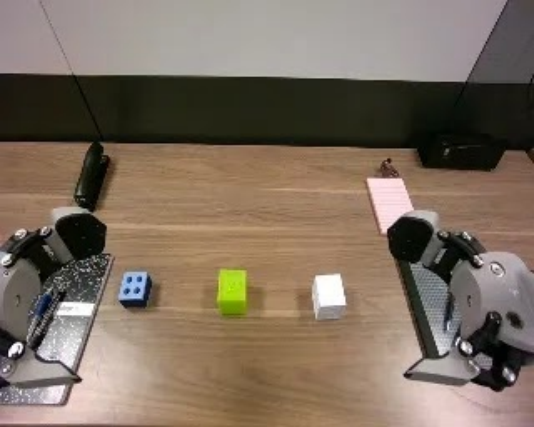
| 5 | Cube Stacking |
|
The robot reaches its right arm to pick up the green cube, moves it over the red cube, and releases it to stack. It then reaches its right arm to pick up the yellow cube, moves it over the stack, and releases it onto the green cube to finish the task. |
|
The robot reaches its right arm to pick up the red cube, moves it over the colorful cube, and releases it to stack. It then reaches its right arm to pick up the green cube, moves it over the red cube, and releases it to finish the tower. |
|
The robot reaches its right arm to pick up the white cube, moves it over the green cube, and releases it to stack. It then reaches its left arm to pick up the blue cube, moves it over the stack, and releases it onto the white cube to finish the task. |
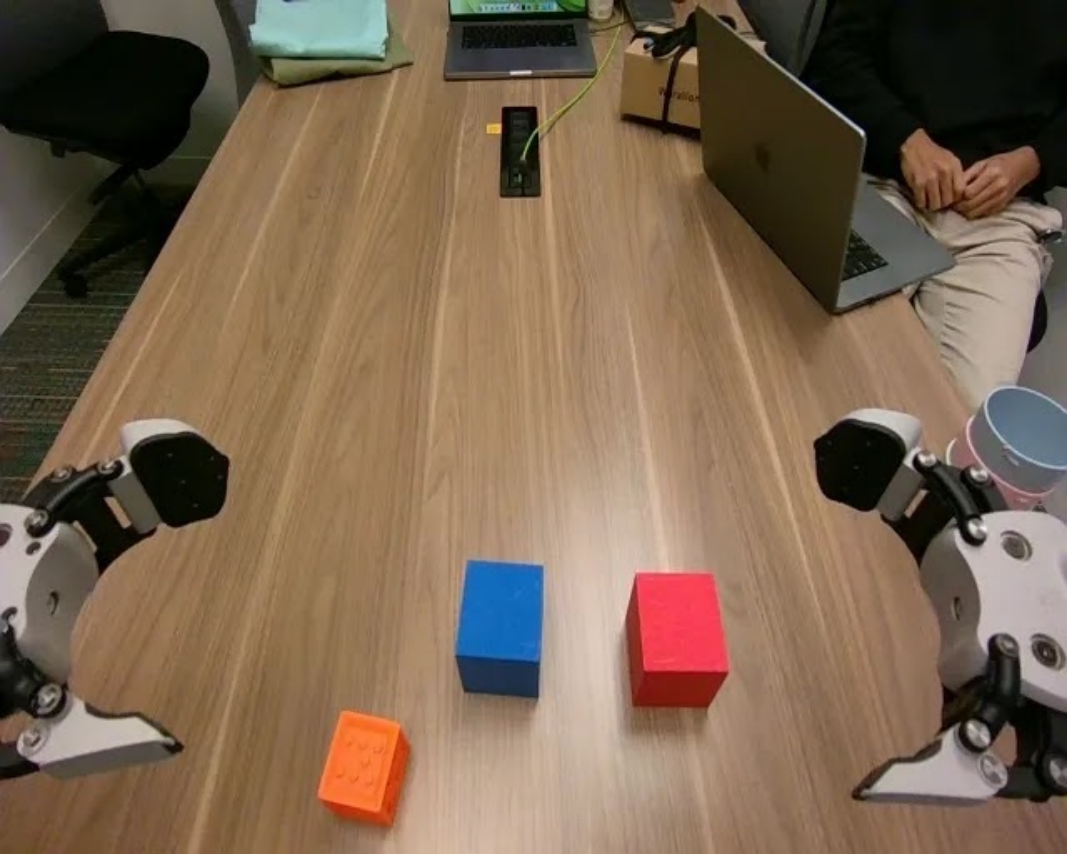
|
The robot reaches its right arm to pick up the red cube, moves it over the blue cube, and releases it to begin the stack. It then reaches its left arm to pick up the orange cube, moves it over the stack, and releases it onto the red cube to complete the three-tier structure. |
| 6 | Painting |
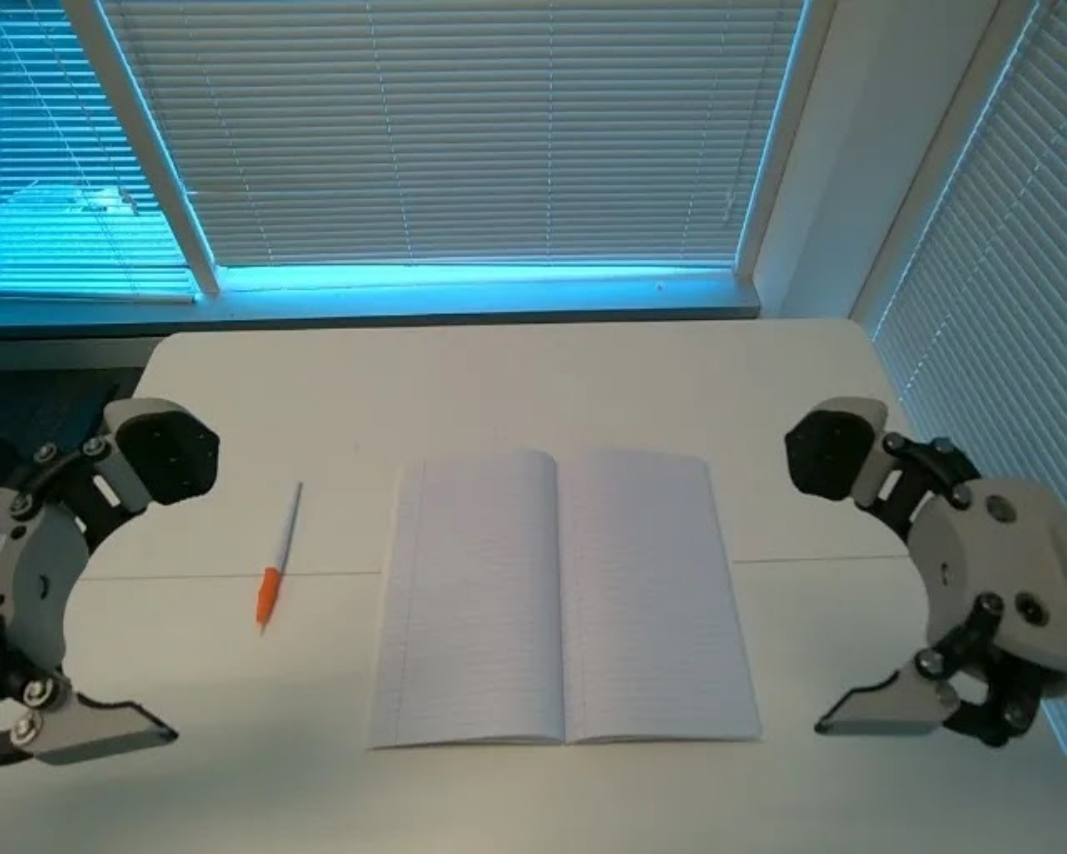
|
The left arm grabs the brush. Then left arm paints with the brush on the notebook |
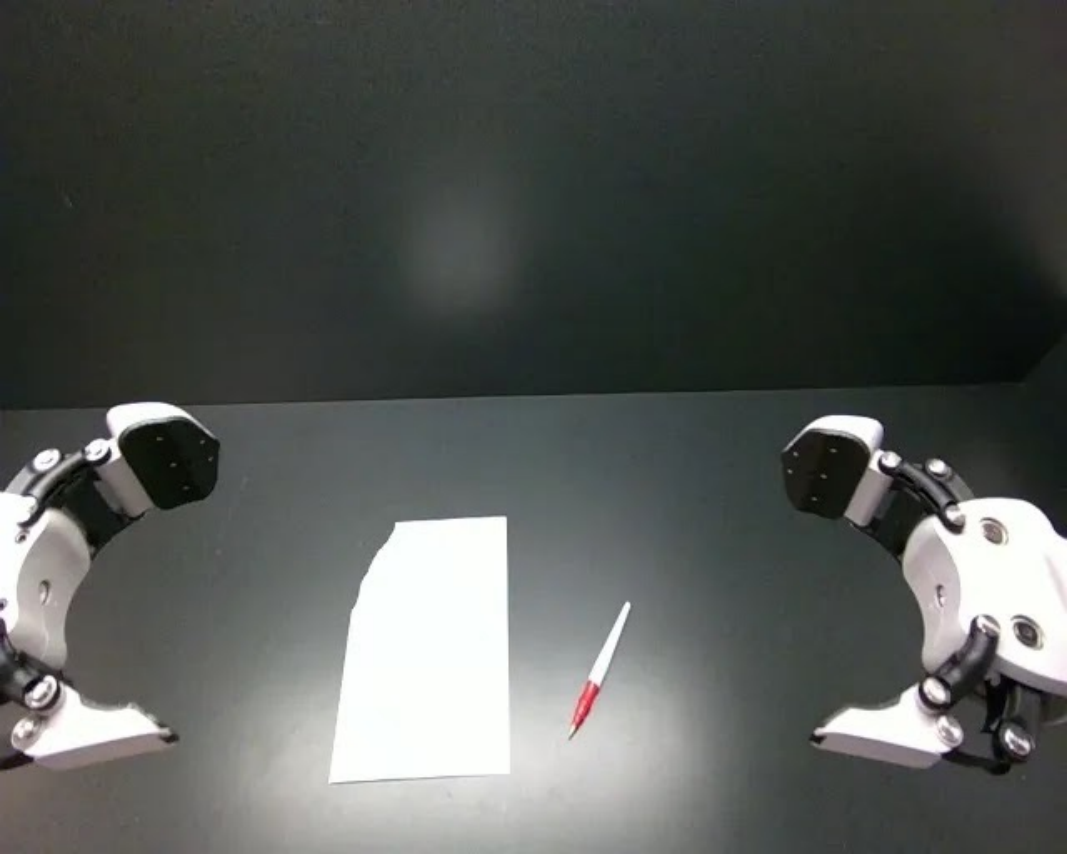
|
The right arm grabs the brush. Then right arm paints with the brush on the paper |
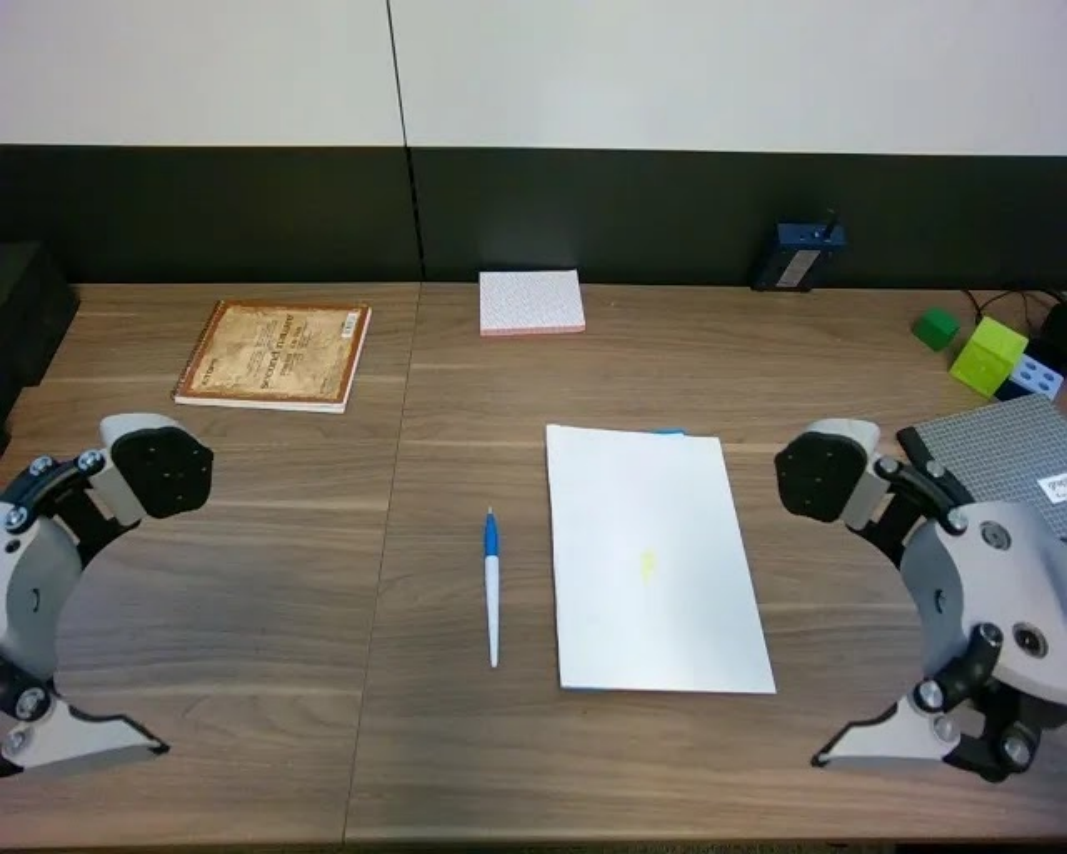
|
The left arm grabs the brush. Then left arm paints with the brush on the notebook |
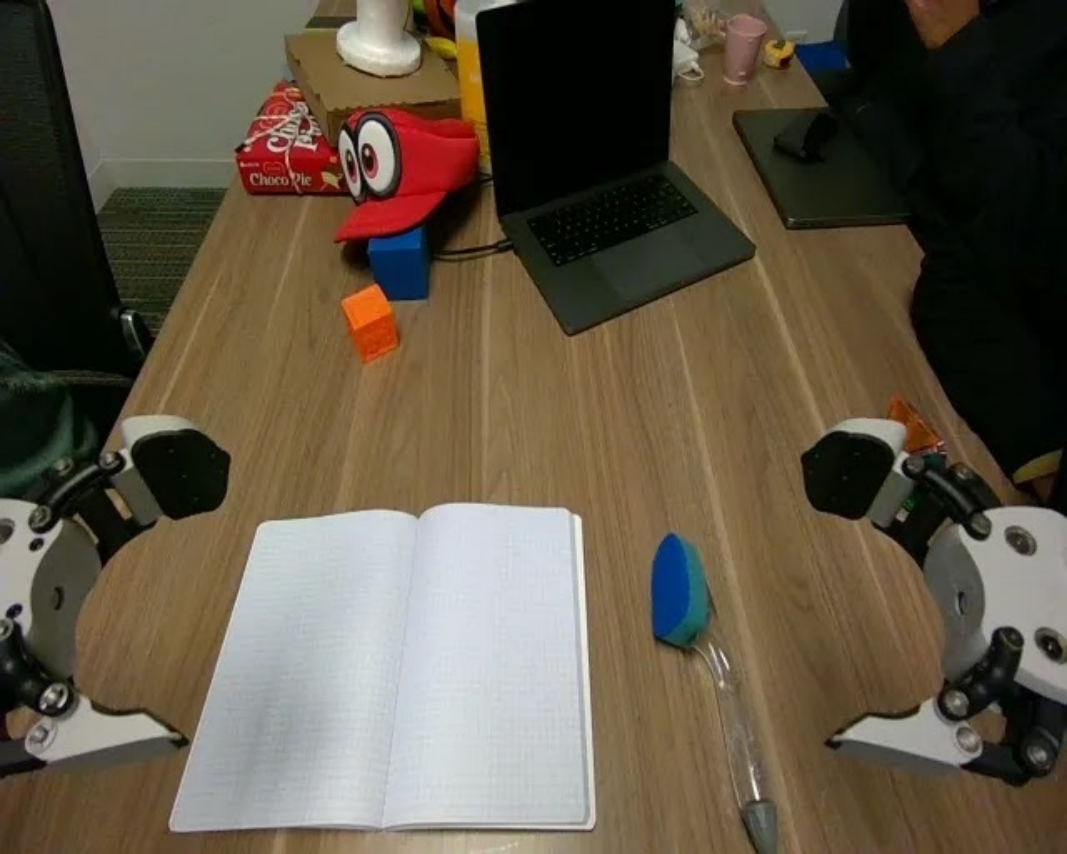
|
The right arm grabs the brush. Then right arm paints with the brush on the notebook |
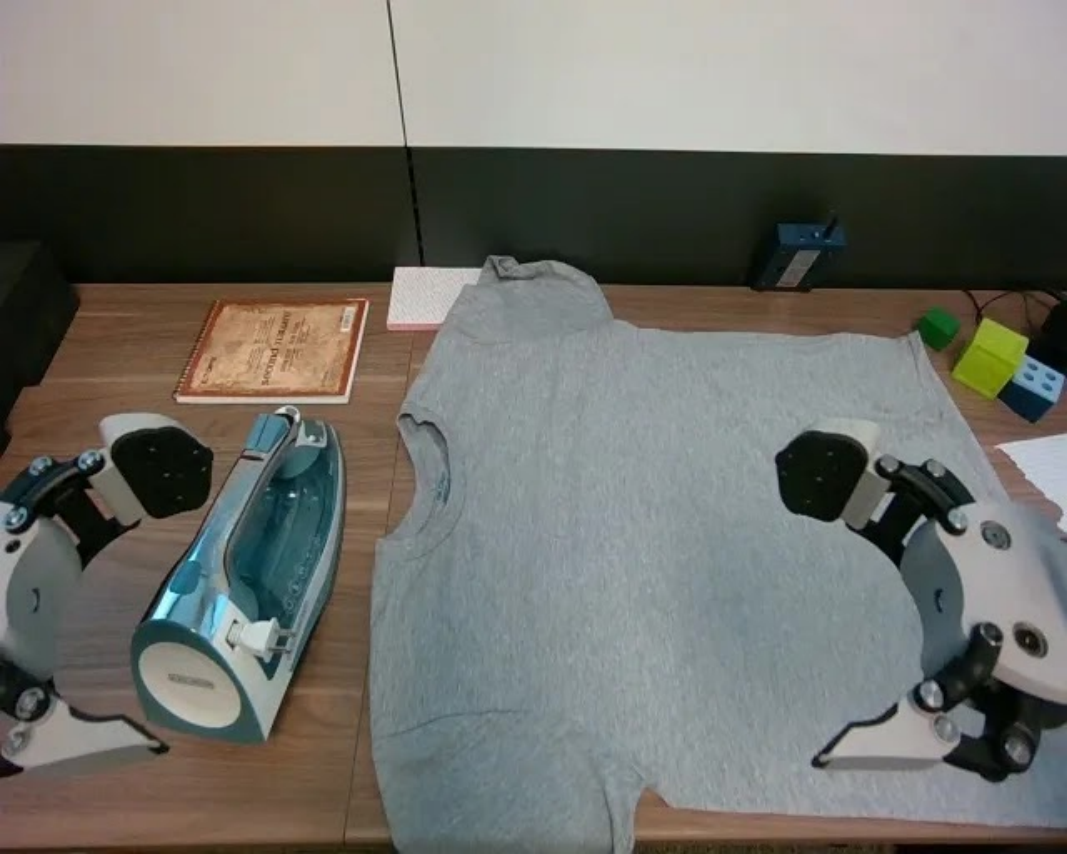
| 7 | Ironing |
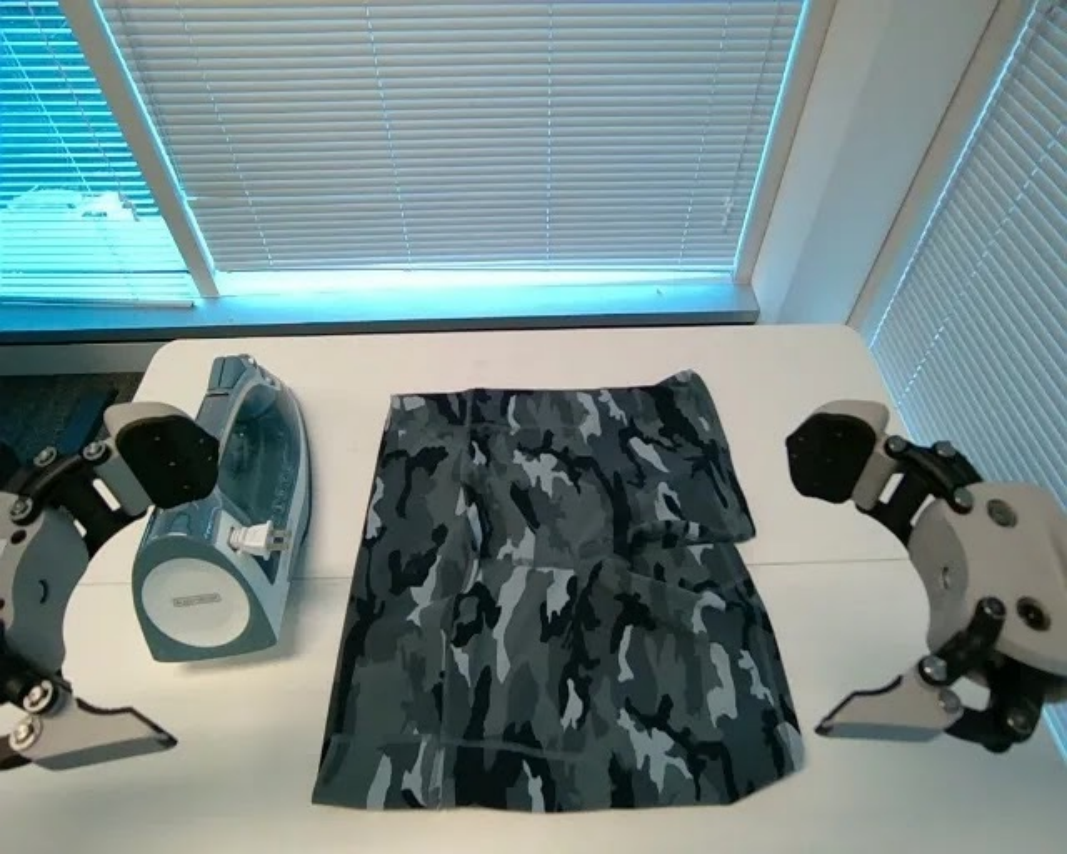
|
The robot reaches its left arm to grasp the iron and moves it across the shorts to iron it. |
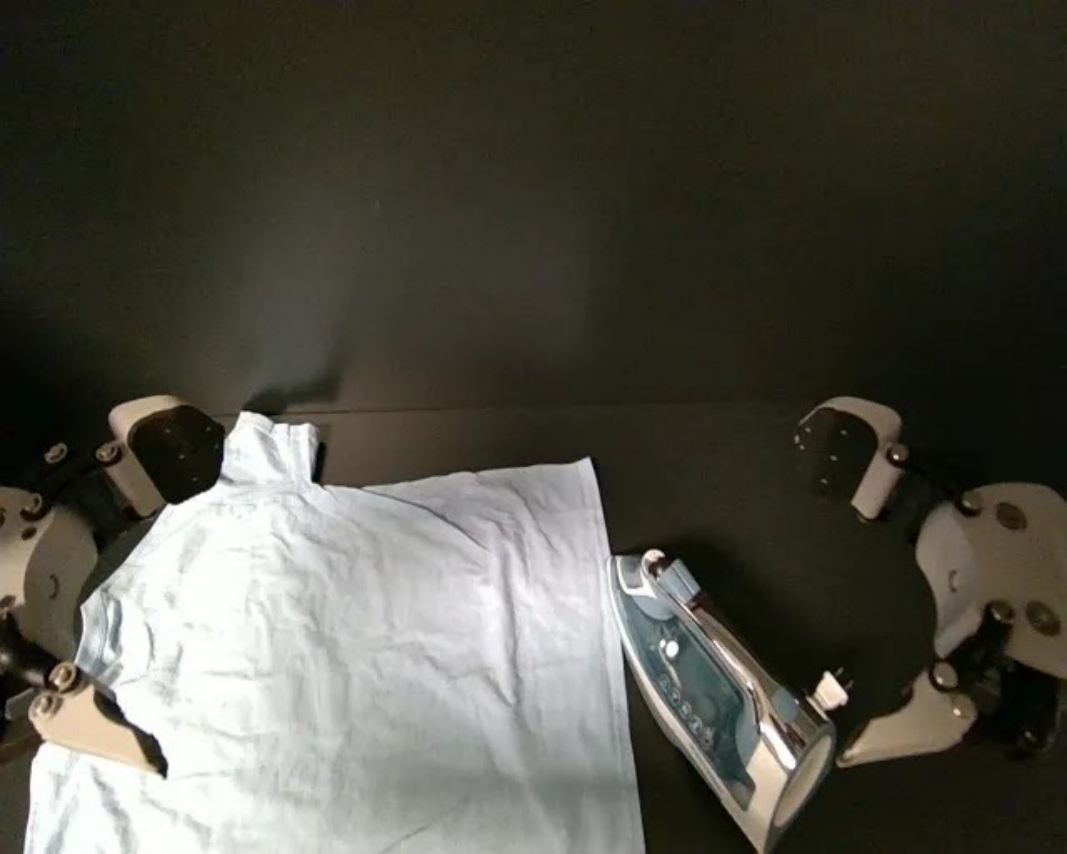
|
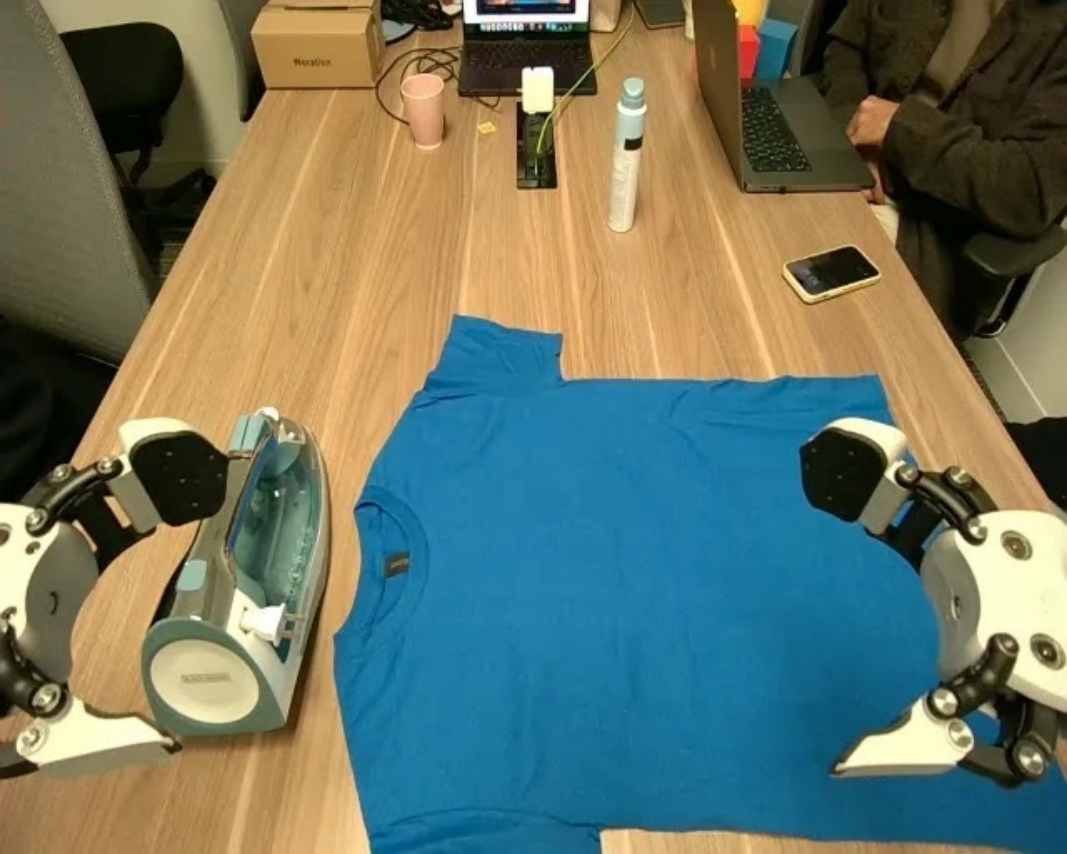
The robot reaches its right arm to grasp the iron and moves it across the shirt to iron it. |
|
The robot reaches its left arm to grasp the iron and moves it across the shirt to iron it. |
|
The robot reaches its left arm to grasp the iron and moves it across the shirt to iron it. |
| 8 | Shake Hands |
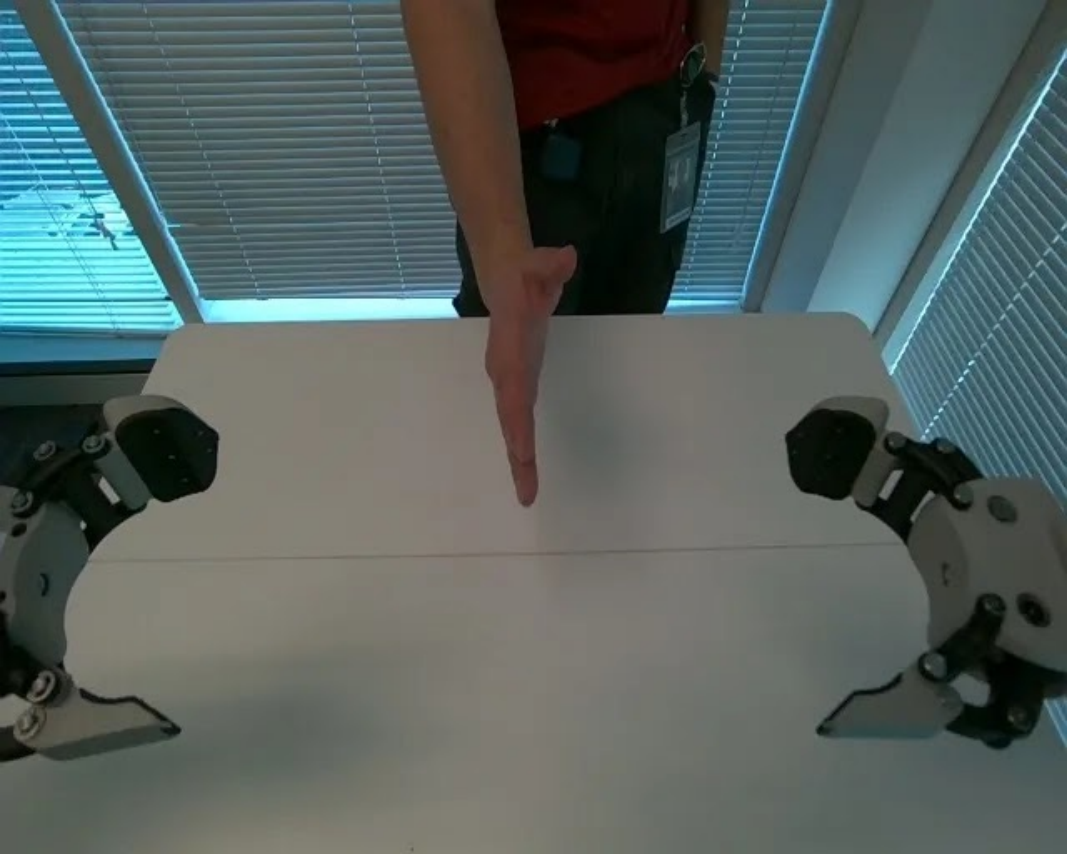
|
The right arm of the robot grasp the human hand to shake hands. It then initiates a rhythmic up-and-down motion to perform the handshake. |
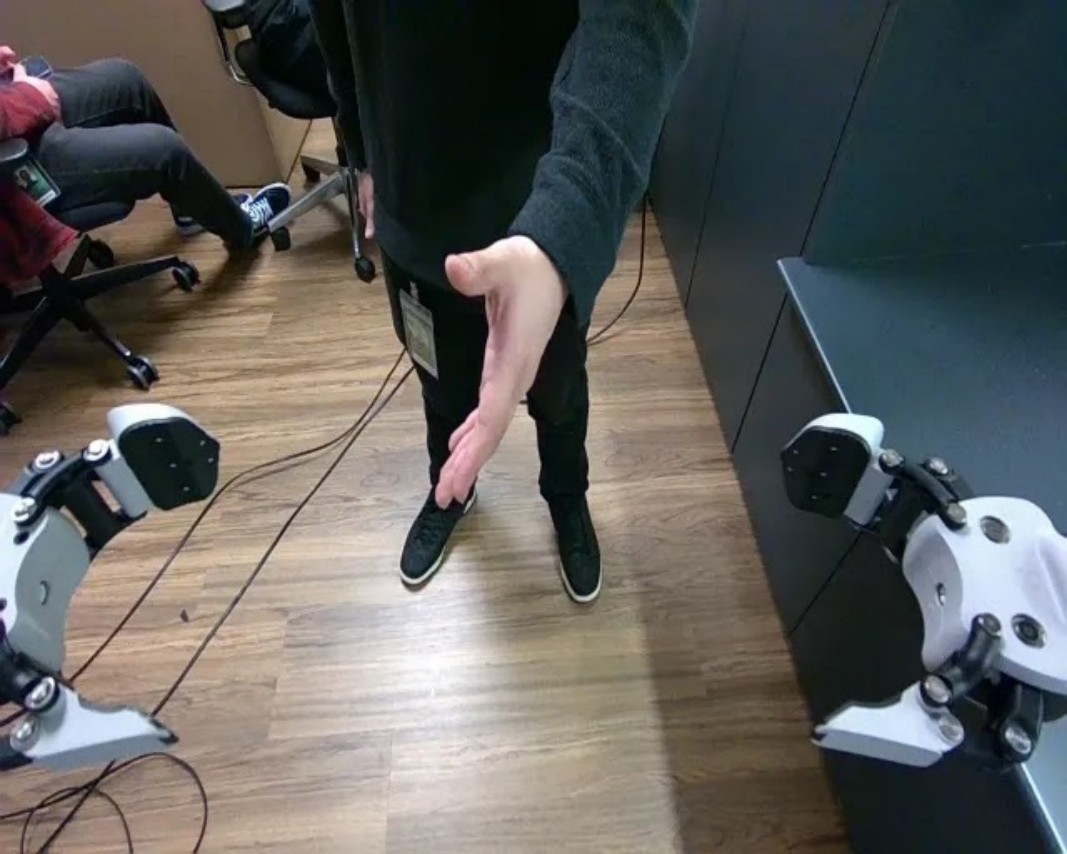
|
The left arm shakes the hand of the human up and down |
|
The right arm shakes the hand of the human up and down |
|
The left arm of the robot grasp the human hand to shake hands. It then initiates a rhythmic up-and-down motion to perform the handshake. |
| 9 | Folding (Map) |
|
The left arm grabs the left side of the map. The right arm folds the right side of the map. The left arm folds the left side of the map. |
|
The left arm grabs the left side of the map. The right arm folds the right side of the map. The left arm folds the left side of the map. |
|
The right arm grabs the right side of the map. The left arm folds the left side of the map. The right arm folds the right side of the map. |
|
The right arm grabs the right side of the map.The left arm folds the left side of the map. The right arm folds the right side of the map. |
| 10 | Pulling Cart |
|
The robot reaches its right arm to grasp the cart and pulls it. |
|
The robot reaches its left arm to grasp the cart and pulls it. |
|
The robot reaches its right arm to grasp the cart and pulls it. |
|
The robot reaches its left arm to grasp the cart and pulls it forward. |
Appendix G DROID Evaluation Details
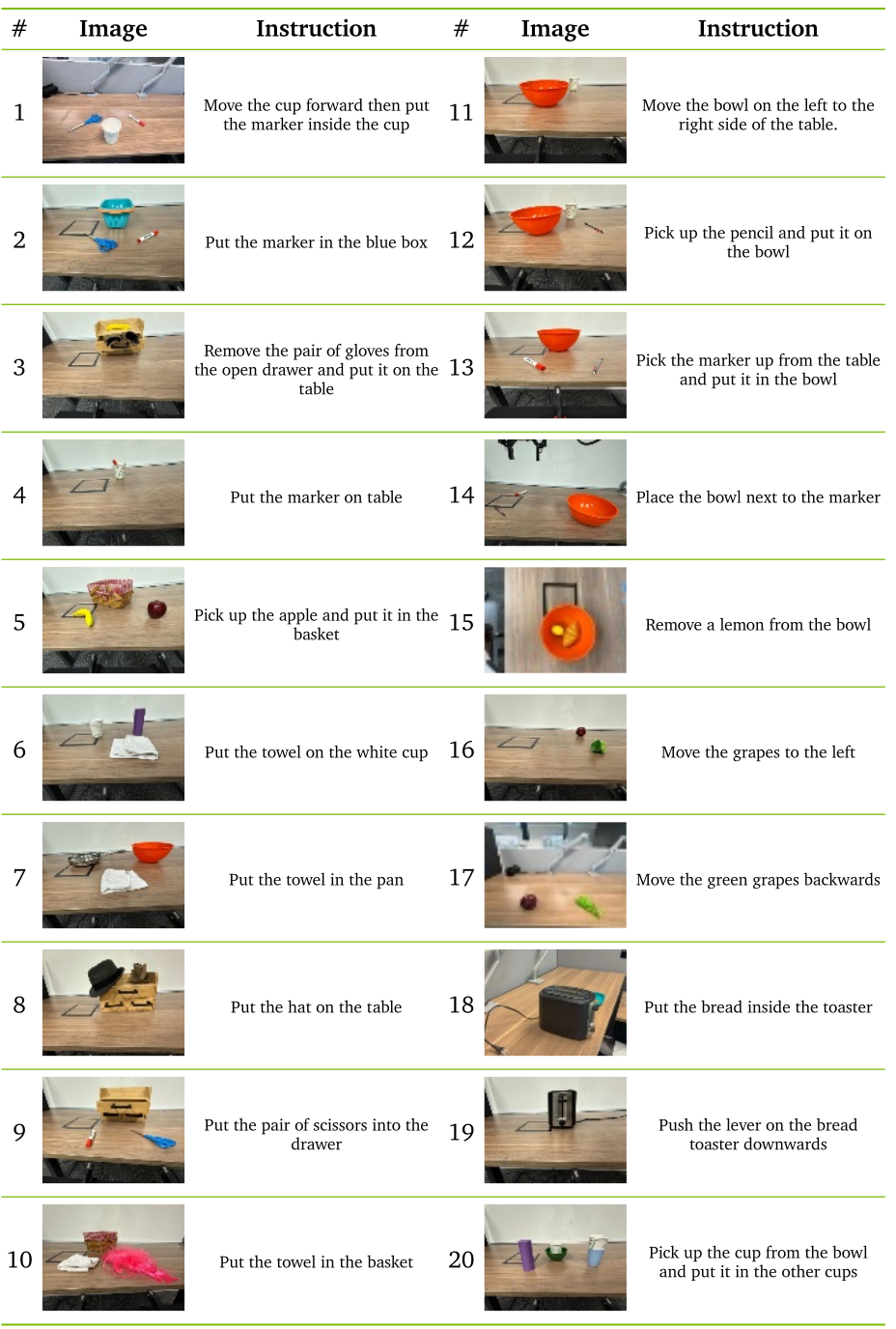
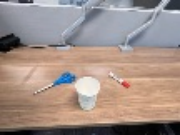
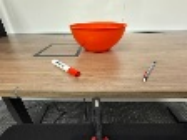
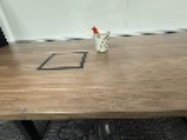
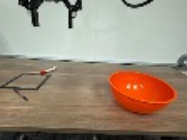
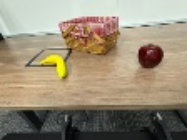
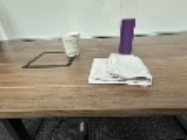
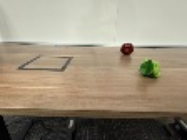
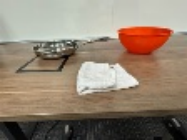
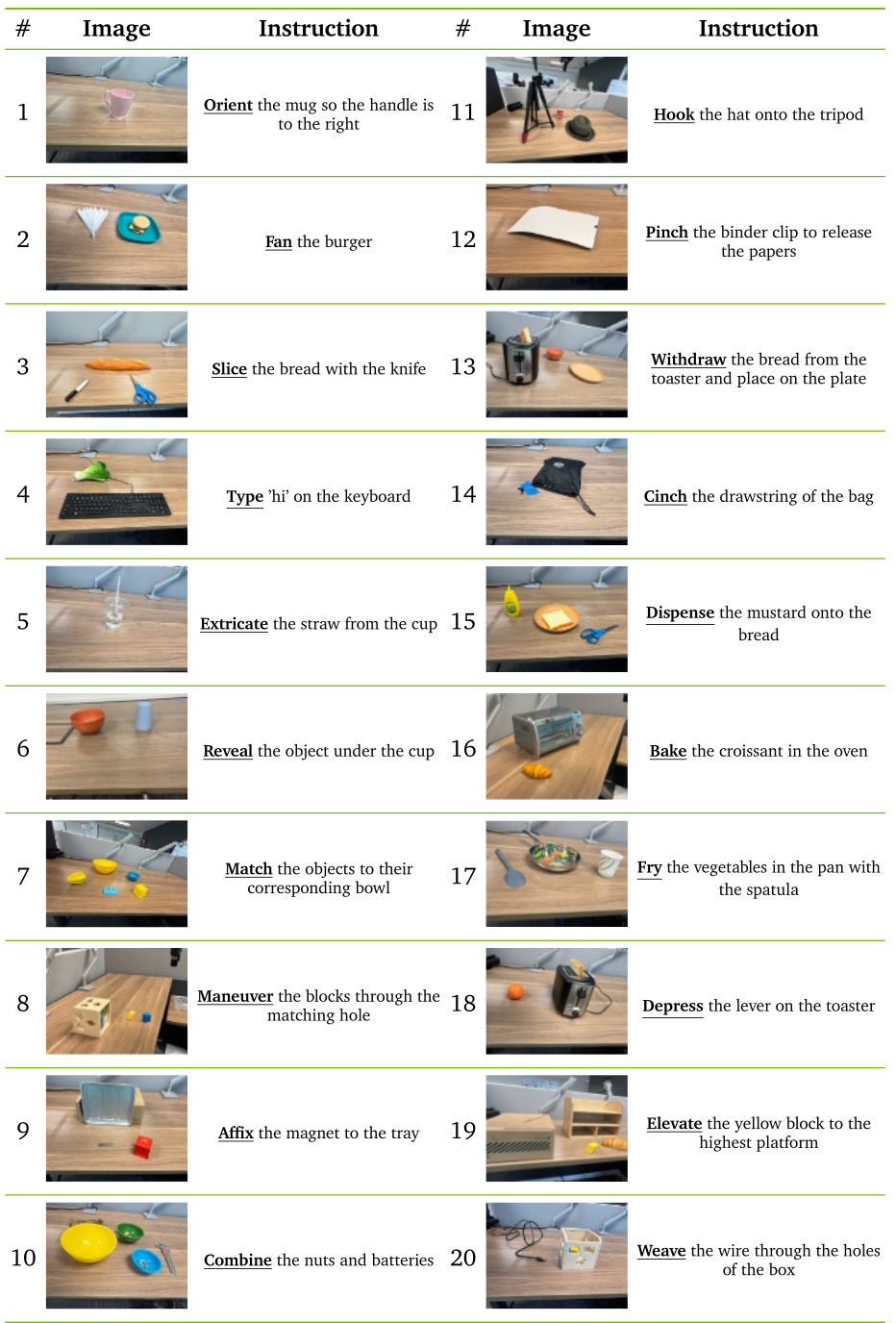
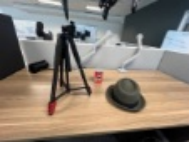
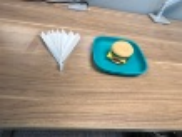
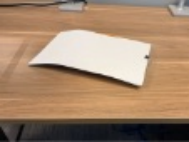
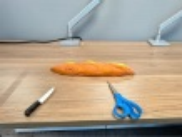
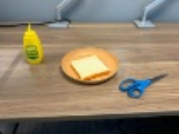
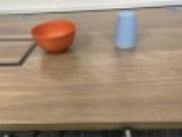
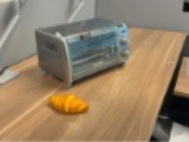
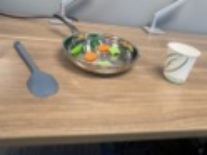
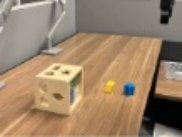
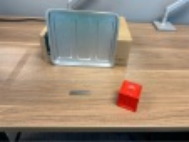
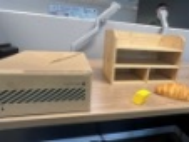
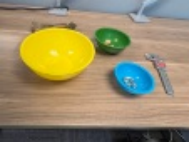
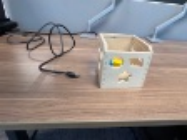
Both DROID table panels retain all 40 task images and instructions; evaluation uses two rollouts per task with varied object locations. The unseen split is defined by verbs. The seen instruction to push the toaster lever down and unseen instruction to depress it are physically close, so lexical novelty alone should not be interpreted as entirely new motor competence.
Original selectable source
| # | Image | Instruction | # | Image | Instruction |
| 1 |
|
Move the cup forward then put the marker inside the cup | 11 |
|
Move the bowl on the left to the right side of the table. |
| 2 |
|
Put the marker in the blue box | 12 |
|
Pick up the pencil and put it on the bowl |
| 3 |
|
Remove the pair of gloves from the open drawer and put it on the table | 13 |
|
Pick the marker up from the table and put it in the bowl |
| 4 |
|
Put the marker on table | 14 |
|
Place the bowl next to the marker |
| 5 |
|
Pick up the apple and put it in the basket | 15 |

|
Remove a lemon from the bowl |
| 6 |
|
Put the towel on the white cup | 16 |
|
Move the grapes to the left |
| 7 |
|
Put the towel in the pan | 17 |
|
Move the green grapes backwards |
| 8 |
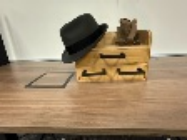
|
Put the hat on the table | 18 |
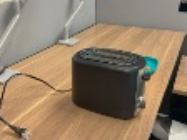
|
Put the bread inside the toaster |
| 9 |
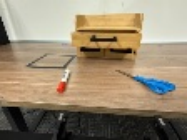
|
Put the pair of scissors into the drawer | 19 |
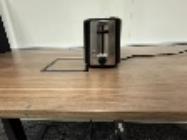
|
Push the lever on the bread toaster downwards |
| 10 |
|
Put the towel in the basket | 20 |
|
Pick up the cup from the bowl and put it in the other cups |
Original selectable source
| # | Image | Instruction | # | Image | Instruction |
| 1 |
|
Orient the mug so the handle is to the right | 11 |
|
Hook the hat onto the tripod |
| 2 |
|
Fan the burger | 12 |
|
Pinch the binder clip to release the papers |
| 3 |
|
Slice the bread with the knife | 13 |
|
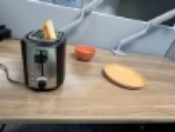
Withdraw the bread from the toaster and place on the plate |
| 4 |
|
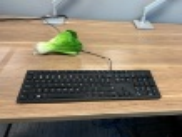
Type ’hi’ on the keyboard | 14 |
|
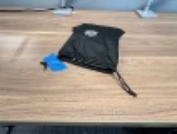
Cinch the drawstring of the bag |
| 5 |
|
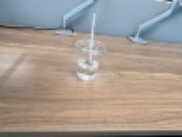
Extricate the straw from the cup | 15 |
|
Dispense the mustard onto the bread |
| 6 |
|
Reveal the object under the cup | 16 |
|
Bake the croissant in the oven |
| 7 |
|
Match the objects to their corresponding bowl | 17 |
|
Fry the vegetables in the pan with the spatula |
| 8 |
|
Maneuver the blocks through the matching hole | 18 |
|
Depress the lever on the toaster |
| 9 |
|
Affix the magnet to the tray | 19 |
|
Elevate the yellow block to the highest platform |
| 10 |
|
Combine the nuts and batteries | 20 |
|
Weave the wire through the holes of the box |
Appendix H Failure Case Analysis
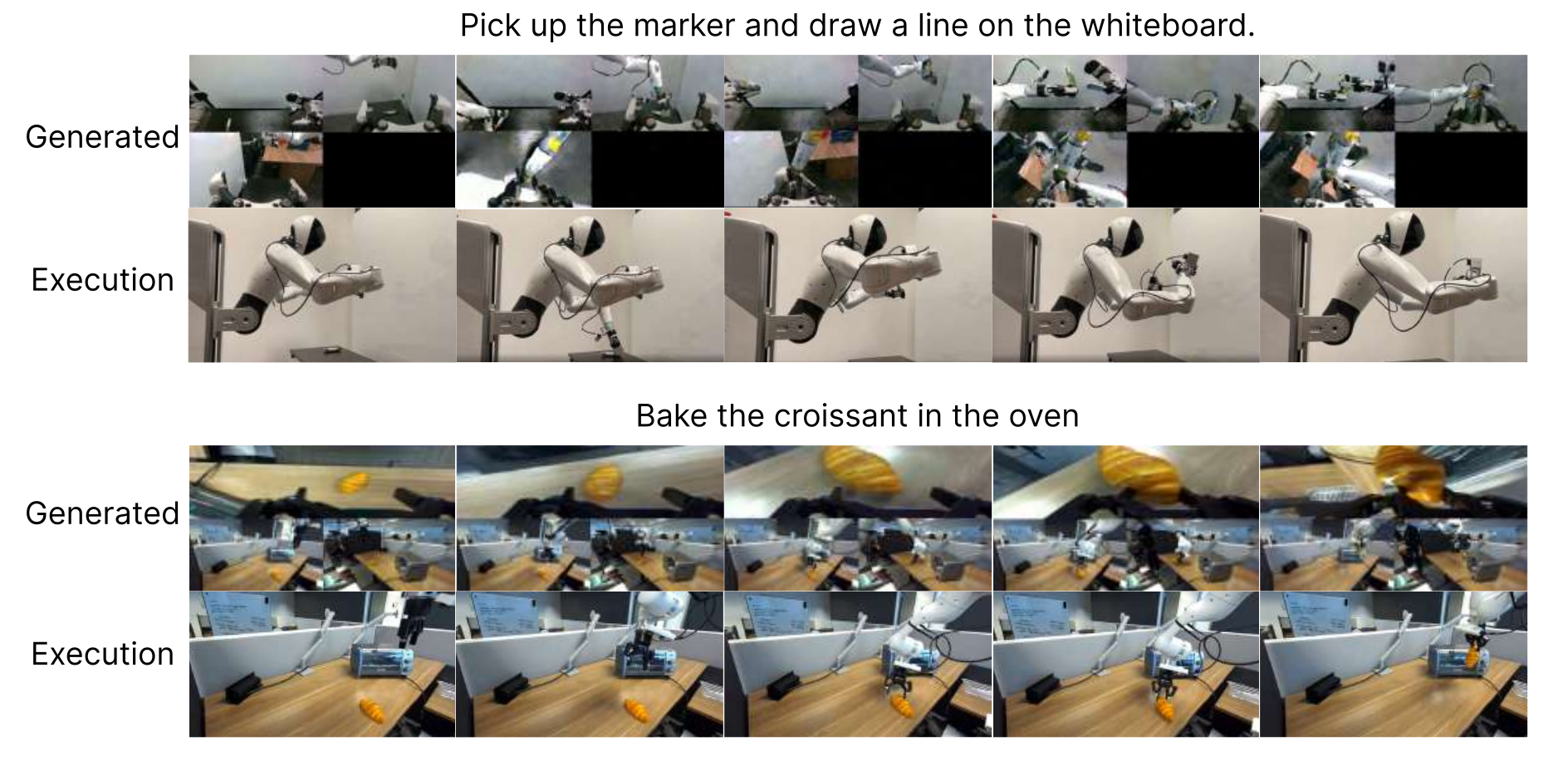
The two failures align an incorrect generated visual plan with unsuccessful execution: AgiBot passes a marker between hands instead of drawing, and Franka picks up bread before opening the oven, leaving it stuck. They suggest language following and visual planning can constrain performance. Two selected examples do not establish that video-model errors explain most failures, or that improving videos alone guarantees correct actions.